Per user ERP licensing cost is the pricing model behind most traditional ERP systems — you pay a monthly or annual fee for every person who logs into the software, with the rate depending on what that person is allowed to do. Full-access users typically cost more than limited or read-only users. ERPNext, by contrast, charges no per-user license fee at all — your costs come from hosting, implementation, and support instead. The gap between the two models widens fast as headcount grows, which is exactly why it matters more at the negotiation table than it looks on a pricing page.
If you’re comparing quotes right now, the number on the page rarely tells the whole story. Vendors quote a “starting at” per-user rate, then the real cost shows up once you add finance staff, warehouse pickers, sales reps, and the handful of managers who only need read access but still count as a seat.
Why per-user ERP licensing cost grows faster than your headcount
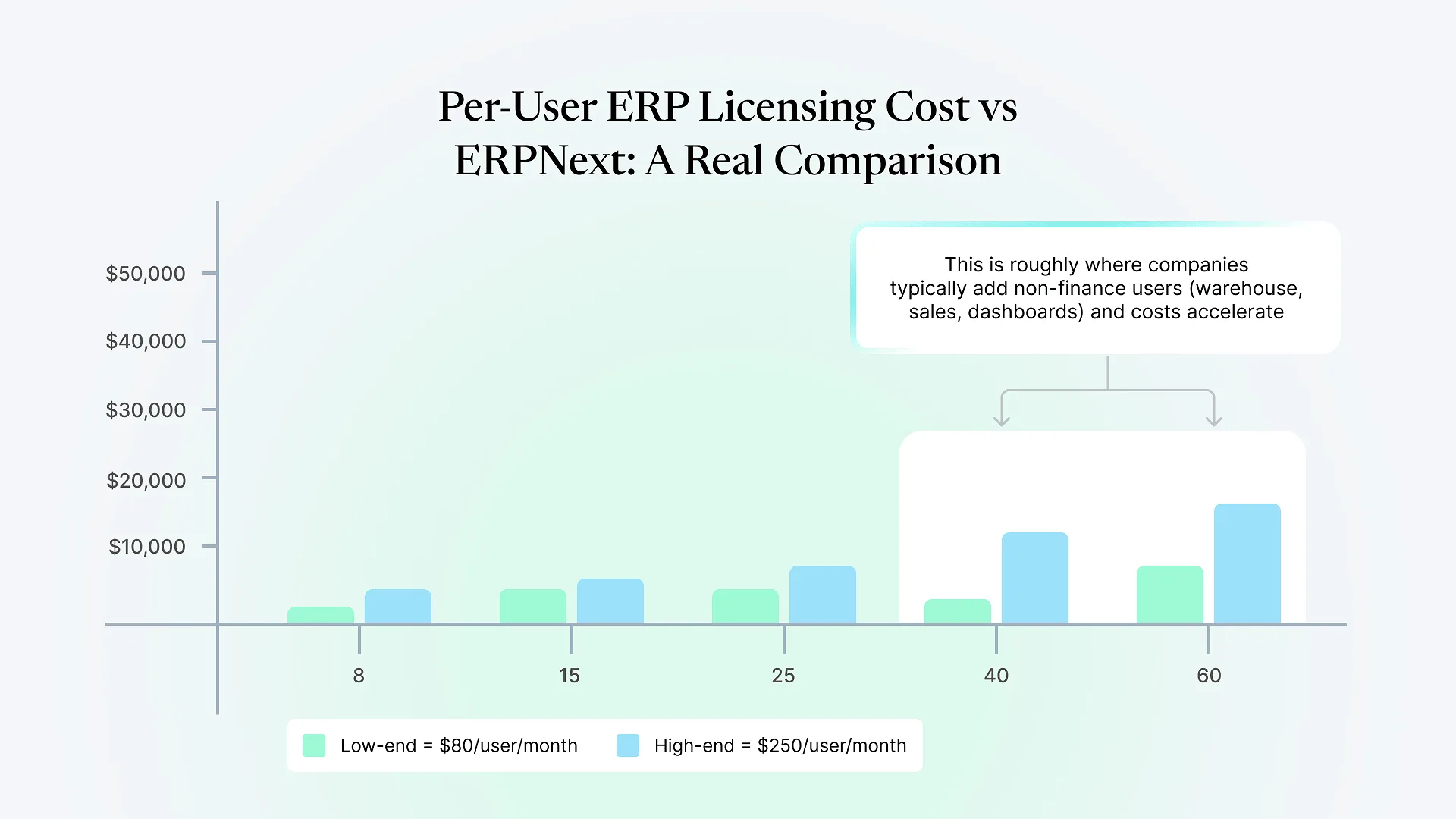
Full/professional users (people who create transactions, run reports, approve workflows) commonly run somewhere in the $80–$250 per user, per month range, depending on the vendor, module set, and region.
Limited or "team member" users (people who only need to view data, submit a request, or clock in) usually cost 30–60% less than a full user, but still add up — and vendors size these tiers deliberately, so it's easy to under-provision and get pushed into a more expensive tier mid-contract.
How ERPNext's cost model is different
cloud hosting (managed or self-hosted) scales with usage and data volume, not per named user.
configuring workflows, migrating data, and setting up the modules your business needs is a project cost, not a recurring per-seat fee. This is typically the largest line item, and it varies significantly based on how much customization your processes require.
ongoing support is usually a flat retainer or block-of-hours arrangement rather than scaling with seat count.
if your workflows don't match ERPNext's defaults, that development work is billed separately, regardless of how many people use the result.
Per-user licensed ERP vs. ERPNext: side-by-side
| Traditional Per-User Licensed ERP | ERPNext | |
|---|---|---|
| Software license cost | Recurring, per user, per month — typically $80–$250/user for full users | $0 — no per-seat license fee |
| Cost as you add users | Scales directly and immediately with headcount | Does not scale with headcount; scales with hosting/complexity instead |
| Implementation cost | Vendor-quoted, often bundled with license in year one | Separate, upfront project cost based on scope |
| Hosting/infrastructure | Often included in the license (SaaS) or billed separately (on-prem) | Billed separately — cloud hosting or self-hosted, scales with data/usage |
| Customization | Usually limited without add-on licensing or partner development | Fully customizable; billed as development work, not license tiers |
| Cost predictability at scale | Harder to predict — new hires, new departments, or new modules add license cost | Easier to predict — cost is tied to a defined project and hosting tier, not to who logs in |
| Best fit | Companies who need a small, stable user count and want licensing bundled with vendor support | Growing companies where user count will expand across departments over time |
What this actually looks like at scale
Take a mid-sized distribution business running 50 ERP seats — not an unusual number once you count finance, warehouse, sales, and management dashboard access. At $150/user/month (roughly the midpoint of the full-user range above), that’s $7,500 a month, or $90,000 a year, in licensing fees alone — before implementation, support, or any customization. Scale to 100 seats as the business grows, and the licensing line alone approaches $180,000 a year.
Under ERPNext’s model, that same growth from 50 to 100 users doesn’t move the licensing cost at all, because there isn’t one. The company’s actual spend is implementation (a one-time or phased project cost) plus hosting (which scales with data and transaction volume, not logins) plus any ongoing support arrangement. For a business expecting real headcount growth across departments, that structural difference is usually where the bigger long-term number lives — not in the sticker price of either system in year one.
None of this means ERPNext is free to run. It means the cost shows up as a defined implementation and support relationship instead of a recurring per-seat bill that grows every time you hire. If you’re modeling this against your own seat count and growth plan, talk to an ERPNext consultant before you decide — the seat mix in the table above is illustrative, and your actual numbers depend on how your users split across full-access, limited, and dashboard-only roles.
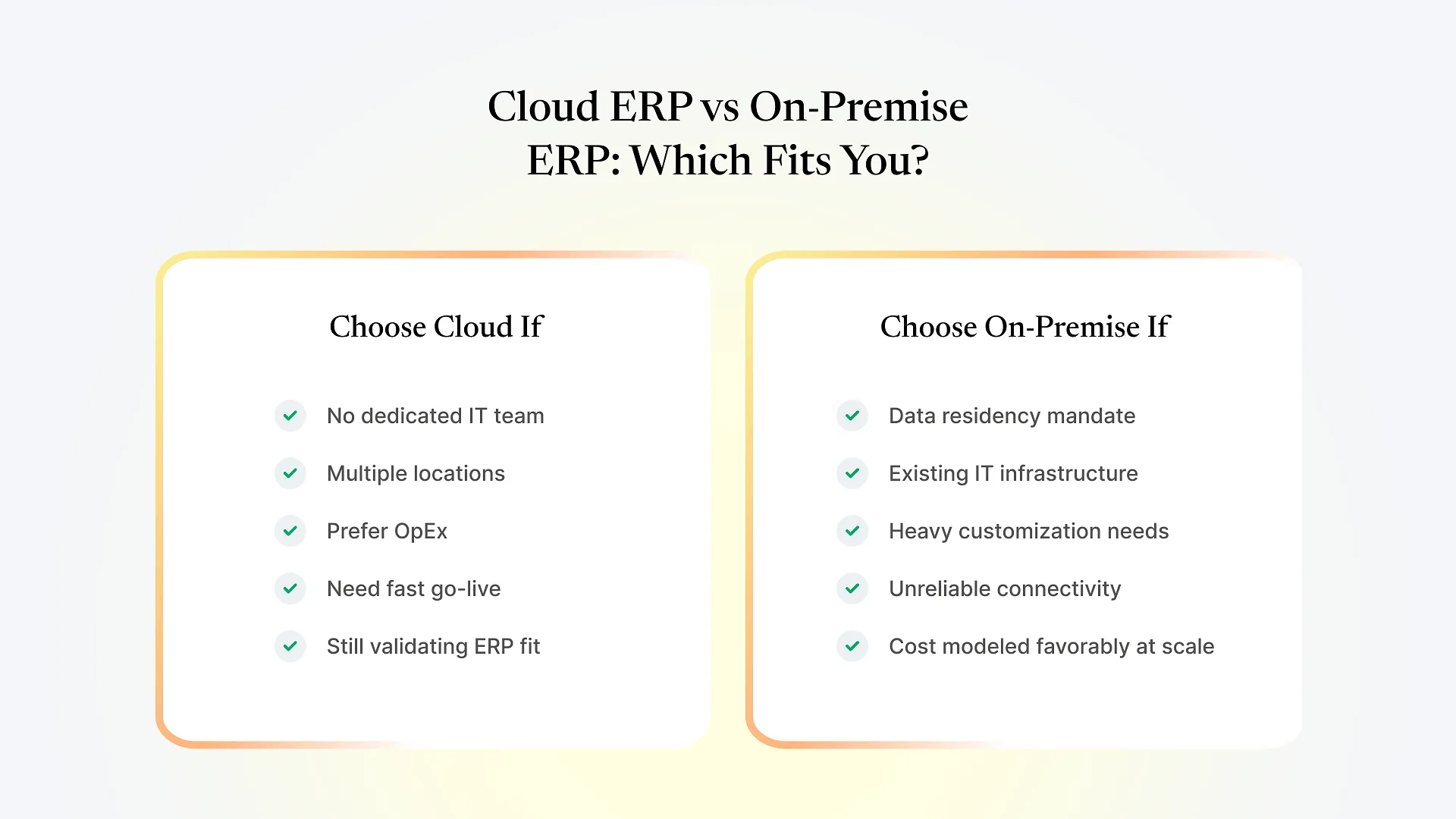
When per-user licensing still makes sense
User count is small and stable
A 10-person company that isn't planning to add departments or warehouse staff may find a bundled per-user SaaS ERP cheaper overall once you account for ERPNext's implementation cost, since there's less complexity to configure in the first place.
You want licensing and support bundled with one vendor
Some businesses prioritize a single point of accountability over lower long-term cost, and traditional ERP vendors are built around that model.
Your workflows already match the vendor's standard configuration closely
If little to no customization is needed, the implementation-cost advantage ERPNext usually offers shrinks, and the comparison becomes closer to a straight licensing-cost decision.
The honest version of this comparison isn’t “ERPNext always wins” — it’s that the two models allocate cost differently, and which one is cheaper for you depends on how many people will actually touch the system and how much your processes diverge from default workflows. That’s a scoping conversation, not something a generic pricing page can answer — which is also why choosing the right ERPNext implementation partner matters as much as the licensing decision itself; a partner who scopes your implementation accurately is what keeps the “no license fee” advantage from being eaten up by an underestimated project cost. It’s the kind of seat-count and workflow assessment Aavatto runs with distribution and manufacturing clients across India and the Middle East, where the difference between per-user licensing and ERPNext usually comes down less to the software and more to how the implementation itself is scoped.
Frequently Asked Questions
If you’re weighing a quote against what ERPNext would actually cost for your seat count and workflows, talk to an ERPNext consultant before you decide — a scoped estimate against your real user mix is worth more than any pricing-page comparison, including this one.