Most ecommerce warehouse integration projects don’t fail because nobody built a connection — they fail because the connection only moves data one way, slowly, and nobody notices until a customer orders something that sold out on the warehouse floor an hour earlier. Ecommerce warehouse integration connects your online store, your warehouse operations, and your ERP so that stock levels, order status, and fulfillment updates flow automatically between all three, without someone re-entering the same number twice. Done properly, a sale on your storefront adjusts warehouse-level stock and your financial ledger in the same motion, not through a batch file that runs every few hours.
For a D2C or manufacturing brand selling online, the gap between “connected” and “actually real-time” is where most of the damage happens.
Where Ecommerce Warehouse Integration Actually Breaks
The failure pattern is usually the same across brands. The storefront shows a stock number pulled from the last sync, not the current one. A customer orders the last unit right as it’s picked for a different channel — B2B, a marketplace, or a retail counter — and now someone has to call and apologize.
Warehouse teams feel it from the other side. They’re working off a pick list generated from what the ERP thought was in stock an hour ago, not what’s actually on the shelf after returns, damages, or a partial receipt were logged. Multiply that across two or three warehouses and the picture gets worse, not better — a pattern we cover in more depth in where most ecommerce-ERP integrations actually go wrong.
Two Ways to Connect a Storefront to Your Warehouse and ERP
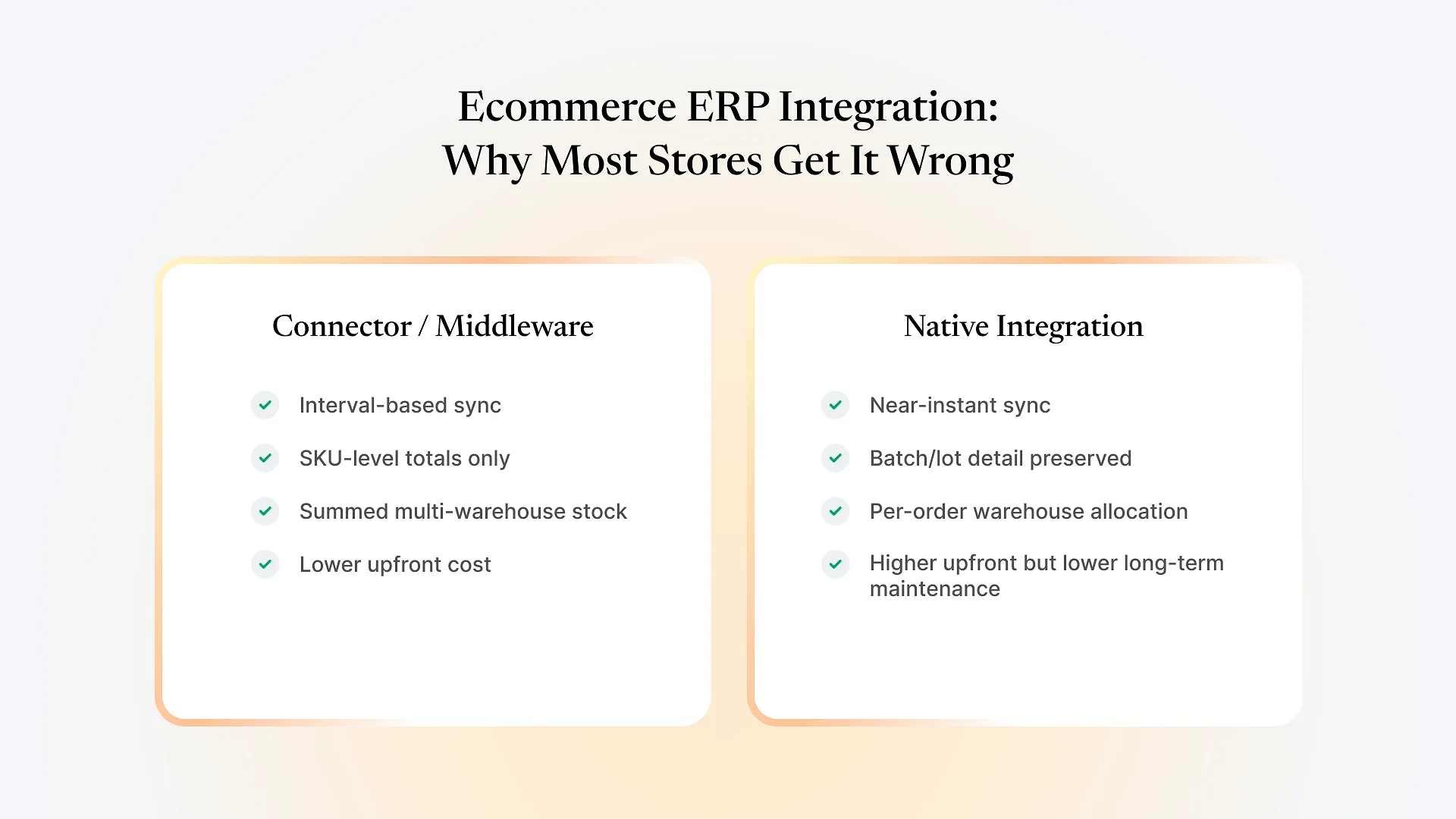
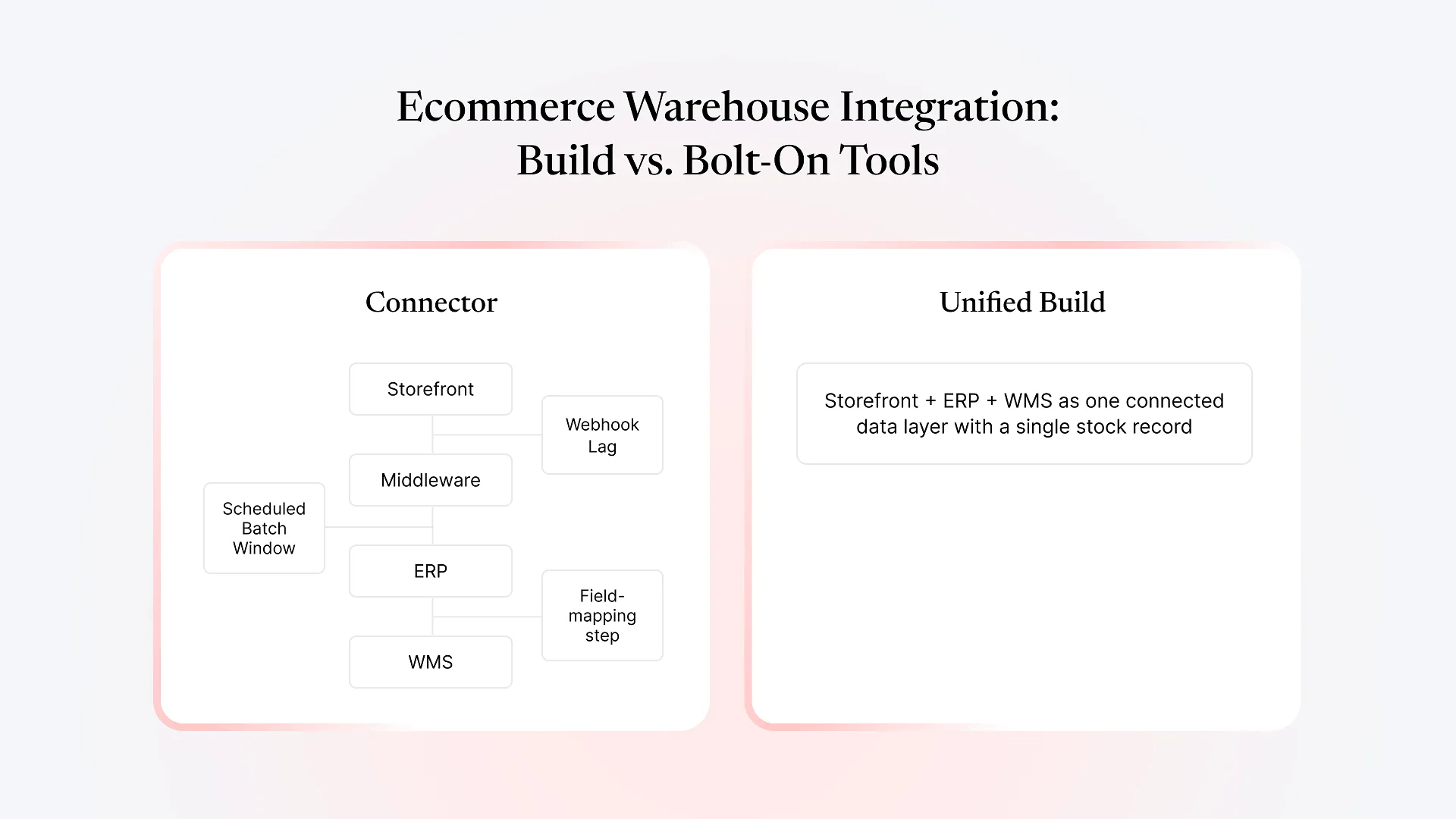
Connector or middleware tools sit between your storefront platform and your ERP, polling one side for changes and pushing them to the other on a schedule — anywhere from near-real-time webhooks to hourly batches, depending on the tool and plan tier. They're fast to set up and a reasonable call for a single-warehouse seller with a simple catalog.
A single connected build — storefront, warehouse management, and ERP running on one shared data layer — treats stock, orders, and fulfillment as one record instead of three synced copies. There's no translation layer to break, no field mapping to maintain as your catalog changes, and no lag between a warehouse event and the number a customer sees.
| Connector / middleware | Unified build | |
|---|---|---|
| Stock update speed | Scheduled sync or webhook-dependent | No sync delay — one shared record |
| Multi-warehouse allocation | Often bolted on, inconsistent | Native to the data model |
| Batch/lot tracking | Rarely carries through end-to-end | Follows the item from warehouse to storefront |
| Ongoing maintenance | Field mapping breaks on catalog or platform changes | Maintained as one system |
| Best fit | Single warehouse, simple catalog | Multiple warehouses, manufacturing, wholesale + D2C mix |
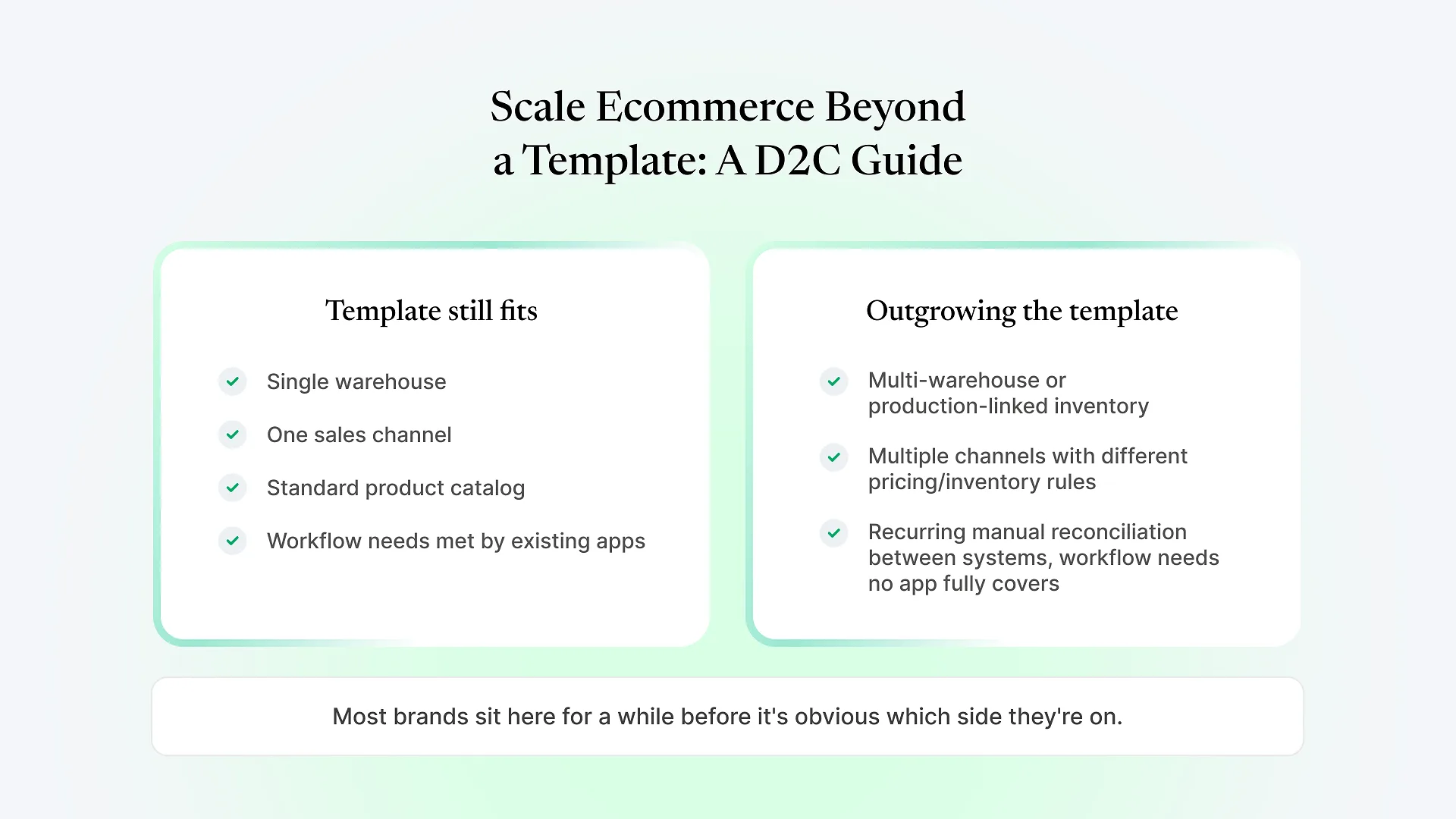
Neither approach is wrong on its own. The tradeoffs in the table above show up once you’re running multiple warehouses, batch-tracked inventory, or both wholesale and direct-to-consumer orders against the same stock pool — not before.
If your business already looks like the right-hand column, talk to us about your e-commerce build — connecting all three layers from the start is usually a shorter project than stitching tools together and maintaining the seams afterward.
What Real-Time Sync Actually Requires Underneath
“Real-time” gets used loosely in this category. Underneath, it requires a few specific things working together.
A single source of truth for stock: one system every channel reads from and writes to, rather than each channel keeping its own count and reconciling later. Warehouse-level visibility, not just SKU-level — knowing a SKU has 40 units doesn’t help if nobody can see which bin, which batch, or which of your locations they’re actually in. That’s the layer a basic ERP stock module usually doesn’t handle well on its own, which is why a dedicated, Frappe-based warehouse layer that connects tightly to ERPNext’s stock data is often worth adding, rather than leaving warehouse operations to ERPNext’s default inventory screens alone.
The rest follows from that foundation: event-driven updates instead of batch polling, so a stock change fires immediately rather than waiting for the next sync window; order routing that picks the right fulfillment location from current stock, not a morning snapshot; and a path for stock to flow back correctly on returns and cancellations, not just forward on a sale — a step connector tools frequently leave half-built.
Why Manufacturing and D2C Brands Hit This Sooner
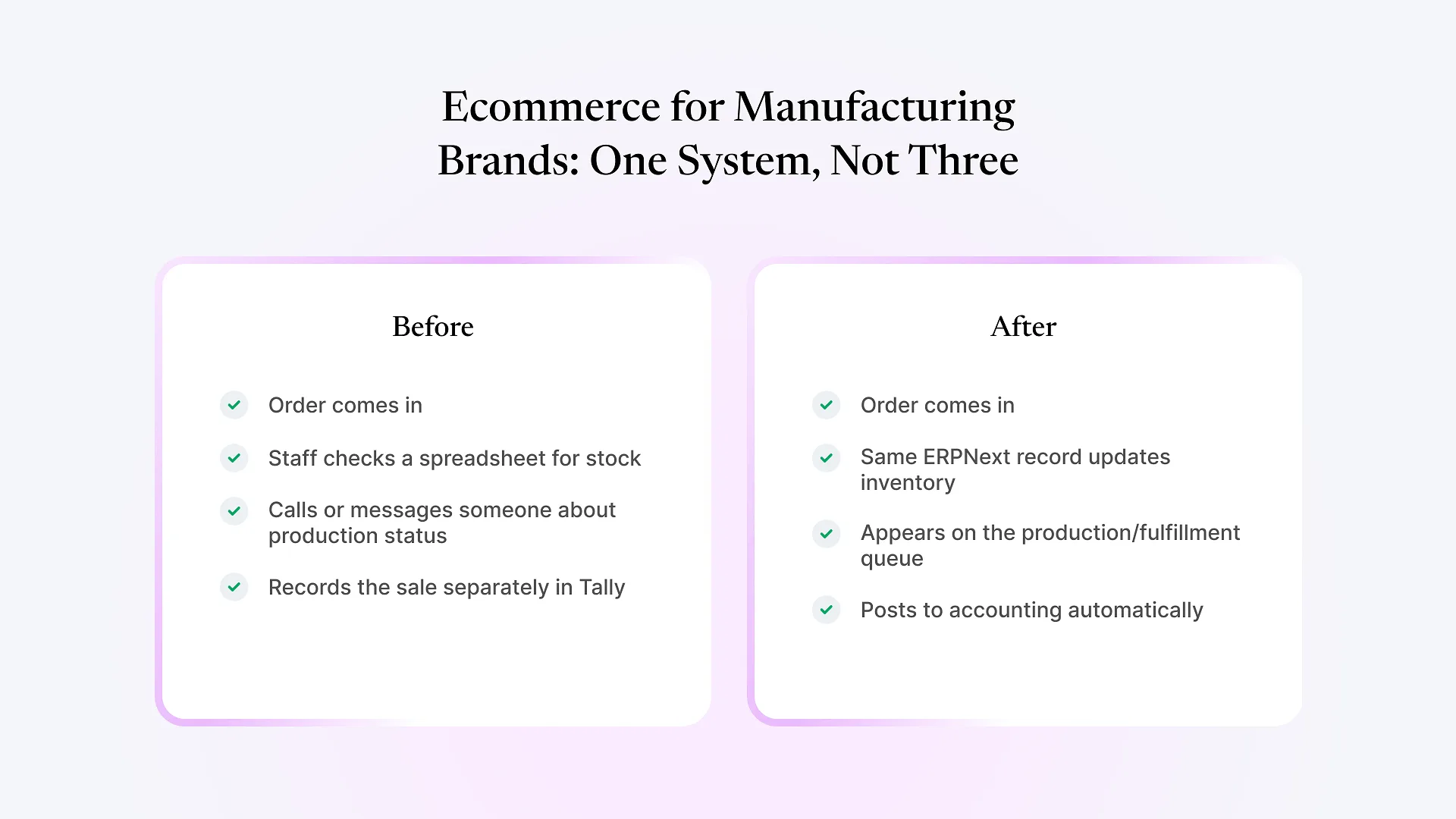
Brands selling their own manufactured product run into this faster than a pure reseller does. Stock isn’t just counted, it’s often batch or lot-tracked for quality or compliance reasons, and that detail needs to survive the trip from warehouse to storefront rather than getting flattened into a single quantity number along the way.
Many of these brands are also running wholesale or B2B orders against the same inventory pool as their online store. If the two channels don’t share one real number, someone ends up overselling into a wholesale commitment or an online order — and no reporting dashboard fixes that after the fact, only the underlying data model does.
Frequently Asked Questions
If your storefront, warehouse, and ERP are still three separate sources of truth held together by sync jobs, the fix isn’t another connector — it’s one system that doesn’t need translating. Talk to us about your e-commerce build and we’ll walk through what connecting your specific stack would actually involve.