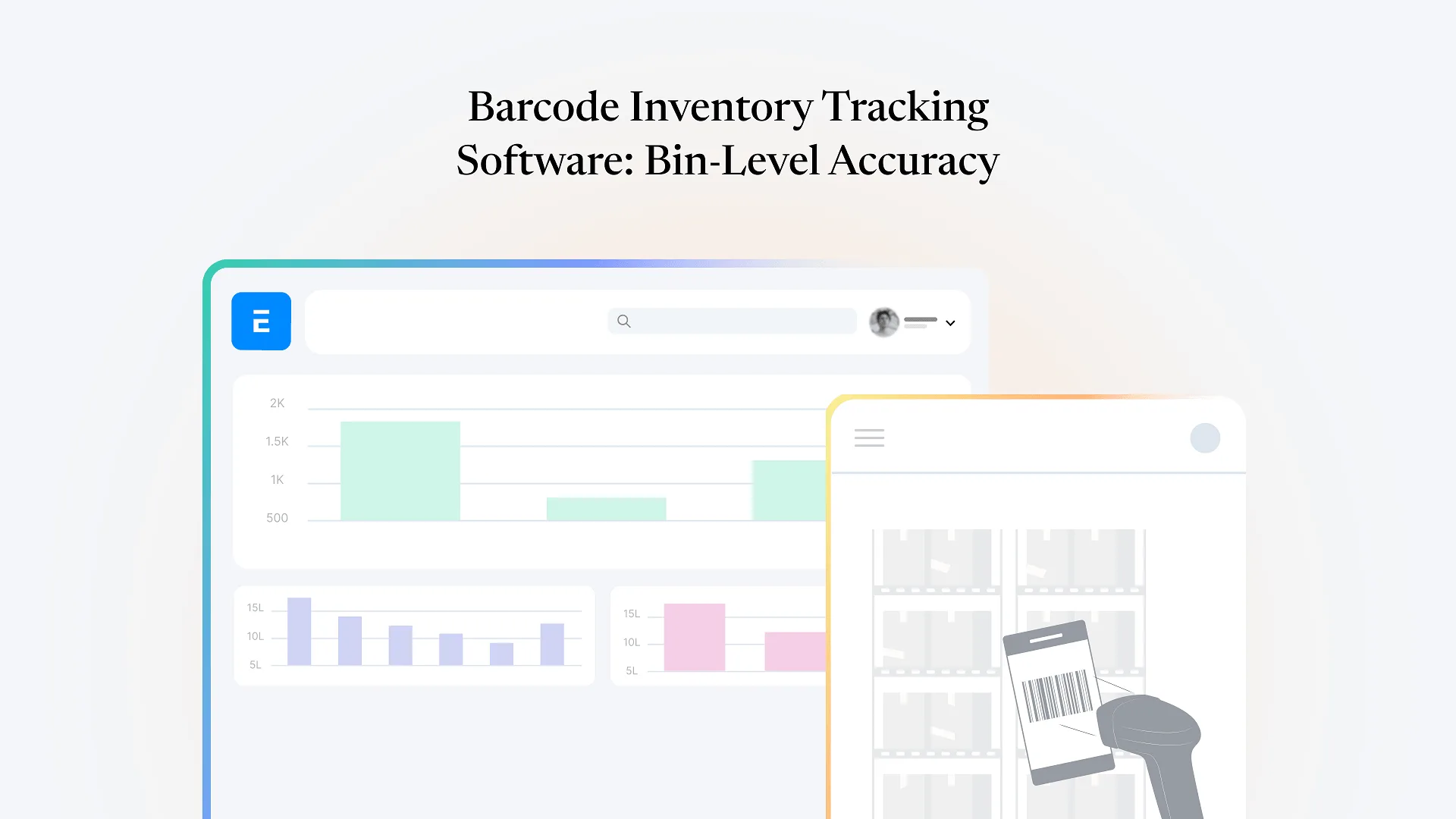
Barcode inventory tracking software records what’s in stock and where by scanning a barcode at the point of movement — receiving, put-away, picking, or dispatch — and writing that event straight to a bin-level location record. Done well, it means the system knows not just how much of an item you hold, but exactly which bins it sits in and how that split changes with every scan, updated the moment the scan happens rather than after someone updates a spreadsheet later.
Most operations that go looking for this aren’t struggling with barcode scanning itself — handheld scanners and printed labels are a solved problem. What they’re actually struggling with is stock errors that show up despite scanning: a pick list that sends someone to a bin that’s actually empty, a cycle count that doesn’t match the system, two people picking against the same reserved stock. Those errors almost always trace back to one root cause: the barcode scan and the bin-level record don’t live in the same place, or don’t update in the same moment.
Why Barcode Scans and Bin-Level Records Drift Apart
A scan on its own is just an event — it has to write to something. In a lot of warehouse setups, that “something” is a standalone scanning app or a lightweight WMS bolted onto the side of the main inventory system, connected by a periodic sync or an API call. Between the scan and the sync, there’s a window where the two systems disagree about where stock actually is.
That window is where most bin-level stock errors originate. A picker scans a bin as emptied, but the ERP or accounting system that runs replenishment, sales orders, and production planning doesn’t see that update until the next sync cycle. During that gap, someone else can be shown the same bin as available, or a purchase order can be generated for stock that’s already sitting in the warehouse. None of this is a scanning failure — it’s an architecture problem, and it gets worse as warehouses add more pickers, more bins, or more locations.
What Bin-Level Tracking Adds Beyond Basic Barcode Scanning
Directed picking
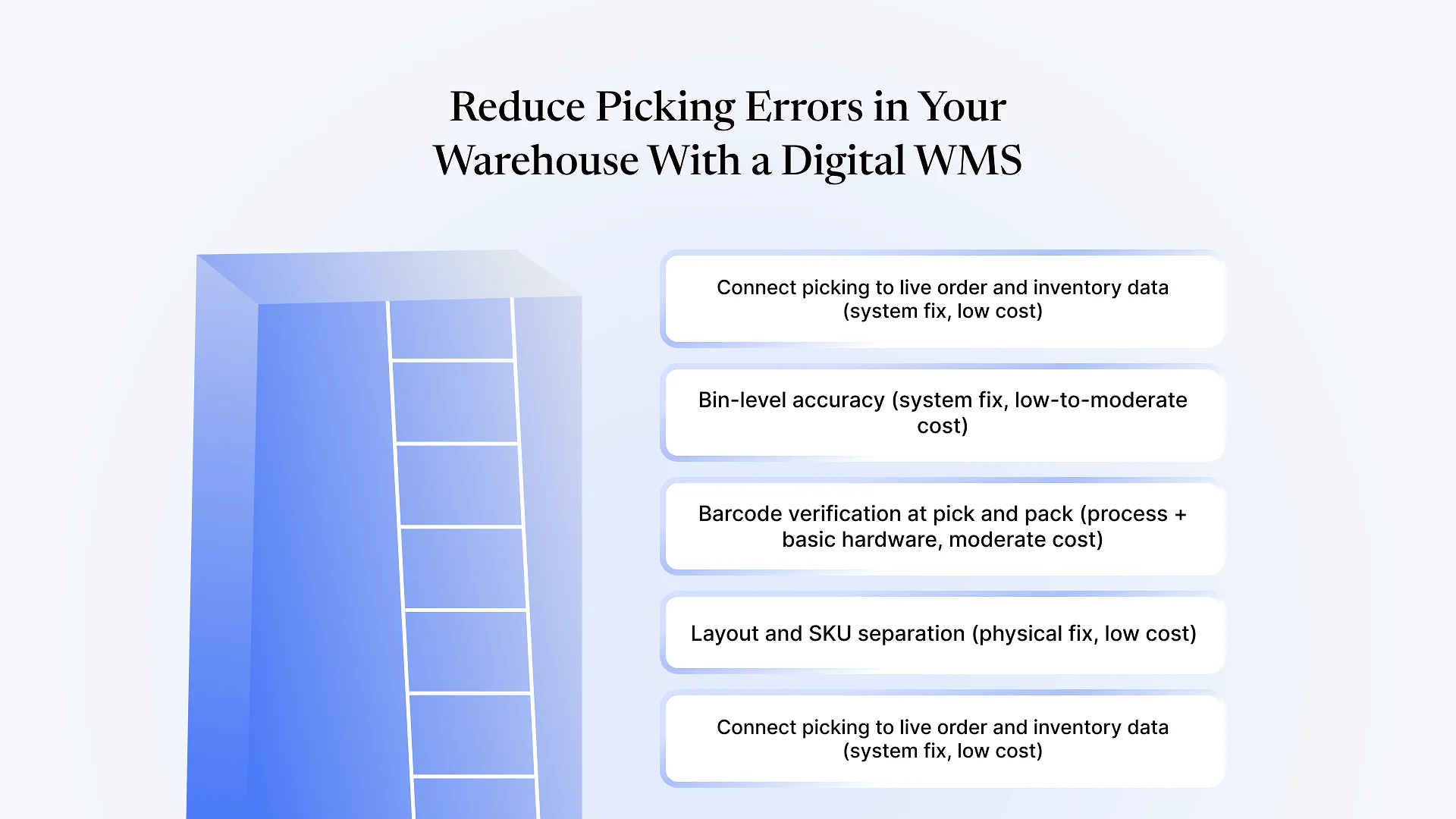
the system tells a picker exactly which bin to go to for a given order line, instead of relying on them to know or search for it.
Put-away accuracy
incoming stock gets assigned to a specific bin at receiving, not a general zone, so it's findable immediately rather than after someone walks the aisles.
Cycle counting by location
counts can be run bin by bin on a rolling basis instead of a full warehouse shutdown, because each bin's expected quantity is known precisely.
Reservation accuracy
when stock in a specific bin is allocated to an order, other pickers and other orders see it as unavailable in real time, not after a batch update.
None of these require exotic technology. They require the barcode event and the bin record to be the same write, not two writes that have to agree with each other later.
Businesses considering barcode inventory tracking for the first time often assume the hard part is choosing scanner hardware. In practice, the harder decision is architectural: does the tracking layer sit on top of your ERP as a separate app, or inside it.
Bolt-On Scanning App vs. Native Bin-Level Tracking
| Bolt-on scanning app | Native ERP bin tracking | |
|---|---|---|
| Where scans are recorded | Separate app database | Same stock ledger as sales, purchase, and production |
| Update timing | Synced or polled on an interval | Immediate — no sync step |
| Risk during the gap | Duplicate picks, phantom stock, stale reorder points | None — there's no gap to have a risk in |
| Setup | Additional integration to build and maintain | Extension of existing ERP configuration |
| Login/permissions | Usually a second user model to manage | Follows existing ERP roles and access controls |
This is the comparison worth making before evaluating specific tools, because it determines how much of the “stock error” problem the software can actually solve. A bolt-on app with excellent scanning hardware can still leave you with sync-window errors; a native integration with basic scanners closes that gap by construction.
This is the architecture worth asking about directly when evaluating any barcode inventory tracking software: does a scan write straight to your core stock ledger, or to a separate database that has to sync back later. Tracking that writes to the same ledger your ERP’s other modules already read from is what actually closes the gap described above — a connected third-party scanning tool, however well built, still has a sync boundary somewhere.
What to Look for When Evaluating Barcode Inventory Tracking Software
Does a scan write directly to your core inventory record, or to a separate database that syncs later?
Ask this explicitly — "real-time" in marketing copy sometimes means "syncs every few minutes," not "no sync at all."
Can it track at the individual bin level, not just warehouse or zone level?
Zone-level tracking still leaves pickers searching within a zone.
Does it support directed picking and put-away, or just record movements after the fact?
Recording history is useful for audits; directing work in real time is what actually prevents errors.
How does it handle permissions and users
a second login system to administer, or does it extend your existing ERP's roles?
What happens to reservation accuracy during peak picking periods
does stock get shown as available to two pickers at once, even briefly?
Does cycle counting integrate with the same system
or does it require a separate reconciliation step between the scanning tool and your books?
Frequently Asked Questions
If your team is scanning barcodes today and still finding mismatched bin counts or duplicate picks, the scanning step usually isn’t the problem — what happens between the scan and your core stock record is. Talk to us about your ERPNext setup to see what closing that gap would look like for your operation.