



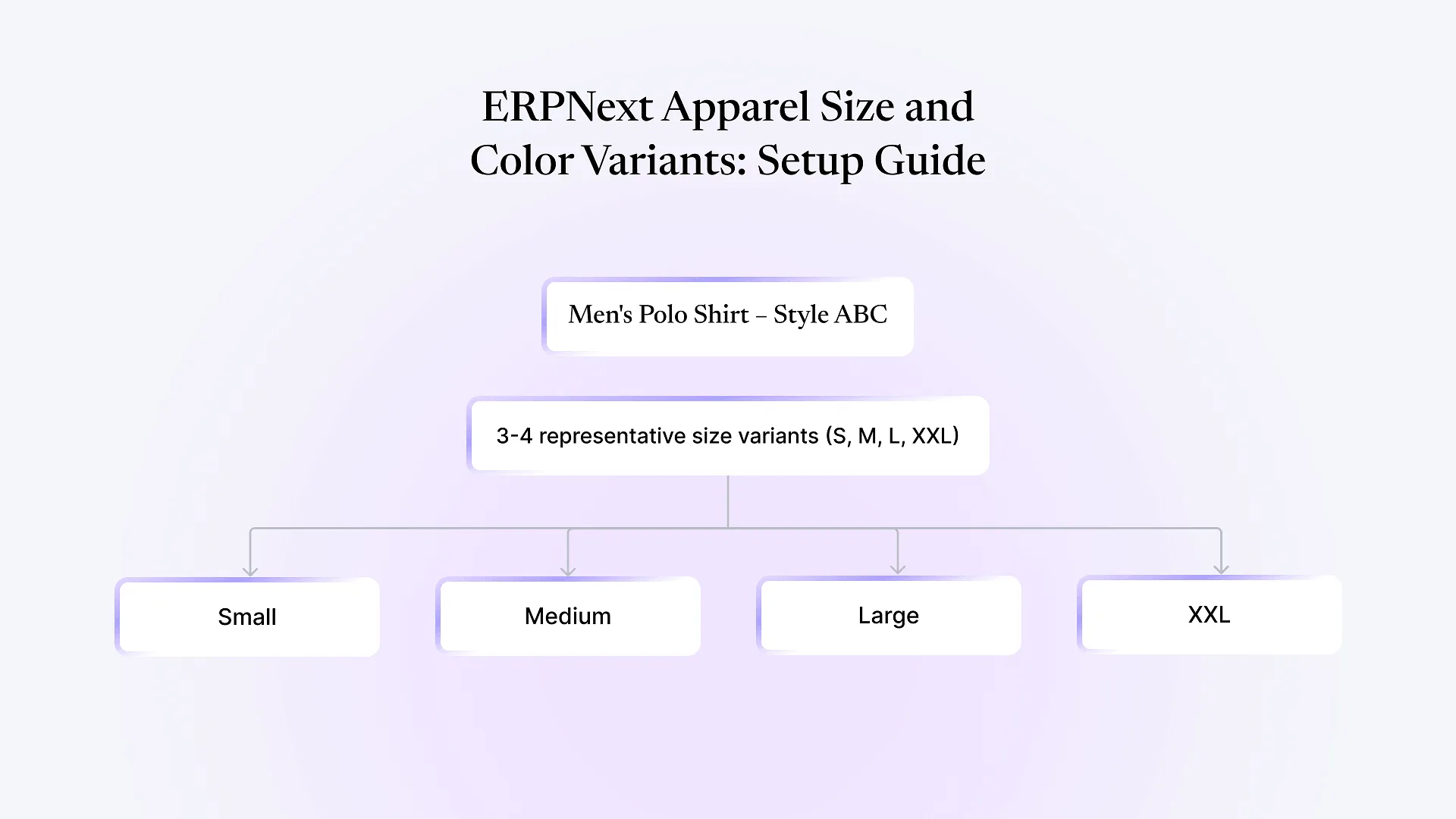
A men’s polo shirt in one style, six colors, and five sizes isn’t one product. It’s thirty distinct variants, each with its own fabric consumption, its own stock count, and, if you’re not careful, its own maintenance headache.
ERPNext manages apparel size and color variants by treating each style as an item template with size and color set as variant attributes, automatically generating every size/color combination as its own trackable item — with its own stock and costing — without manual duplicate entry.
That’s the mechanism. The harder part, the part that actually determines whether your setup holds up as your catalog grows, is the handful of decisions apparel manufacturers have to get right around it: how fabric consumption changes by size, how buyers actually order (in runs, not single SKUs), and when a variant should be retired instead of quietly piling up as dead stock.
How ERPNext Handles Apparel Size and Color Variants
In ERPNext, you create one item template — say, “Men’s Polo Shirt – Style ABC” — and attach item attributes to it, most commonly Size and Color. ERPNext then generates an item variant for every combination: Small/Navy, Small/White, Medium/Navy, and so on. Each variant carries its own item code, its own stock ledger, and its own valuation, but inherits the template’s core item settings so you’re not re-entering UOM, item group, or tax details thirty times over.
This is the right foundation, and it’s the same mechanism the official Frappe documentation walks through. Where apparel manufacturers run into trouble isn’t the setup screen. It’s the assumption that every variant should behave identically once created — it shouldn’t, and the next two sections cover where that assumption breaks.
The Fabric Consumption Problem: One BOM Doesn't Mean One Number
A Small and an XXL of the same shirt don’t use the same amount of fabric, and a bill of materials that ignores this either overstates consumption on small sizes or understates it on large ones — both of which quietly distort your costing and your material planning over a production run.
ERPNext’s approach is to attach the BOM to the item template rather than rewriting it per variant, and use a quantity multiplier per variant (via a UOM conversion or variant-level BOM quantity) so the base recipe scales instead of being duplicated. In practice, this means:
You define fabric, trim, and thread consumption once at the template or base-size level.
Each variant's actual requirement is derived by scaling that base figure, not by maintaining thirty parallel BOMs that all need updating if a supplier changes a fabric width.
When a work order is raised against a specific size/color variant, ERPNext calculates material requirements using that variant's scaled consumption, so your material request and your actual cutting-room usage stay aligned.
Matrix Order Entry: Buyers Think in Size-Runs, Not SKUs
Retail and wholesale buyers in apparel rarely order “10 units of Small/Navy.” They order a size run — say, 2 Small, 4 Medium, 4 Large, 2 XL of Navy — as a single buying decision. If your sales order screen forces a line item per individual SKU, order entry turns into a slow, error-prone exercise for exactly the transactions that should be fastest.
ERPNext addresses this through its variant matrix (sometimes called a size-color matrix) on the sales order and quotation screens: instead of picking individual item codes, the person entering the order sees a grid of sizes across the top and colors down the side, and fills in quantities directly into the matrix. ERPNext expands that into the correct individual variant line items behind the scenes.
This matters more than it sounds like on paper. A sales or customer service team keying in orders all day benefits enormously from not having to search and select thirty individual item codes to place one buyer’s order, and the accuracy gain from fewer wrong-size line items shipped compounds across a season’s worth of orders.
A quick note if this is the piece that’s currently frustrating your team mid-implementation: it’s usually a configuration gap, not a limitation of the platform, and worth a look before assuming you’ll need a workaround. See how we approached this for a textile manufacturer’s full supply chain rebuild.
Subcontracted Processes and Variant-Level Tracking
Apparel manufacturing routinely sends specific variants out for embroidery, printing, or specialized washing, often only certain colors or sizes in a style, not the whole run. ERPNext’s subcontracting functionality lets you issue raw materials or semi-finished goods to a subcontractor against a specific variant, track what’s out with them, and receive finished goods back into stock at that same variant level.
The operational detail worth planning for upfront: if only some colors of a style go for embroidery while others don’t, your subcontracting transactions need to reference the correct variant-level item code, not the template. Get this wrong early and you end up with stock sitting “in transit” against the wrong variant, which is a reconciliation problem months later, not a same-day fix.
When to Retire a Variant (and Why "Just Deactivate It" Isn't Enough)
Open sales orders or reorder rules still reference the variant
If a reorder level or a recurring sales order line still points at a deactivated variant, you get either blocked transactions or, worse, silent stock requests for something you no longer intend to produce.
Historical costing and reporting get harder to read
A catalog with hundreds of long-dead variants mixed in with active ones makes item-group reports and stock valuation summaries noisier than they need to be, and makes it harder to spot genuinely slow-moving current stock.
Common Setup Mistakes Worth Avoiding From the Start
Treating every product attribute as a variant attribute
Fit type, fabric weight, or finish sometimes belong as separate item templates rather than additional variant attributes, especially if they change the BOM structure rather than just scaling it.
Skipping the quantity-multiplier setup and duplicating BOMs per size instead
This works initially and becomes a maintenance burden as your size range or style count grows.
Not planning the sales order matrix view before go-live
Teams that only discover the matrix entry option after months of line-by-line order entry lose real time they didn't need to lose.
No variant retirement process
Left unaddressed, this is usually the single biggest source of "why does our item list look like this" complaints a couple of seasons in.
Frequently Asked Questions
Yes. ERPNext generates a variant for every combination of the attributes you define on the template, with no hard cap tied to the variant feature itself. Practical limits come from how many combinations make sense for your business to actually stock and track, not from the software.
If your size and color matrix has outgrown a spreadsheet-thinking approach to ERPNext and you want a second opinion on whether your current setup, or a fresh one, is structured to scale with your catalog, book a free ERPNext consultation and walk us through your specific style, size, and color structure.