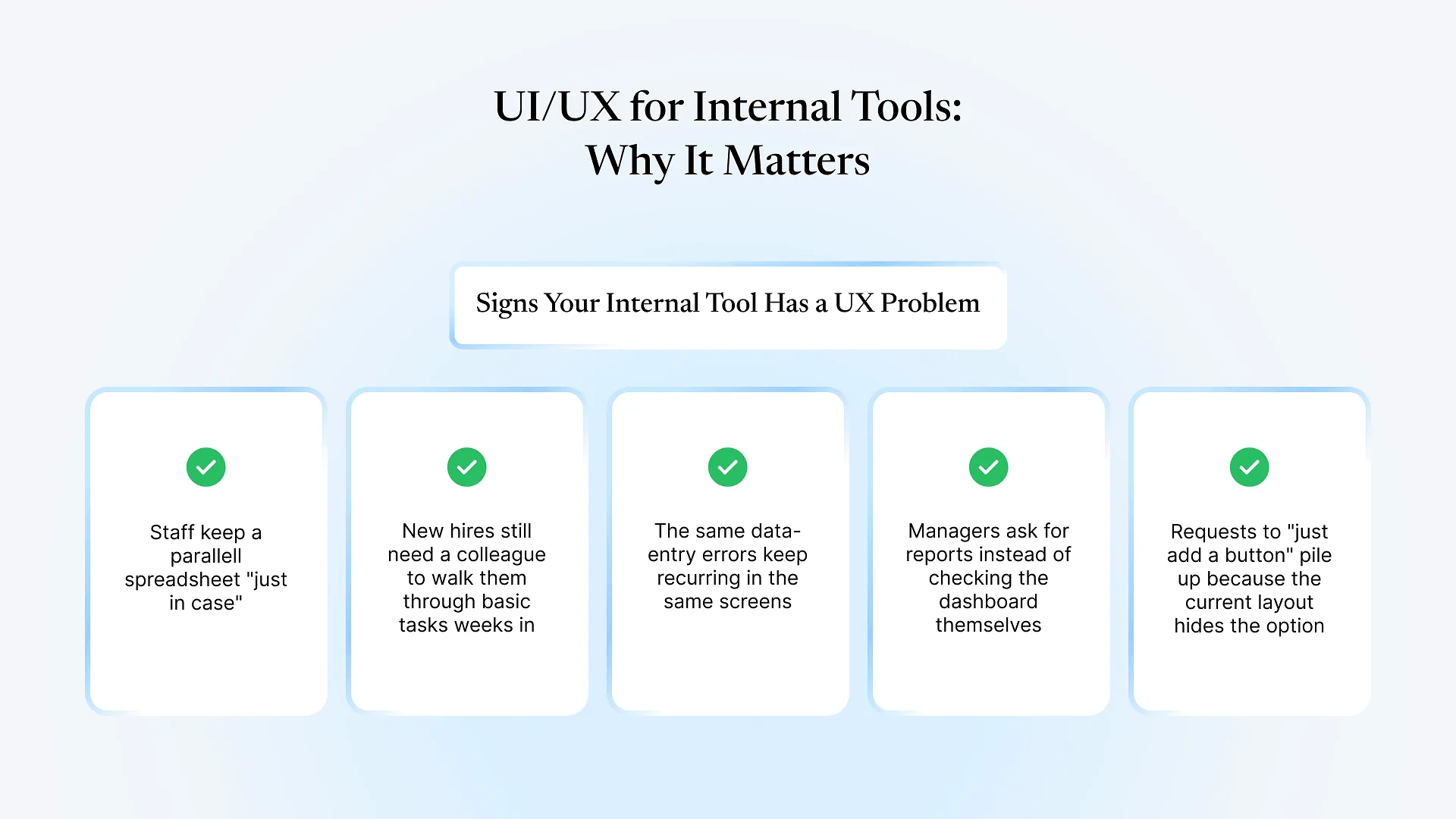
Good UI UX for internal tools isn’t about making dashboards prettier. It’s about removing the friction that makes employees avoid software the company already paid for. When a tool is hard to use, people rarely complain; they build a workaround, keep a parallel spreadsheet, or ask a colleague to do it for them instead.
Most companies spend real design effort on anything customers see — the website, the storefront, the app — and almost none on the software their own staff use for eight hours a day. That gap is worth closing, and not just for comfort’s sake.
Why UI UX for internal tools gets overlooked
Internal software has a captive audience. Employees can’t switch to a competitor’s ERP screen the way a customer abandons a slow checkout page, so a badly designed internal tool never shows up in churn numbers. It shows up instead in slower onboarding, more support requests, and staff quietly inventing their own processes around the parts of the system they don’t trust.
This is compounded by how internal tools usually get built. They’re assembled by whoever configured the ERP or custom software, on a timeline focused on getting the functionality working, not on how a new warehouse clerk or accounts team member will actually experience the screen on day one. The result is software that’s functionally complete but genuinely unpleasant to operate, which is a different problem than “missing a feature.”
We see this pattern constantly in ERPNext and custom Frappe implementations: the modules work exactly as configured, yet a specific data-entry screen or approval flow still gets avoided because nobody looked at it from the perspective of the person filling it in fifty times a day. Fixing that rarely means touching the underlying business logic; it usually means adjusting the screen around it.
What poor internal UX actually costs
The costs are real, even if they don’t show up on an invoice the way a missing feature does. A confusing data-entry screen means more mistakes, and mistakes in inventory, payroll, or order data are expensive to trace back and correct. A cluttered dashboard means managers stop trusting it and go back to asking someone to “just send me the numbers.” A tool that takes too long to learn means new hires lean on tribal knowledge instead of the system itself, which quietly recreates the inconsistency the software was supposed to fix.
None of this requires redesigning the entire platform. It usually comes down to a handful of unglamorous decisions: what information appears first on a screen, how errors are worded, and how many steps stand between an employee and the task they’re trying to finish.
Principles that make internal tools easier to live with
Design for the task, not the database. Screens should follow the order someone actually performs a task in, not the order fields happen to exist in the underlying tables.
Keep patterns consistent across screens. If a save button sits in the same place and works the same way everywhere, employees stop having to relearn the interface every time they move between modules.
Write error messages a non-technical person can act on. "Invalid input" tells someone nothing; "quantity must be a whole number" tells them what to fix.
Reduce the number of steps before the ones that actually matter. Every unnecessary click or screen is a small tax paid every day, multiplied across every employee who uses the tool.
Test with the person who'll actually use it, not just the manager who requested the feature. The people entering data daily notice friction the requester never will.
Frequently Asked Questions
Internal tools rarely get a redesign budget until something breaks, but the wear shows up long before that, in workarounds, errors, and the quiet erosion of trust in the system. If any of this sounds familiar for your team’s software, it’s worth a closer look at how UI/UX design services could apply to the tools your people already rely on every day.