





Before You Start: Who Owns What
ERPNext prepares the numbers. Your CA or tax consultant files the returns and makes the judgment calls on disputed credits, reverse charge and classification. Agree on this split in February, not on 30 March.
Also confirm one thing with your CA every year: statutory due dates and thresholds change through notifications. The dates mentioned below reflect the general rules at the time of writing.
The Year End Compliance Checklist for ERPNext, Step by Step
GST is where most year-end surprises come from, because the government portal and your ERP each hold half the truth.
Sales side
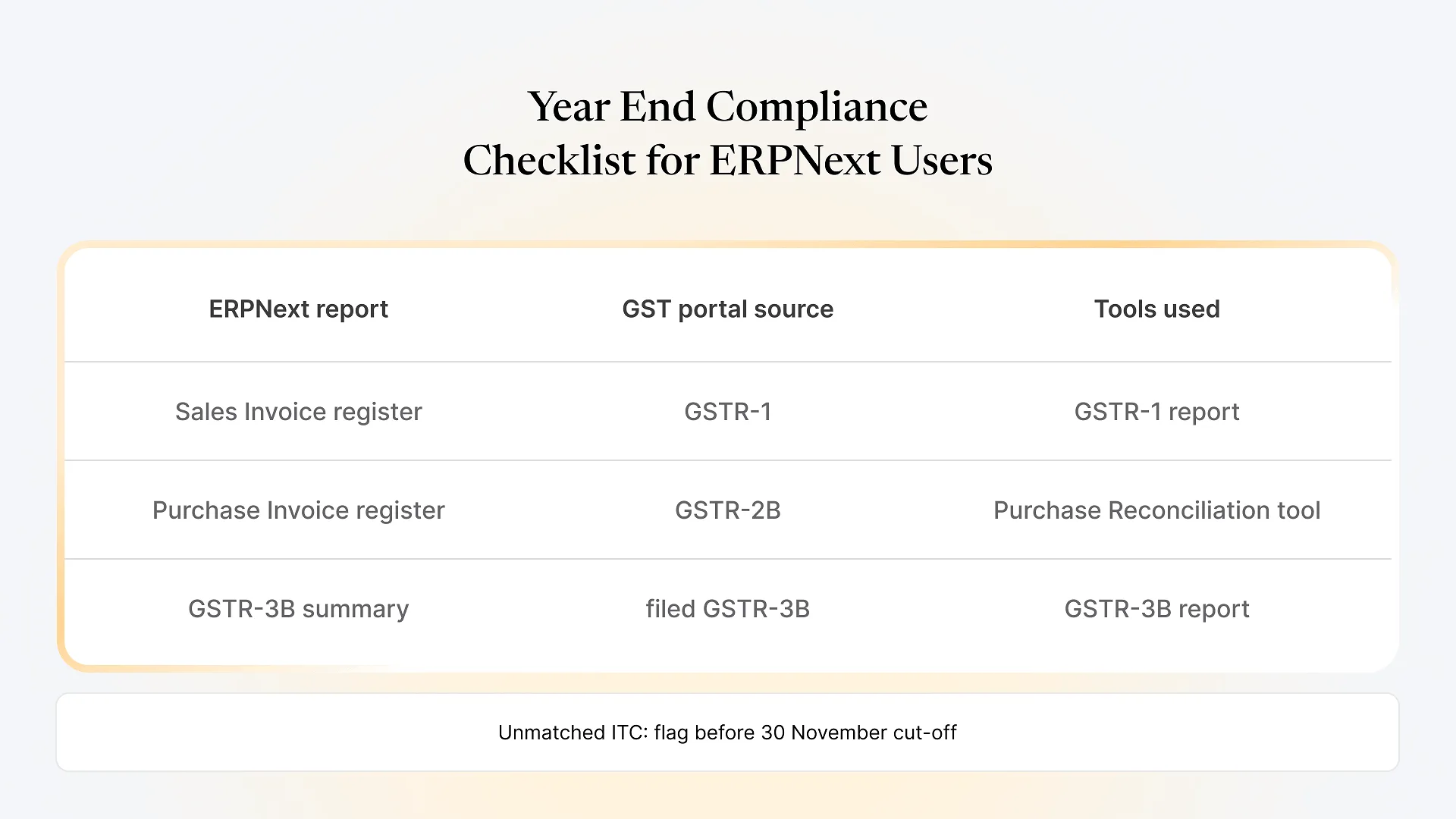
Compare ERPNext's GSTR-1 report with what was actually filed each month. Look for invoices created or amended after a return was filed, and for missing or wrong customer GSTINs.
Purchase side
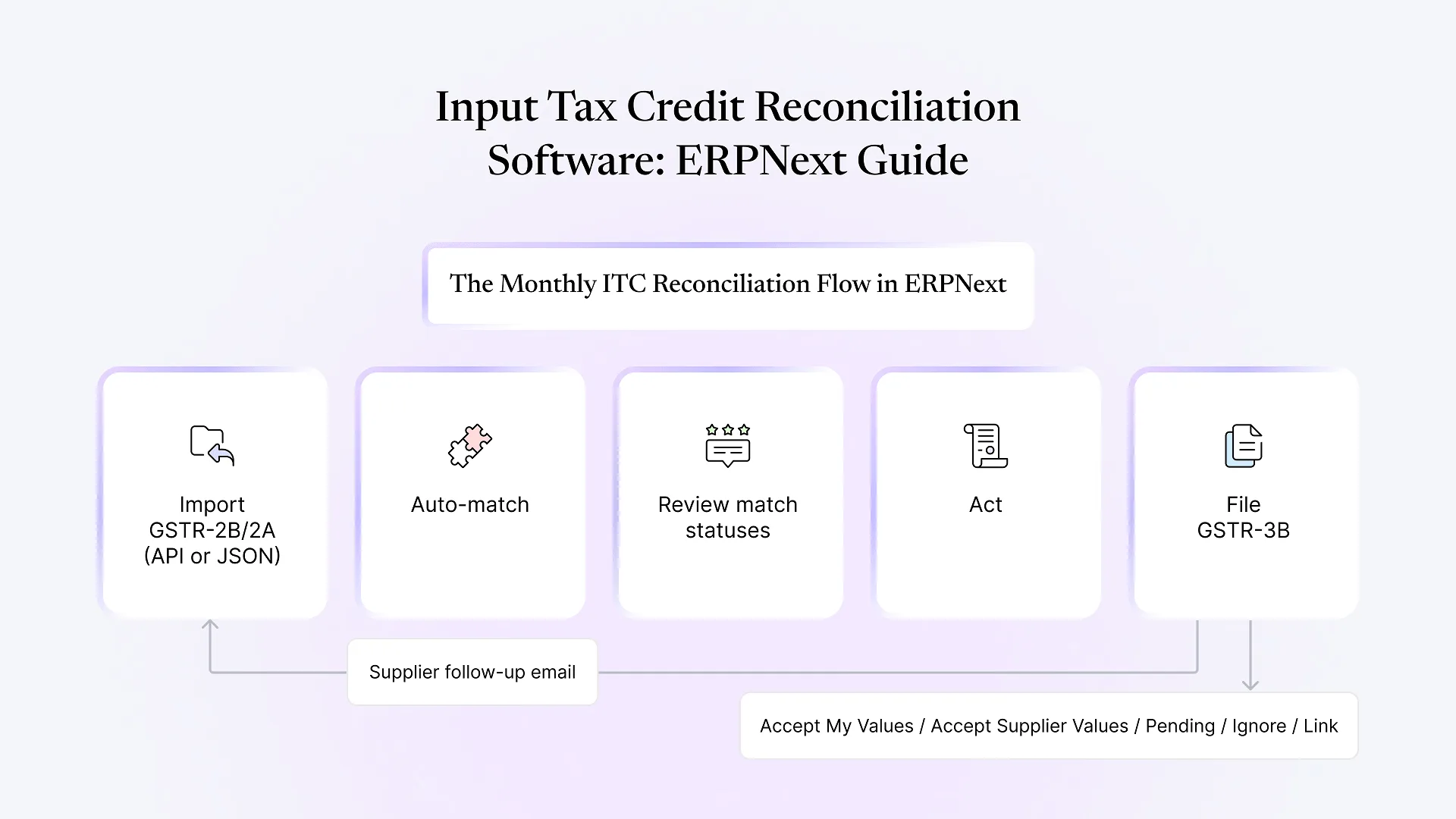
Use the Purchase Reconciliation tool in the India Compliance app to match purchase invoices against GSTR-2B. Chase suppliers now for unmatched invoices.
ITC cut-off
Input tax credit for a financial year can generally only be claimed until 30 November of the following year. Flag unmatched credit at year-end so it is not silently lost.
Credit and debit notes
The same 30 November cut-off generally applies to issuing credit notes for the year. Raise pending ones early.
e-Invoices and e-way bills
Cancelled invoices should have cancelled IRNs. Check that no invoice is marked "pending" for e-invoice generation.
ERPNext handles TDS through Tax Withholding Categories linked to suppliers. At year-end, check:
Every supplier who crossed the threshold has the correct category applied, including suppliers added mid-year.
Deducted amounts in ERPNext match challans deposited and the quarterly returns filed.
PAN is recorded for each deductee. Missing PAN triggers a higher deduction rate, which shows up as a mismatch later.
TCS on sales, if applicable to your business, is reconciled the same way.
Run the Bank Reconciliation Tool for every bank account up to 31 March.
Use Payment Reconciliation to allocate unlinked advances and payments against invoices.
Review ageing reports for old debit balances in suppliers and credit balances in customers. These are usually unallocated entries, not real balances.
If you deal in foreign currency, run Exchange Rate Revaluation as of year-end.
Do a physical count and post a Stock Reconciliation for differences, dated within the old year.
Check that no Repost Item Valuation entries are stuck in queued or failed state. Unfinished reposts mean stock value in the balance sheet is not final.
Confirm all asset depreciation entries up to 31 March are posted, and that disposed or scrapped assets are actually marked as such.
ERPNext Year End Closing: Lock in the Right Order
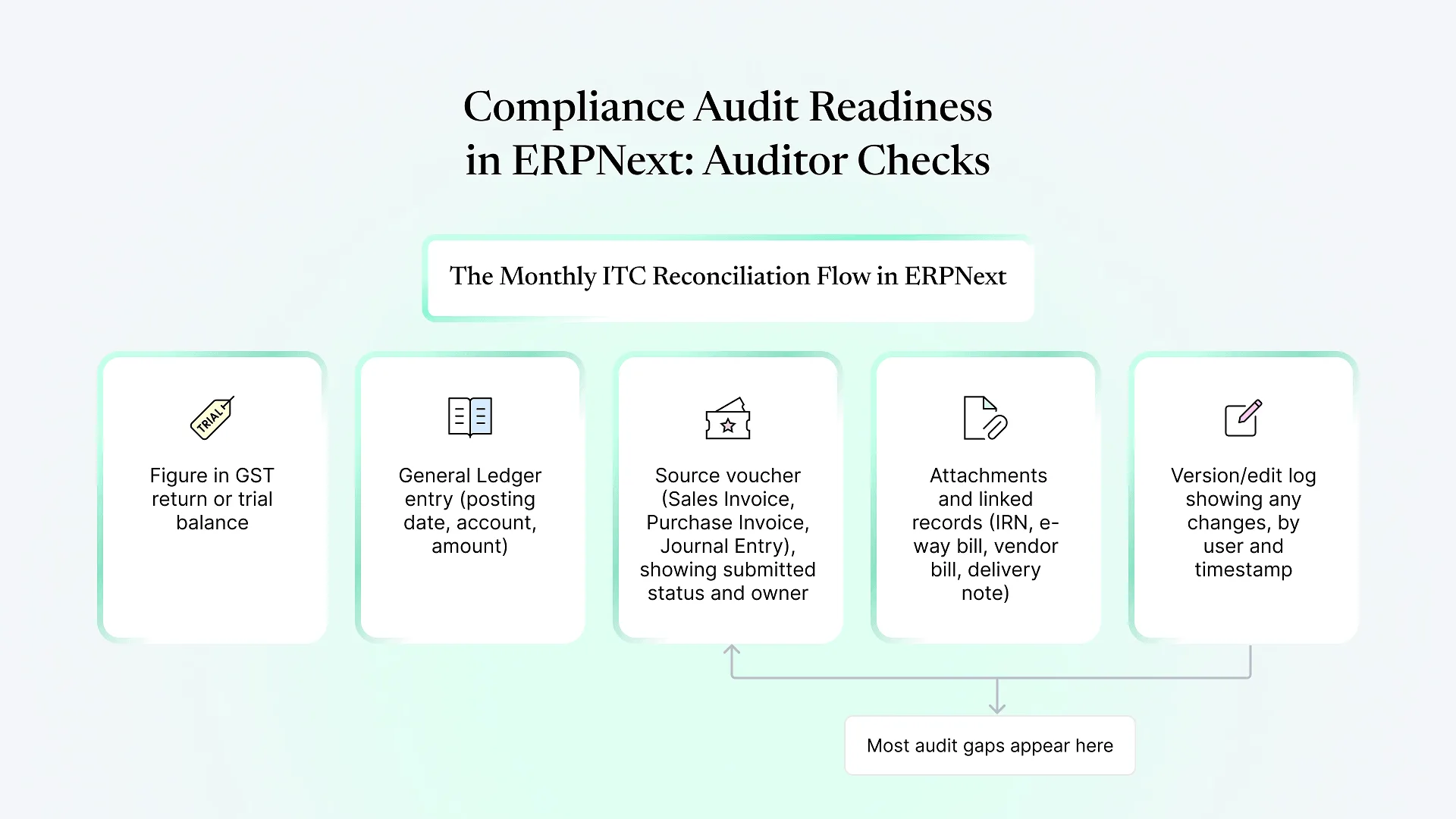
Get sign-off on trial balance, GST and TDS reconciliations from your CA.
Post the Period Closing Voucher for the fiscal year. It moves the profit or loss to the retained earnings account you choose.
Freeze the old year using "Accounts Frozen Till Date" in Accounts Settings, so only a designated role can post back-dated entries.
Use Accounting Periods if you need to block specific document types for a closed period while allowing others.
Create and default the new Fiscal Year.
Reset invoice naming series. GST rules require invoice numbers to be unique within a financial year and no longer than 16 characters. A series like INV-2627-.#### handles both.
| Step | ERPNext tool | Owner |
|---|---|---|
| GST reconciliation | GSTR-1 report, Purchase Reconciliation | Accounts + CA |
| TDS check | Tax Withholding Category, TDS reports | Accounts + CA |
| Bank and party balances | Bank Reconciliation, Payment Reconciliation | Accounts |
| Stock and assets | Stock Reconciliation, Repost Item Valuation, Depreciation | Stores + Accounts |
| Lock the year | Period Closing Voucher, Frozen Till Date, Accounting Period | Finance head |
| New year setup | Fiscal Year, Naming Series | Finance head + admin |
Common Year-End Problems We See
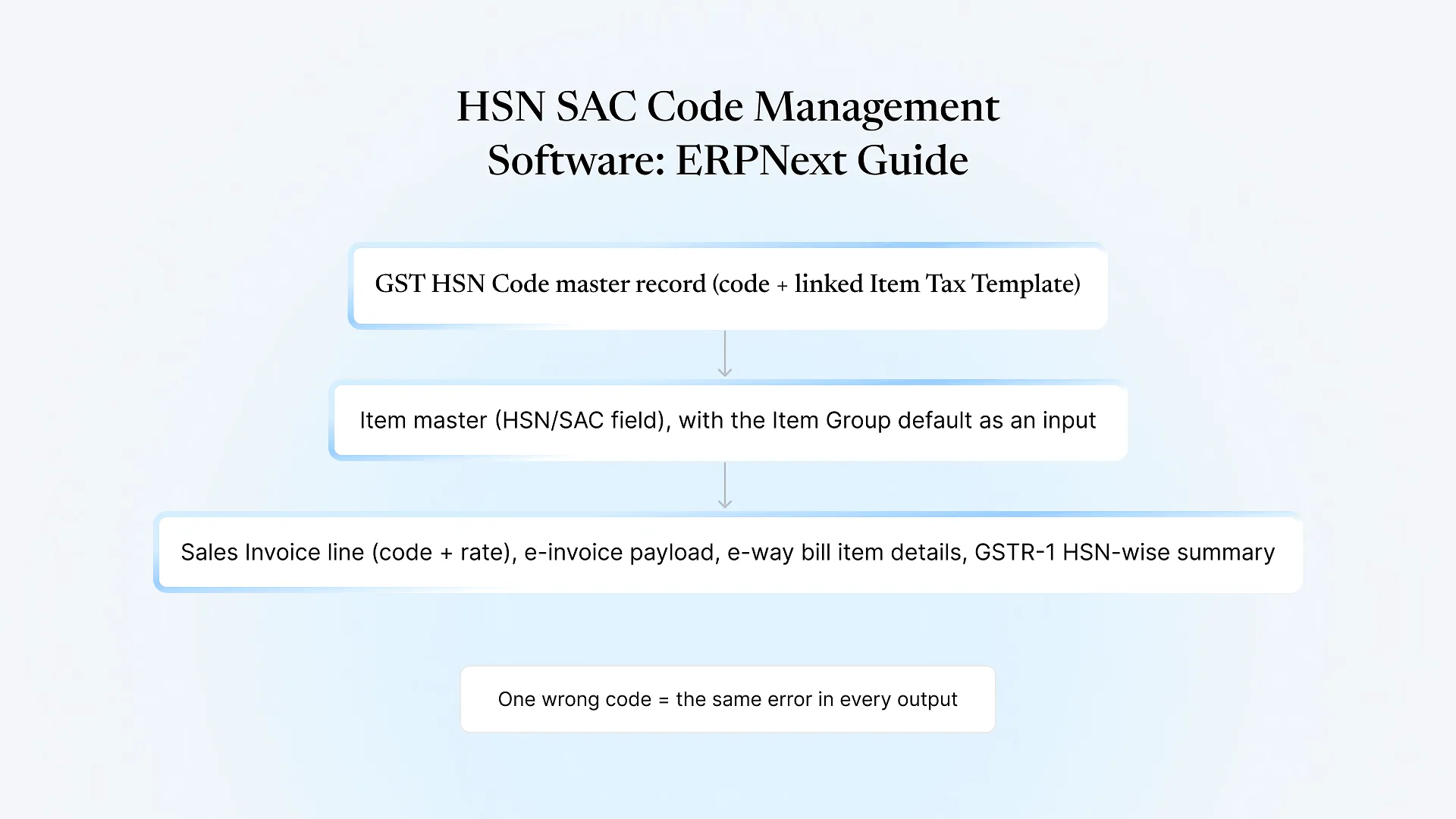
Most issues are not ERPNext limitations. They come from configuration that was never finished: tax templates copied without HSN checks, TDS categories not linked to new suppliers, or naming series that broke GST numbering rules mid-year. The fix is usually a configuration correction plus a targeted data clean-up, not a re-implementation. When the original setup was done well, as part of a tailored ERPNext implementation, year-end becomes a review rather than a rescue.
Frequently Asked Questions
Get Your Books Reviewed Before You Lock Them
If you’re heading into year-end with unresolved GST mismatches, TDS gaps, or a closing process nobody has written down, Aavatto can review your ERPNext setup against this checklist before you post the Period Closing Voucher. Book a free ERPNext consultation and we’ll tell you what needs fixing and what can wait.