ERPNext custom reports are reports built beyond what Report Builder’s drag-and-drop interface can produce — typically because the data you need spans multiple doctypes, requires calculated business logic, or needs to be filtered by user role rather than just by date or department. If your team is exporting to Excel to finish what ERPNext started, that’s usually the signal you’ve outgrown the standard toolset.
That gap — between “what ERPNext ships with” and “what your business actually needs to see” — is where most of the frustration lives, and it’s rarely about ERPNext being weak at reporting. It’s about a mismatch between a generic tool and a specific workflow.
What ERPNext Gives You Out of the Box
Report Builder is the no-code option. It works directly off a single doctype (Sales Invoice, Purchase Order, Stock Ledger, and so on), letting you add columns, group rows, apply filters, and export to Excel or PDF. It's genuinely good for straightforward, single-source questions — "show me all overdue invoices by customer" — and most day-to-day reporting needs never go beyond it.
Query Report steps up to raw SQL. Anyone comfortable writing a SQL query can pull data across multiple tables, join doctypes, and return exactly the rows they want. It's more powerful than Report Builder but has a real cost: query reports are written against the current database schema, and an ERPNext version upgrade that changes a table structure can silently break them. We've inherited more than one client's reporting suite where half the saved Query Reports stopped working after an upgrade, with no error until someone noticed the numbers looked wrong.
Script Report goes further still — a Python script generates the report data, which means you can apply business logic that no SQL query or drag-and-drop filter could express: multi-step calculations, conditional formatting based on custom rules, or data pulled from outside ERPNext entirely.
Dashboards sit on top of all three. ERPNext's dashboard builder lets you assemble charts and number cards from existing reports into a single view — useful for a daily operational snapshot, less useful the moment you need a KPI that doesn't map cleanly to one report.
Where Standard Reporting Hits a Wall
| Situation | Why the built-in tools struggle |
|---|---|
| A report needs to combine data from doctypes that don't share a natural join key | Report Builder can't do it at all; Query Report can, but only if someone maintains the SQL as the schema evolves |
| Different roles need to see different slices of the same dashboard | Native dashboards apply the same view to everyone with access; role-based filtering isn't built in |
| A KPI is calculated, not stored | Things like "days of inventory on hand" or "average time from quote to invoice" require logic across records, not a single stored field |
| Data needs to come from outside ERPNext | E-commerce platform metrics, a third-party logistics API, or a legacy system export won't show up in any native report until something connects them |
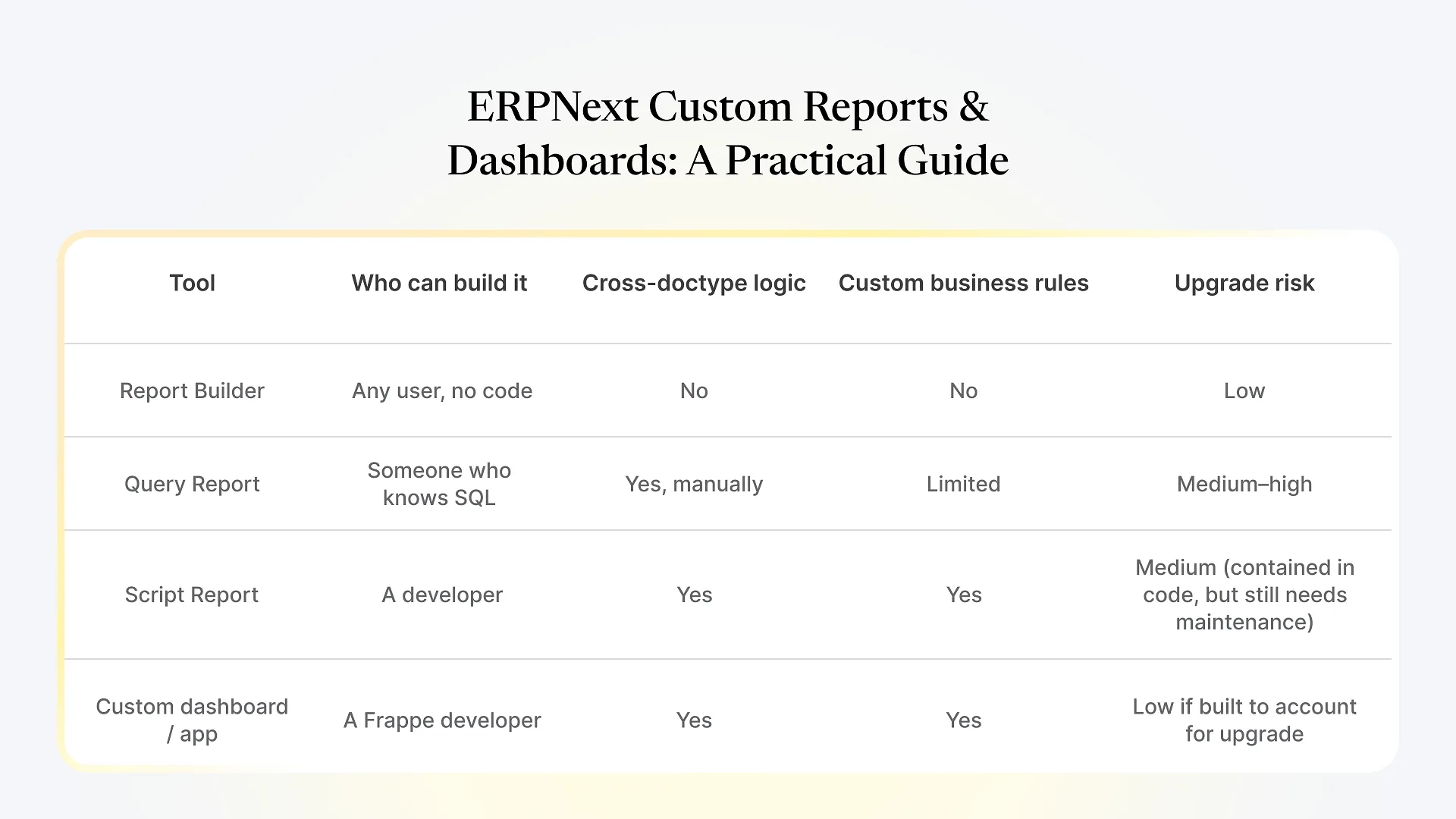
Report Builder vs. Query Report vs. Script Report vs. Custom Dashboard
| Tool | Who can build it | Cross-doctype logic | Custom business rules | Upgrade risk |
|---|---|---|---|---|
| Report Builder | Any user, no code | No | No | Low |
| Query Report | Someone who knows SQL | Yes, manually | Limited | Medium–high |
| Script Report | A developer | Yes | Yes | Medium (contained in code, but still needs maintenance) |
| Custom dashboard / app | A Frappe developer | Yes | Yes | Low if built to account for upgrades |
How to Decide: Configure, or Build Something Custom
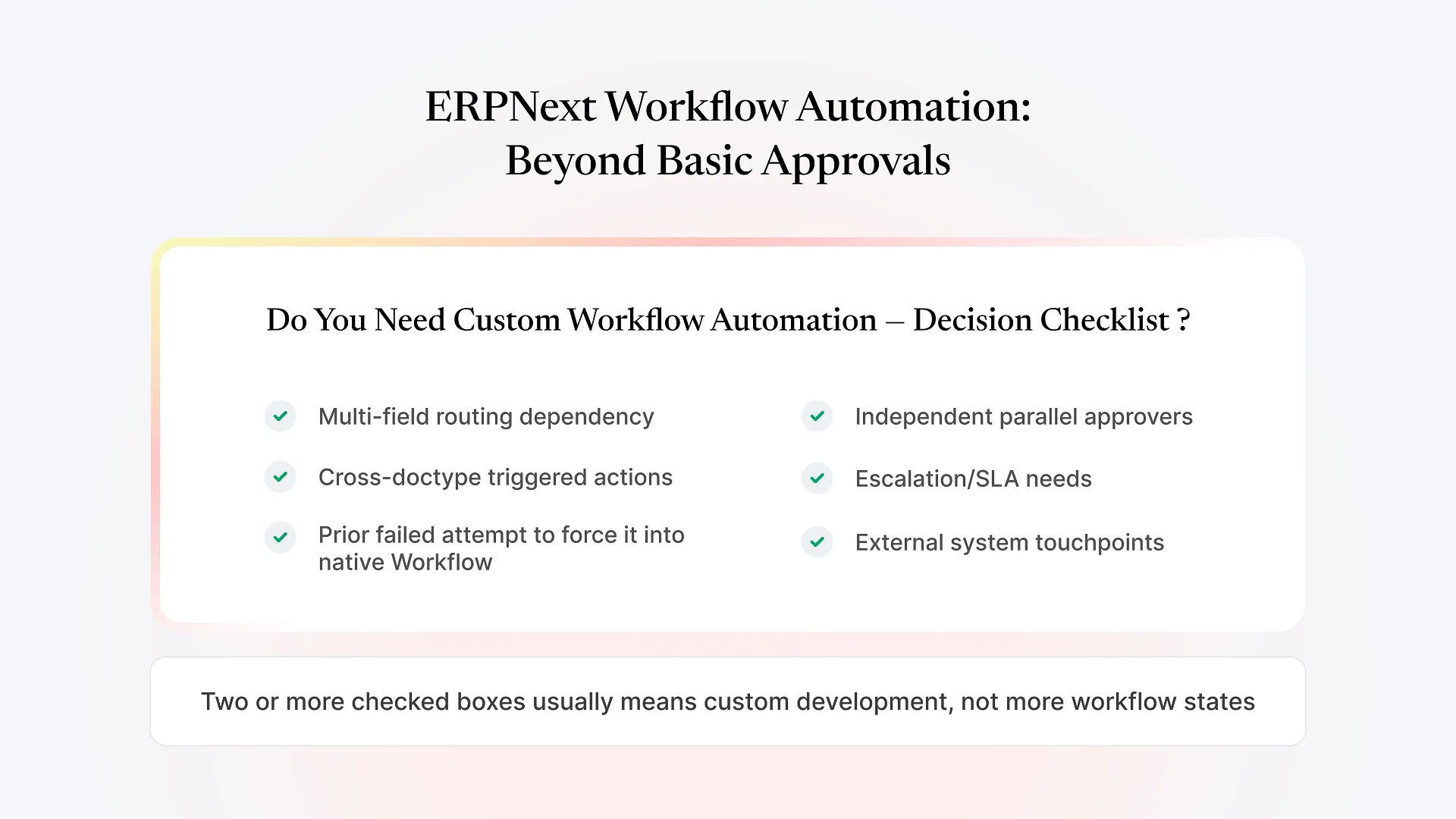
If you land on question 3 or 4, you’re not dealing with a reporting problem anymore — you’re dealing with a workflow that ERPNext’s standard configuration wasn’t designed to express, which is a different kind of project.
If that’s where you’ve landed, it’s worth discussing your custom workflow with someone who builds on Frappe directly, rather than continuing to patch a Query Report that was never meant to carry this much weight.
What a Custom Reporting Build Actually Involves
When a reporting need genuinely requires custom development, the work usually isn’t just “write a better report” — it’s building the data structure underneath it. That might mean a custom doctype to store a calculated value instead of recomputing it every time, a scheduled job that pulls in external data on a regular cycle, or role-based permissions built into the dashboard itself so a plant manager and a finance controller see different views of the same underlying numbers without either seeing data they shouldn’t.
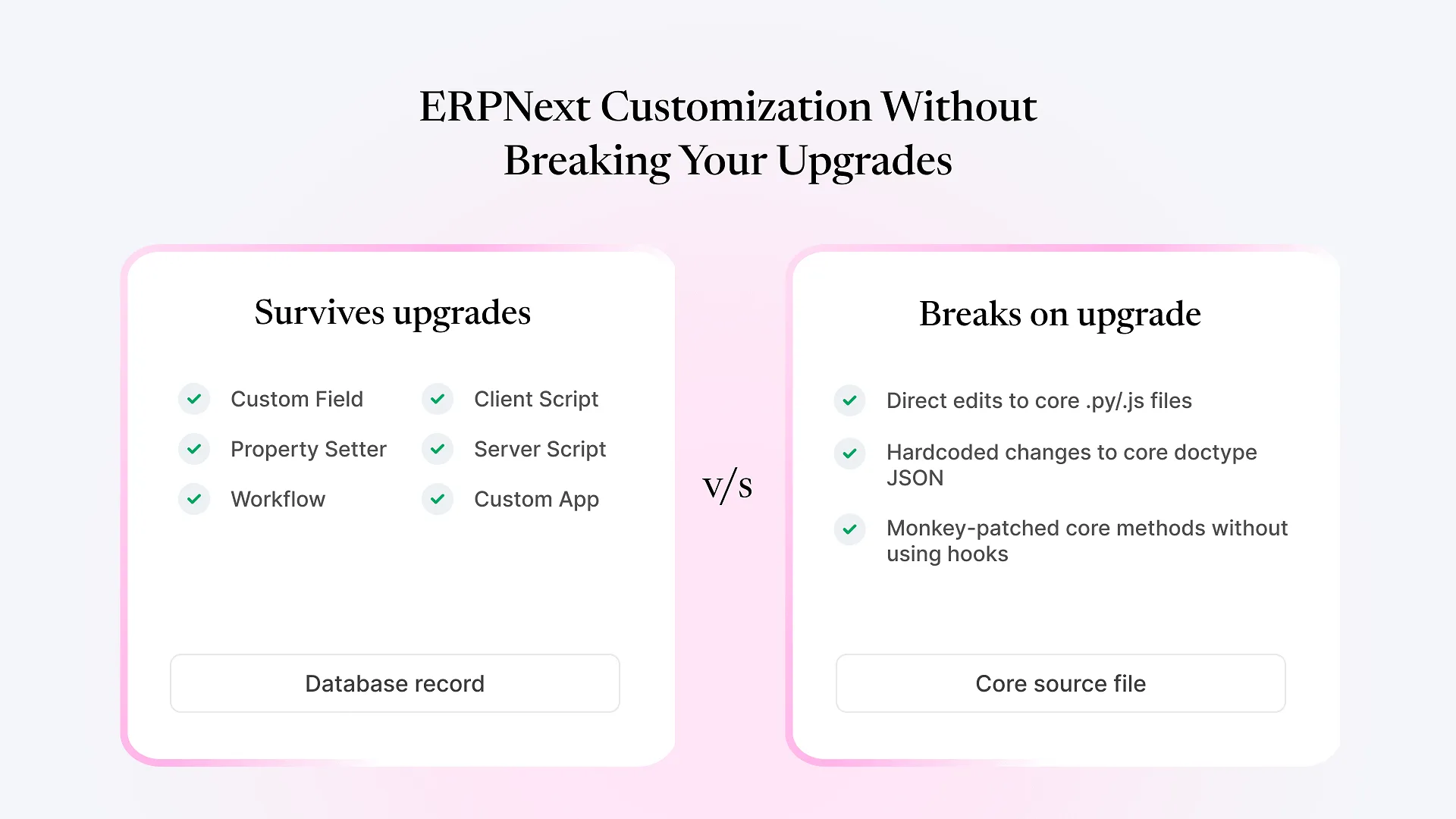
This is closer to custom Frappe app development than report-writing, and it comes with real tradeoffs worth naming honestly: a custom dashboard built well will survive ERPNext upgrades because it’s designed with that in mind, but a custom dashboard built quickly — without accounting for permissions or performance on larger datasets — can become as fragile as the Query Report it replaced. The build quality matters more than the fact that it’s custom.
Frequently Asked Questions
This usually happens with Query Reports written directly against the database schema. If an ERPNext update changes a table or field name that the query relied on, the report can fail silently or return wrong data until someone checks it. Script Reports and properly maintained custom apps are less exposed to this because the logic sits in a layer designed to be updated alongside ERPNext.
Ready to Fix the Reporting Gap?
If your team is still exporting to Excel to answer questions ERPNext should be able to answer on its own, that’s a workflow problem, not a reporting one — and it’s exactly the kind of gap custom Frappe development is built to close. Discuss your custom workflow with Aavatto’s team to see whether the fix is a Script Report, a custom dashboard, or something built underneath both.