A useful ERPNext go live checklist for founders covers team readiness, not just system configuration: role clarity for the first two weeks, real-data training instead of theoretical walkthroughs, a defined support window, and a rollback plan — because most go-live failures come from people, not the software.
If you’ve searched for a go-live checklist before, you’ve probably found long, technical lists built for the implementation team: item codes, warehouse structures, test scripts, permission hardening. Those matter, and your partner should own them. This checklist is different. It’s for you — the founder or operations lead who needs to know your team is actually ready to run the business on ERPNext, not just that the system has been configured correctly.
Why Most Go-Live Checklists Miss the Real Risk
ERP go live preparation usually gets treated as a systems problem: has every module been set up, has data been migrated, has QA signed off. Those checks are necessary, but they’re not where most go-lives actually run into trouble. The system can be perfectly configured and a go-live can still stall because the warehouse team doesn’t know who owns stock adjustments, sales staff revert to their old spreadsheet the moment order volume picks up, or nobody decided who approves exceptions in week one.
A technical checklist won’t catch any of that. It’s not designed to. Someone on your side — usually you, as the founder or the person who owns the ERP decision — has to own the organizational half of go-live readiness separately from the technical half. That’s what this checklist covers.
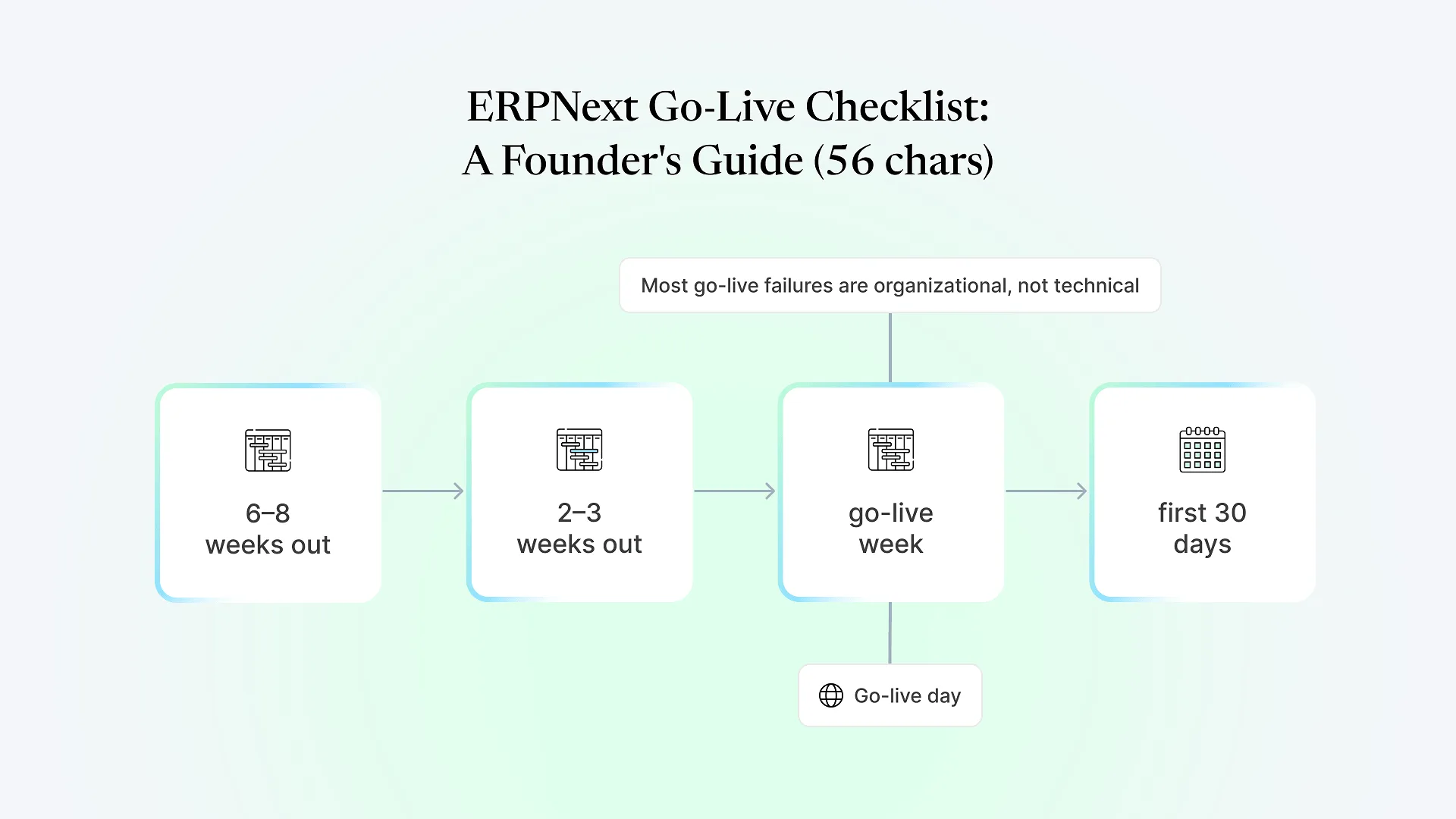
The Founder's ERPNext Go-Live Checklists
Confirm your go-live owner
One person on your team, not your implementation partner, should be the single point of decision-making during cutover week. If that's you, block the calendar now.
Map who does what on day one
For each core process — order entry, dispatch, purchase approval, stock adjustments — name the specific person responsible, not just "the sales team" or "warehouse staff."
Decide your go-live date with operational reality in mind
Avoid month-end closing, peak order season, or any week when key staff are on leave. If your business has a predictable slow period, that's usually the safer window.
Set expectations with your implementation partner on scope
Confirm in writing what's included in go-live support versus what counts as a change request — this is usually where friction shows up later if it isn't clear early.
Run training on real transactions, not demo data
Staff who only see a sample invoice during training will struggle the first time they hit a real one with a discount, a partial shipment, or a return. Use actual recent orders wherever possible.
Identify your resistant users early, not during go-live week
Every team has at least one person who's comfortable with the old process and skeptical of the new one. Give them extra one-on-one time before cutover, not a lecture during it.
Test the exception paths, not just the happy path
What happens when a customer wants a partial refund, a supplier short-ships an order, or a warehouse transfer needs to be reversed? These are the scenarios that expose gaps in training and configuration alike.
Confirm data cutover mechanics
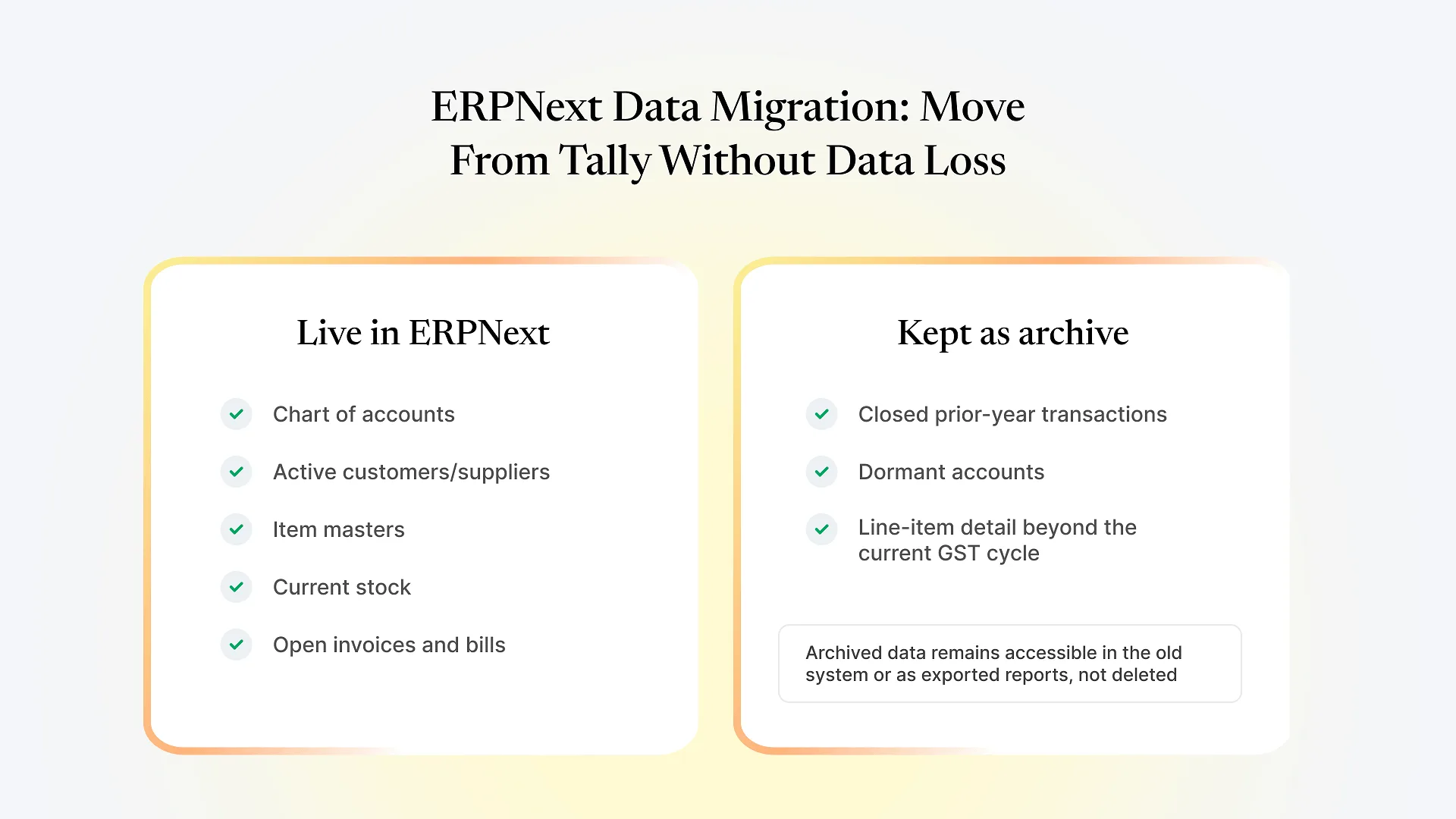
Know exactly what happens to open orders, pending invoices, and in-transit stock at the moment of cutover — and who is responsible for reconciling them.
Getting the technical scoping right is a separate conversation from team readiness, and it’s worth having both before you lock a date — we walk through how the phases fit together in our guide to the ERPNext implementation process.
Staff a visible support channel
A shared chat group or a physical presence on the floor works better than routing every question through a ticket system in week one.
Set a daily check-in for the first five business days
Fifteen minutes at the end of each day to surface what broke, what confused people, and what needs a fast fix — before small issues compound.
Have a documented rollback or fallback plan
even if you don't expect to use it. Knowing there's a plan reduces panic-driven decisions if something goes wrong on day one.
Protect your go-live owner's calendar entirely
This is not the week for that person to be pulled into unrelated meetings.
The first month is where habits form — good or bad. Watch for staff quietly reverting to spreadsheets or side workarounds “just until things settle down.” That’s usually a sign a process wasn’t trained well enough, not that the system is wrong for the job.
Schedule a formal 30-day review with your implementation partner. Cover what’s still causing friction, which reports leadership actually needs versus what was assumed at scoping, and whether any configuration needs adjusting now that real usage patterns are visible. Training time in this phase varies by team size and how many modules are in scope — there’s no fixed number of sessions that works for every business, so plan to add sessions if adoption is uneven rather than assuming one round is enough.
Signs Your Team Isn't Ready (Even If the System Is)
Staff still ask "which system do I use for this" for processes that were supposed to move fully to ERPNext.
Nobody on your team can explain, without checking notes, who approves what in the new process.
Training sessions were treated as optional or were poorly attended.
Your go-live owner is also responsible for five other unrelated priorities that week.
What to Ask Your Implementation Partner Before You Commit to a Go-Live Date
What exactly is included in go-live week support, and for how many days?
Who is our named point of contact during cutover, and what's the response time commitment?
What's the process if we need to roll back a specific transaction type after go-live?
How do you handle a go-live date slipping if the team isn't ready — is that a change order, or built into the plan?
Ready to Put a Real Date on the Calendar?
Once you know where your team’s readiness gaps are, the next useful step is putting them next to an actual project plan rather than a general timeline. Get a fixed-scope quote from Aavatto and we’ll map your go-live date against a scoped implementation plan — including where your team’s readiness checklist and our technical checklist need to line up.