To choose a WMS, start by mapping your actual workflow gaps rather than comparing feature lists, then treat integration architecture with your ERP as the decision that shapes every other requirement, and evaluate cost as total cost of ownership rather than license price alone. The checklist below expands each of these into specific questions to ask any vendor.
Most “how to choose a WMS” guides read like a features brochure: real-time inventory, barcode scanning, reporting dashboards, mobile support. Those are real requirements, but nearly every vendor you’ll demo claims to have them. What actually separates a WMS that fits your operation from one you’ll be migrating away from in two years is further down the list, in the item most checklists treat as an afterthought.
This guide walks through a practical, 9-point checklist for evaluating a warehouse management system, in the order that actually matters for a growing manufacturing, FMCG, retail, or trading business — not the order a sales deck presents them in.
Why Most WMS Checklists Miss the Real Decision
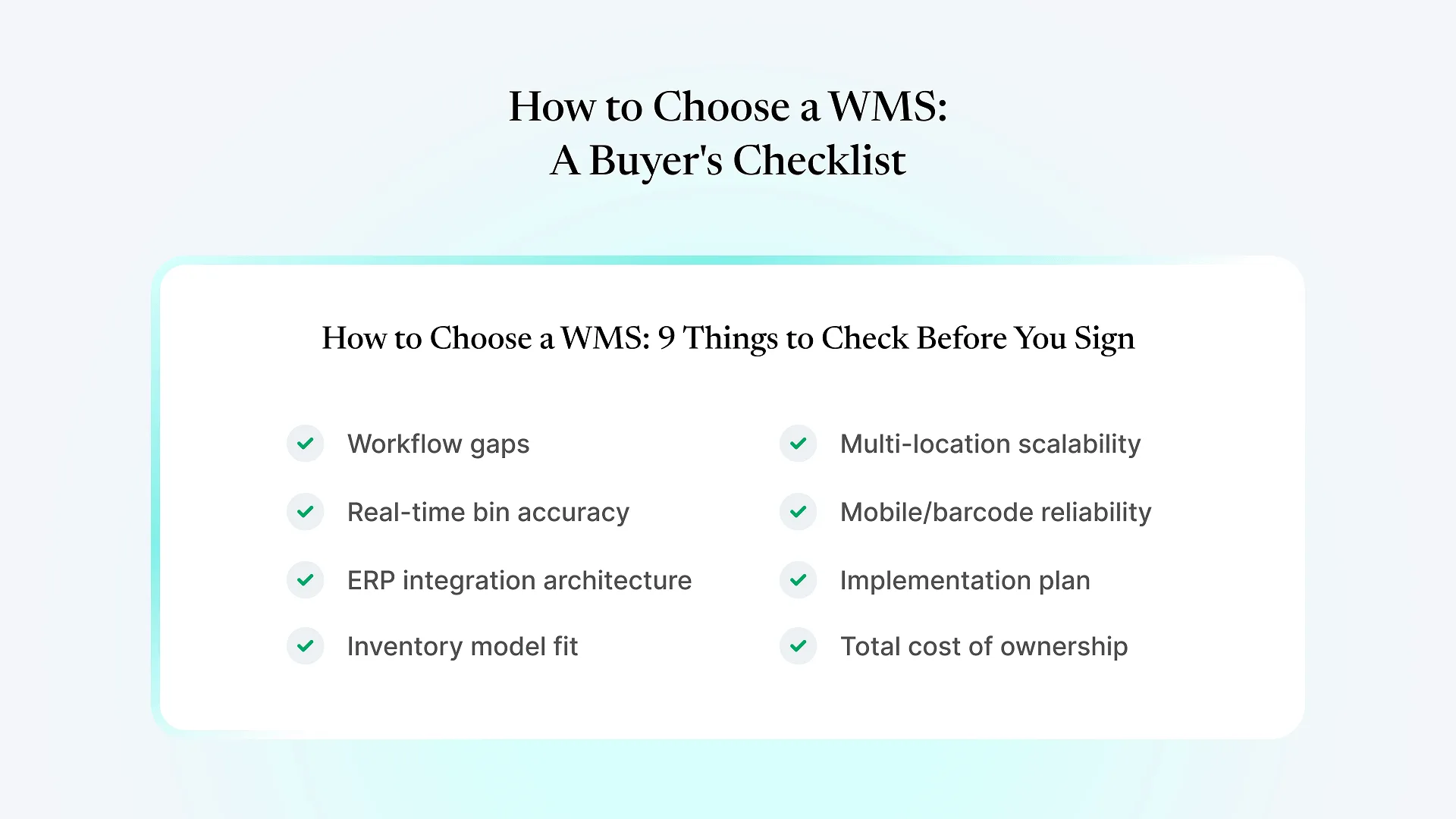
How to Choose a WMS: The 9-Point Checklist
Before comparing vendors, write down what specifically breaks today: are pickers working from stale data, do you know what's in a bin or only what's "somewhere in the warehouse," do returns and job-work stock get tracked at all? A feature list you haven't tested against your own failure points makes every vendor look equally suitable, which is exactly how the wrong one gets picked.
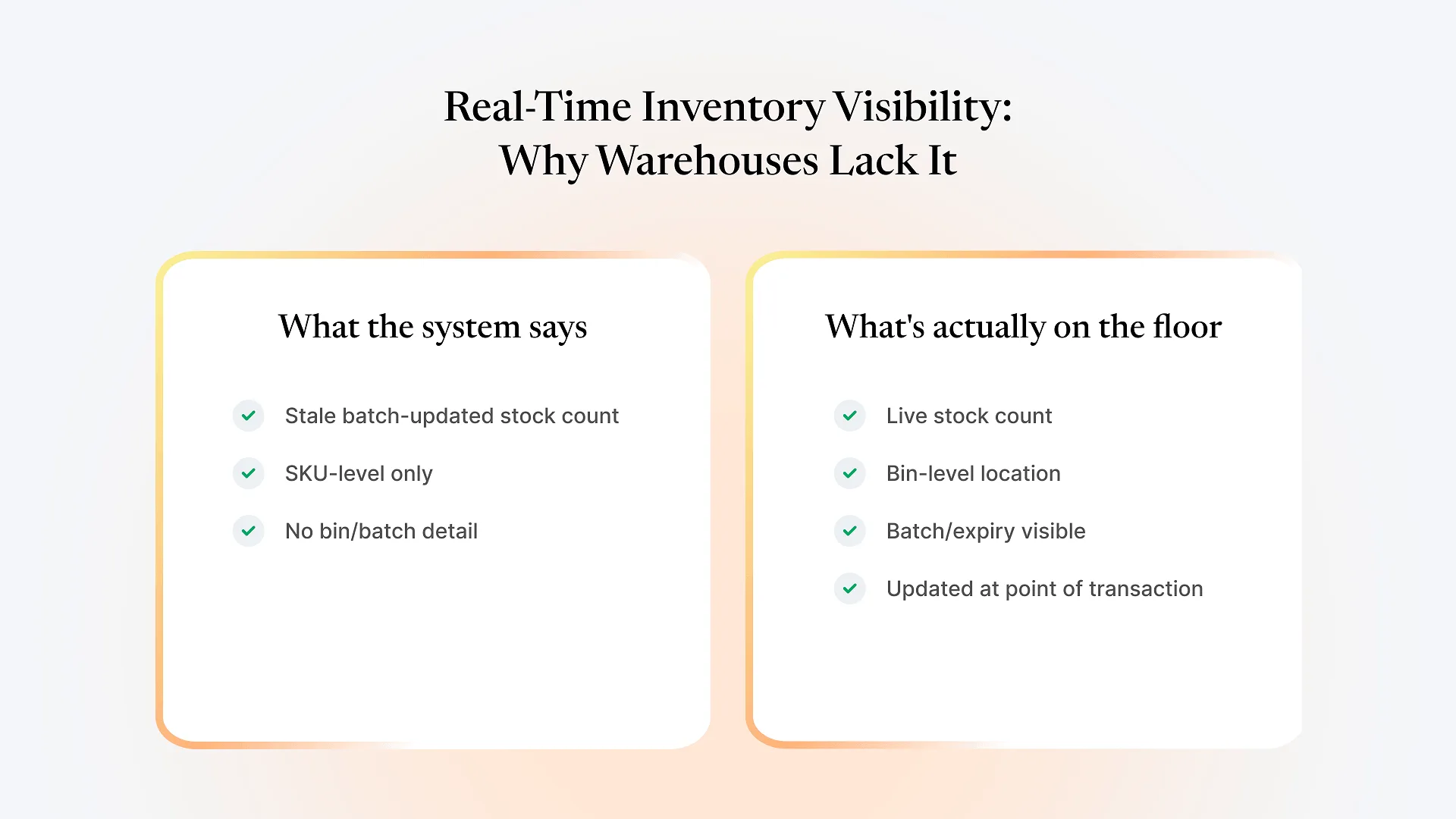
Confirm the system updates stock the moment a transaction happens, not on an overnight batch job, and that it tracks location down to the bin — not just total quantity per SKU. If a demo only shows SKU-level totals, ask directly how they handle bin-level tracking, because that's often where the real gap is.
This is the item worth spending the most time on. Ask the vendor how stock data moves between the WMS and your ERP: a real-time API sync, a scheduled batch sync, or a module running inside your existing ERP on the same stock table? A bolt-on integration usually means two ledgers reconciling on a schedule rather than one ledger both systems read from — workable, but every sync interval is a window where the two can briefly disagree, and every integration failure becomes a stock discrepancy someone has to chase down manually. A WMS built on the same underlying framework as your ERP, connecting to its data layer directly rather than through a scheduled sync, substantially reduces that reconciliation step, because a pick, pack, or stock adjustment in the warehouse reaches your finance and production teams' records with far less lag and far fewer places for the two to disagree.
If you want a second opinion on how a specific integration approach would behave against your own workflow, we're happy to walk through it before you commit to a vendor.
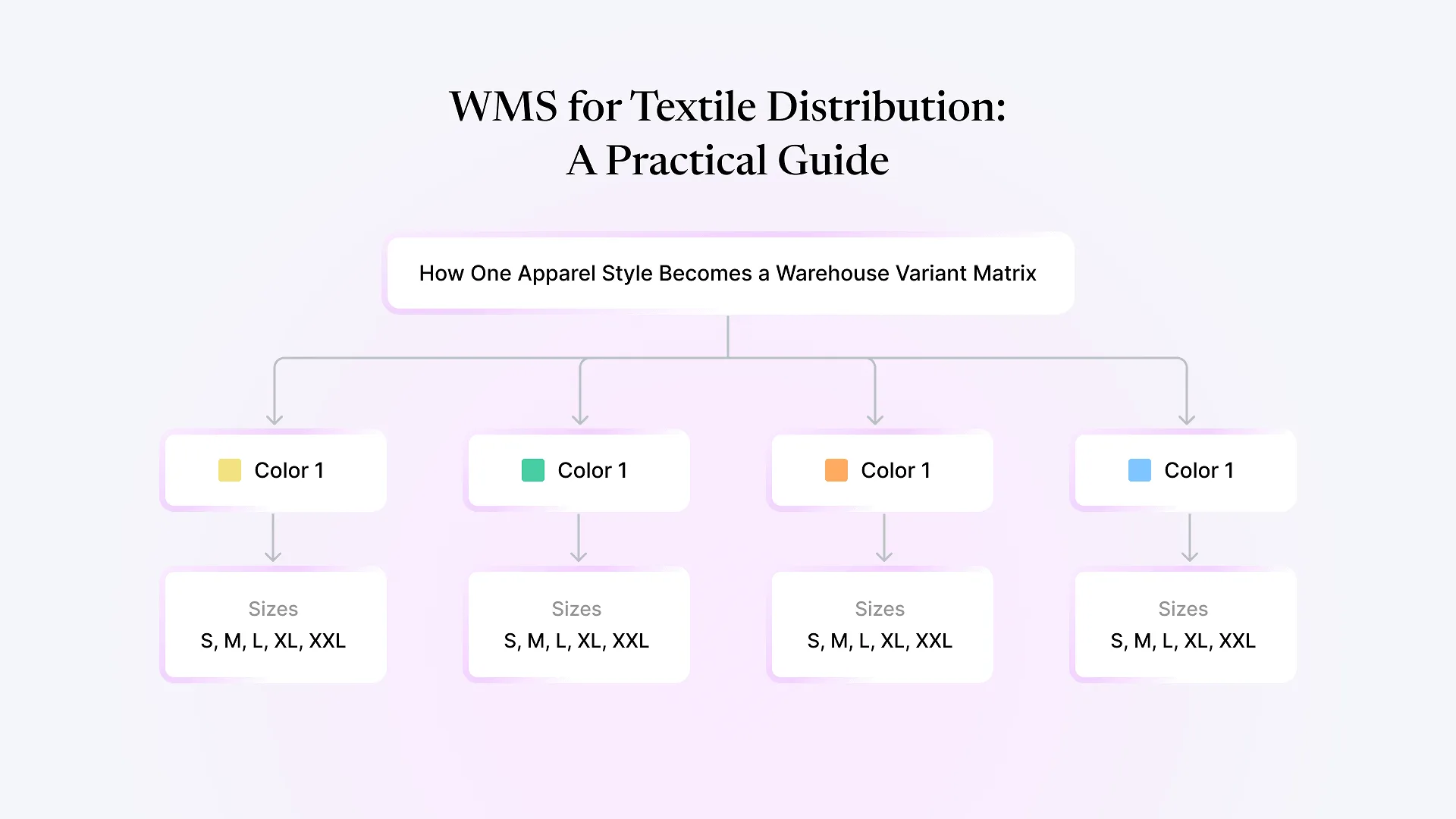
If you handle batches, lot numbers, expiry dates, or variant attributes like size and color, confirm the WMS supports them as first-class fields, not free-text notes bolted on after the fact. A textile business tracking style-color-size combinations and an FMCG business tracking batch and expiry have different requirements, and a generic WMS built for neither shows the gap the first time you need to trace a recall or a rejected batch.
Even if you run a single warehouse today, ask how the system handles a second location, inter-warehouse transfers, and consolidated reporting. Retrofitting multi-location support onto a system built for one warehouse is a common source of mid-contract migration pain.
Confirm scanning works on the hardware you already own, not just the vendor's demo tablet. Ask what happens when connectivity drops on the warehouse floor — some systems queue and sync scans once connection returns, others simply fail the transaction.
Ask what data migration involves, who does the configuration, and how long training realistically takes for your team size. Vendors who quote one fixed timeline regardless of your current data quality are usually underestimating the migration step, not the software rollout.
Add up implementation fees, per-user or per-warehouse licensing, integration development if it's not native, ongoing support, and the cost of any workaround for gaps the system doesn't cover out of the box. A cheaper license with an expensive integration project can cost more in year one than a higher sticker price with integration included.
Ask for a reference customer similar to yours in size and industry, and ask them directly what broke during rollout. A vendor confident in their product will connect you; one that can't is telling you something.
Standalone WMS vs. ERP-Native WMS: Which Fits Your Business
| Standalone WMS + integration | WMS native to your ERP | |
|---|---|---|
| Stock data | Two ledgers, synced on a schedule or via API | One ledger, shared in real time |
| Setup | WMS setup plus a separate integration project | Extends your existing ERP setup |
| Ongoing risk | Integration failures cause silent stock mismatches | No sync layer to fail |
| Best fit | Multi-carrier 3PLs, businesses without an ERP, or those needing a WMS specialist's deep feature set | Businesses already running (or planning to run) their ERP as the system of record for stock, finance, and production |
| Vendor accountability | Two vendors, each can point at the other when something breaks | One vendor, one system to debug |
Neither option is universally correct. A large 3PL running multiple client accounts across different carriers may genuinely need a dedicated, standalone WMS built for that complexity, independent of any one client’s ERP. But if you’re already running — or evaluating — ERPNext as your system of record, adding a standalone WMS on top usually means solving an integration problem you didn’t need to create. If you’re weighing the same question from the other direction, it’s worth seeing what a WMS built directly on your ERP’s stock ledger looks like before assuming a separate system is required.
Red Flags to Watch for During Vendor Demos
A few signals predict a rocky implementation regardless of how polished the demo looks: the vendor can’t clearly explain how their ERP integration handles a stock discrepancy, they quote a timeline without asking about your current data quality, they can’t produce a reference customer your size, or they treat your inventory model (batches, variants, job-work stock) as something to “figure out during implementation” rather than a solved problem.
None of these disqualify a vendor outright, but each is worth pushing on before you sign.
Frequently Asked Questions
Start with item 1 above: write down what specifically breaks today, rather than jumping straight to shortlisting software. Most spreadsheet-based operations are missing real-time bin-level visibility first — fixing that alone resolves a large share of picking and stock-accuracy problems before a contract is even signed.
That's the working framework for how to choose a WMS: start from your actual workflow gaps, treat ERP integration architecture as the decision that shapes everything else, and price it as total cost of ownership rather than a license number. See how a native, ERPNext-connected WMS works to check it against this checklist directly, including how it handles bin-level tracking and integration with your ERPNext stock data.