WMS vs ERP inventory isn’t really a product comparison — it’s a question about how much physical complexity your warehouse has, versus how much your current system can track accurately. An ERP inventory module tells you what you have and what it’s worth. A WMS directs how that stock physically moves: which bin, which picker, in what sequence. You need a dedicated WMS once your operation has outgrown the accuracy an ERP module alone can maintain.
If you’re asking “do I need a WMS,” you’ve probably already noticed a gap between what your system says is in stock and what’s actually on the shelf. That gap is the signal worth diagnosing, not the SKU count or warehouse square footage that most comparison articles lead with.
WMS vs. ERP Inventory: What's Actually Different
Both systems track stock. The difference is in what happens between “stock exists” and “stock is where the system thinks it is.”
An ERP inventory module records quantities, valuations, and movements at the transaction level — a goods receipt, a delivery note, a stock transfer. It’s built for financial accuracy and cross-functional visibility: purchasing, production, and accounting all read from the same ledger. What it typically doesn’t do is direct the physical work of a warehouse floor.
A WMS operates at the execution layer. It tells a picker exactly which bin to go to, in what order, using what path, and confirms the pick before the transaction posts. It manages putaway logic (where new stock should go, not just that it arrived), wave and batch picking, and often barcode or RF scanning tied to real-time location updates rather than end-of-shift reconciliation.
| ERP Inventory Module | Dedicated WMS | |
|---|---|---|
| Tracks quantity and valuation | Yes | Yes (usually synced to ERP) |
| Tracks bin/location-level position | Rarely, or manually maintained | Yes, natively |
| Directs picking sequence and path | No | Yes |
| Guided/directed putaway | No | Yes |
| Real-time scan-based updates | Depends on setup | Yes |
| Built for financial/cross-functional reporting | Yes | Usually not on its own |
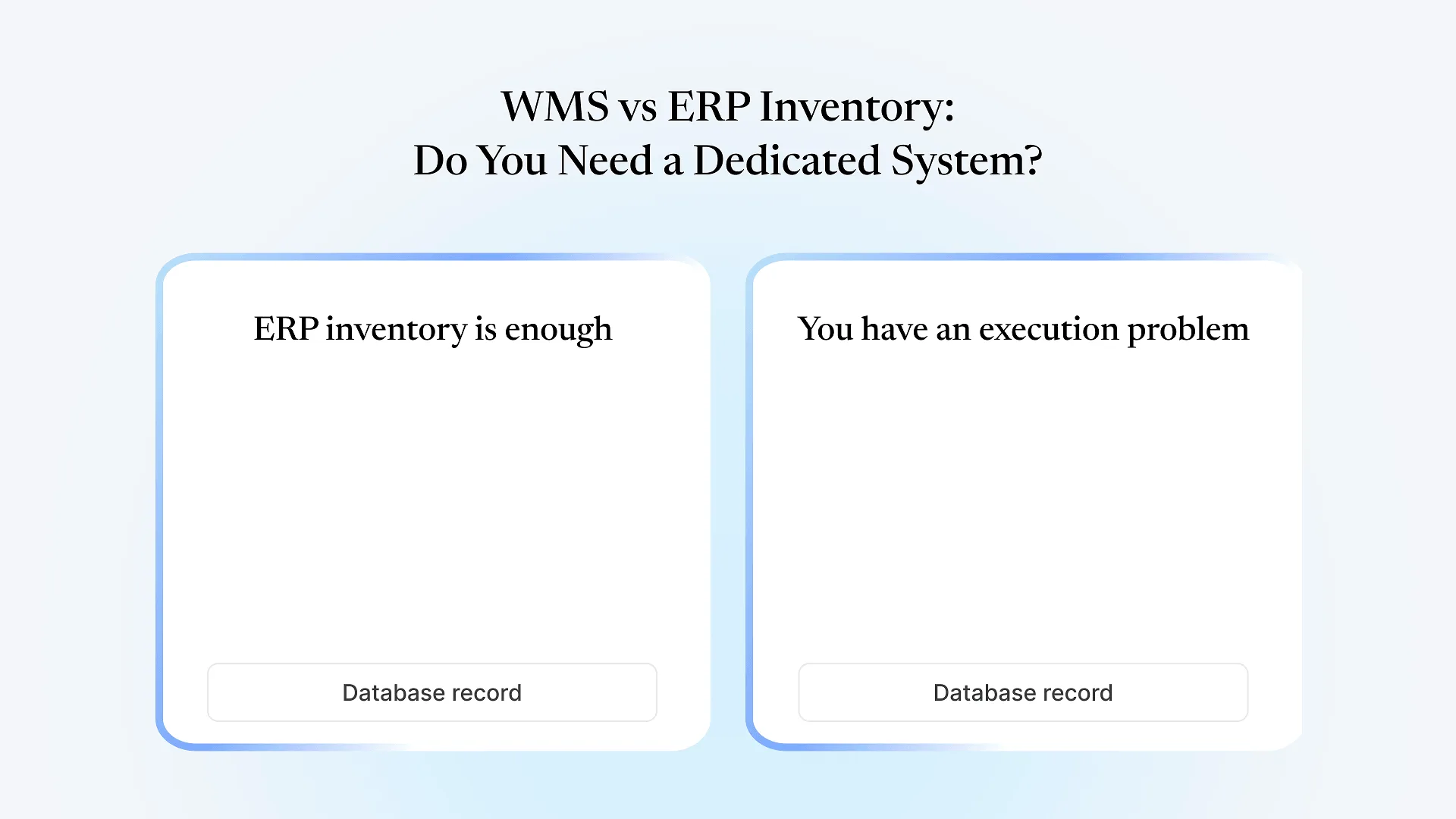
Signs Your ERP Inventory Module Is Actually Enough
You run a single warehouse, or a small number of locations, where staff already know where things are kept without needing system-directed routing.
Stock counts reconcile within an acceptable tolerance during periodic cycle counts — the gap is small and explainable, not a recurring surprise.
Picking is manual and works, because order volume and SKU count haven't reached the point where sequencing and path optimization would meaningfully change throughput.
You don't have regulatory or customer-driven lot, batch, or expiry traceability requirements that demand system-enforced FEFO/FIFO picking.
Your current inaccuracy problems trace back to people skipping steps in the ERP (not confirming a stock transfer, not closing a goods receipt) rather than the ERP being structurally unable to track the movement.
Signs You Have a Genuine Warehouse Execution Problem
Mis-picks and mis-ships that increase as order volume grows, even when staff are following the process correctly — the system simply isn't directing them precisely enough.
Multiple pickers working the same zone without visibility into what's already been claimed, leading to collisions, double-handling, or blocked aisles.
Stock that's accurate in the system in aggregate but wrong at the bin level — you know you have the item, but finding it costs real time.
Operations spanning multiple warehouses or a 3PL relationship, where you need a consistent, real-time view of location-level stock across sites rather than periodic syncs.
Time-sensitive or lot-controlled goods where picking the wrong batch has a real cost — a recall, a compliance issue, a customer rejection — and manual FEFO enforcement isn't reliable enough.
Seasonal or growth-driven volume spikes where manual picking and paper-based putaway start visibly breaking down, not just feeling slower.
If your team already tracks stock in ERPNext for finance, purchasing, and production, this diagnosis is worth working through before assuming the fix means adding a separate system — see how bin-level, directed picking can connect tightly to ERPNext as one way this gap gets closed without a fully disconnected second system.
Why This Isn't Always an Either/Or Decision
Most comparison content on this topic ends with some version of “you probably need both, integrated.” That’s often true, but it understates the actual cost of that integration when the WMS and ERP are separate products from separate vendors: stock movements happen in the WMS, then sync to the ERP on a schedule or via middleware, and the two systems can disagree in the window between a physical pick and the next sync. That lag is exactly the kind of reconciliation gap this article started with.
A WMS layer built to connect tightly with your ERP’s own stock ledger — syncing automatically rather than through a scheduled batch job or a loosely built integration — closes most of that gap without requiring a full platform switch. It doesn’t eliminate the fact that you’re running two systems, but it meaningfully reduces how often, and how badly, they can disagree. That doesn’t change whether you need directed picking and bin tracking in the first place; it changes what adding them costs you operationally once you decide you do.
A Simple Way to Diagnose Which Side You're On
Frequently Asked Questions
If the signals above sound like your warehouse rather than a configuration gap, see how bin-level tracking and directed picking work when they’re tightly connected to ERPNext instead of a separate system you have to keep in sync manually.