If you’re this far into evaluating ERPNext, you’ve likely already read the pitch decks. What you actually need now is the mechanics: what happens in what order, what your team is expected to do at each stage, and where projects tend to go sideways if nobody’s watching.
The ERPNext implementation process moves through eight phases: requirements discovery, scoping, environment setup, customization, data migration, testing, training, and go-live, followed by a hypercare period. There’s no fixed duration that applies across projects — it depends on how many modules you’re deploying and how far your workflows differ from ERPNext’s defaults.
Here’s what each phase actually involves, what it needs from your side, and where the risk tends to concentrate.
A Quick Reference: The ERPNext Implementation Steps at a Glance
Map current processes, identify gaps against ERPNext defaults
who’s involved : Your process owners + implementation team
Define modules, customizations, and a fixed-scope proposal
who’s involved: You + implementation team’s solution lead
Provision the instance, configure core settings and roles
who’s involved: Implementation team
Build custom workflows, print formats, integrations
who’s involved: Implementation team’s developers
Move and validate master data and opening balances
who’s involved: Your data owners + implementation team
Your team tests real workflows before go-live
who’s involved: Your end users + implementation team
Role-based training on the configured system
who’s involved: Your end users
Cutover, stabilization, and early-adoption support
who’s involved: Everyone
Phase 1: Requirements Discovery and Process Mapping
This phase starts with documenting how your business actually operates today — not how you’d like it to operate, but the real sequence of steps your team follows for sales orders, purchasing, inventory movement, or payroll. A good implementation partner spends real time here rather than skipping straight to a demo, because every gap between your current process and ERPNext’s default workflows becomes a scoping decision later: adapt your process to fit the standard module, or customize the module to fit your process.
Your job in this phase is to make the right people available — the ones who actually run the process day to day, not just the manager who signs off on it. A requirements document built without input from an accountant, a warehouse lead, or a shop-floor supervisor tends to miss the exceptions that matter most.
Phase 2: Scoping and the Fixed-Scope Proposal
Discovery findings get translated into a scope: which ERPNext modules you need, what customizations are required, what integrations (payment gateways, e-commerce platforms, existing tools) are in play, and a proposal that defines what’s included versus billed separately. This is also where cost gets concrete — what drives an ERPNext implementation’s cost in India is largely decided right here, in how much customization and data complexity the scope calls for.
A fixed-scope proposal matters because it’s the document you’ll hold the project against later. Vague scoping (“we’ll configure ERPNext for your business”) tends to produce vague accountability when the project runs long.
If you’re at this stage and want to see what a fixed-scope proposal looks like against your own requirements, get a fixed-scope quote — it’s a useful way to pressure-test whether a vendor’s scoping is specific enough to hold them to.
Phase 3: Environment Setup and Base Configuration
With scope agreed, the implementation team provisions your ERPNext environment and configures the foundational settings: chart of accounts, company structure, user roles and permissions, number series, and the base settings each module needs before anything else can be built on top. This phase is largely invisible to you as the buyer — there’s not much to review yet — but it’s the scaffolding everything else depends on, so mistakes here (permission structures that don’t match how your team is actually organized, for example) surface repeatedly later if not caught now.
Phase 4: Customization and Integration Development
This is where custom Frappe development happens: workflows that don’t exist in standard ERPNext, custom print formats and reports, approval chains specific to your business, and integrations with tools you already use. Not every implementation needs heavy customization — a business whose processes already resemble ERPNext’s defaults might need very little here — but manufacturing, multi-location, or industry-specific operations usually do.
The honest tradeoff worth naming: more customization means a system that fits your business more precisely, but it also means more to test, more to maintain, and a longer path to go-live. A partner who pushes customization for everything, regardless of whether standard ERPNext already handles it well, isn’t necessarily doing you a favor.
Phase 5: Data Migration
Data migration means moving your master data — customers, suppliers, items, price lists — and opening balances into the new system, then validating that they’re accurate. It’s consistently the phase most underestimated by buyers, because it looks like a technical copy-paste job and is actually a data-quality audit of records that have often accumulated errors, duplicates, and inconsistencies for years in the old system.
Common issues that surface during migration include duplicate customer or item records under slightly different names, incomplete historical data that can’t be cleanly mapped, and opening balances that don’t reconcile until someone manually traces the discrepancy. None of this is unusual — but it does mean data migration needs its own dedicated time and your team’s involvement, not just the vendor’s.
Phase 6: Testing and User Acceptance
Before go-live, your actual end users test the configured system against real workflows — not a generic demo script, but the specific sales order, purchase cycle, or production process your business runs. This is user acceptance testing (UAT), and its purpose is to surface gaps between what was scoped and what was built while there’s still time to fix them cheaply.
Skipping or rushing UAT is one of the more common reasons implementations run into trouble after go-live rather than before it — problems that would have taken an hour to fix in testing take days to fix in production, with your team already relying on the new system.
Phase 7: Training
Training has to be role-based rather than generic — the accountant needs a different walkthrough than the warehouse team, and neither needs a tour of modules they’ll never touch. Documentation and recorded walkthroughs matter here too, since new hires six months after go-live won’t have access to the original training sessions.
The teams that adopt ERPNext smoothly are usually the ones where training happened close to go-live, not weeks earlier when it’s easy to forget, and where there was a clear person to ask questions of in the first few weeks of actual use.
Phase 8: Go-Live and Hypercare
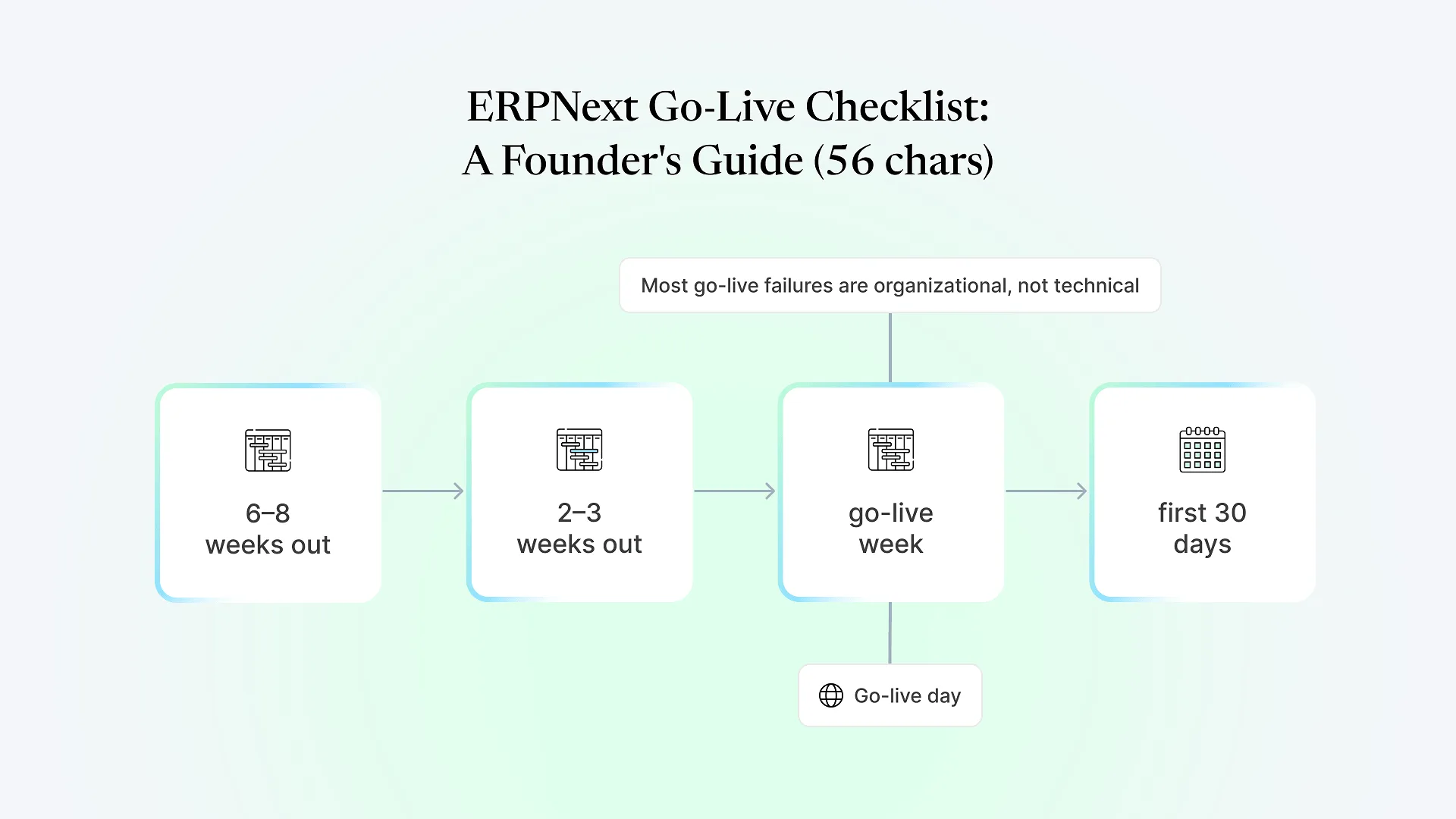
Go-live is the cutover itself — switching from the old system (or spreadsheets) to ERPNext as the system of record. Some businesses run a parallel period, keeping the old system running alongside the new one briefly to catch discrepancies; others cut over directly, depending on the complexity and risk tolerance involved.
Hypercare is the stabilization window immediately after go-live, when the implementation team stays closely engaged to fix issues fast, answer questions, and adjust configuration based on how the system behaves under real use rather than test conditions. Treating go-live as the finish line rather than the start of adoption is one of the more avoidable mistakes in ERPNext projects — the system needs real use to reveal what training and testing didn’t catch.
Where the ERPNext Implementation Process Breaks Down
Most of what’s written about the ERPNext implementation process describes the phases as if they always proceed cleanly. In practice, a handful of patterns account for most of the projects that stall or need to be rescued: data migration treated as a formality instead of a dedicated workstream, standard workflows forced onto a business that genuinely needed customization (or the reverse — customization added where standard ERPNext would have worked fine), and go-live treated as the end of the project rather than the start of real adoption.
Aavatto has picked up stalled and failed ERPNext implementations from other vendors, and the pattern is consistent enough to be worth naming plainly: the projects that fail rarely fail because ERPNext couldn’t do what was needed. They fail because a phase got compressed or skipped under timeline pressure — usually data migration or testing — and nobody caught it until go-live.
What Actually Determines Your Timeline
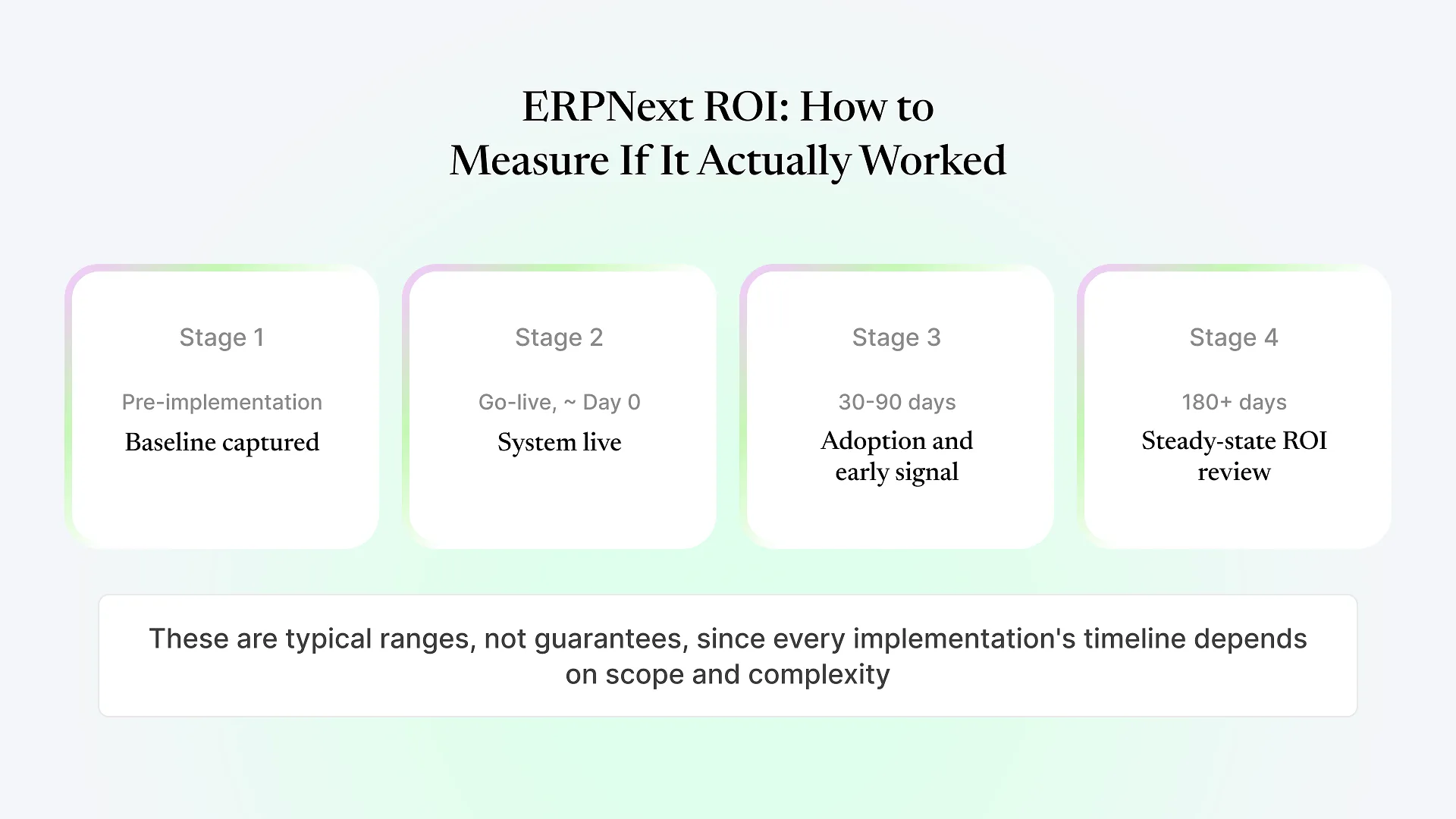
There’s no single timeline that applies across ERPNext implementations, and any vendor quoting one number without knowing your scope is guessing. What genuinely drives duration: how many modules are in scope, how much customization your workflows require beyond ERPNext’s defaults, how clean and centralized your existing data is, and how many integrations need to be built and tested.
A separate detailed breakdown of what drives ERPNext implementation timelines specifically is worth reading if duration is your main open question at this point — it’s a common enough follow-up that we cover it on its own.
Frequently Asked Questions
It depends on scope, data complexity, and how much customization is required — there's no fixed number that applies across businesses. A configuration close to ERPNext's defaults with clean, centralized data moves faster than one involving heavy customization, multiple integrations, or data scattered across several legacy systems.
Implementation is the full process of configuring, deploying, and rolling out ERPNext for your business — it includes discovery, setup, data migration, training, and go-live. Customization is one part of that process: building workflows, reports, or features that don't exist in standard ERPNext. Not every implementation requires significant customization.
Your team provides process knowledge during discovery, makes scoping decisions, supplies and validates data during migration, tests real workflows during UAT, and participates in training. The implementation partner handles configuration, development, technical setup, and data migration execution. Implementations that treat this as entirely the vendor's job tend to hit more surprises at UAT and go-live.
Yes — phased go-live (by module, by location, or by business unit) is common, particularly for multi-location or multi-module implementations, and it reduces the risk of a single cutover disrupting the whole business at once. It does extend the overall project timeline compared to a single cutover, since each phase needs its own testing and stabilization.
It happens often enough to be normal rather than a sign something went wrong — a compliance requirement or workflow detail that wasn't obvious during discovery. What matters is whether the implementation partner has a defined change-request process to evaluate and scope the addition, rather than absorbing it informally in a way that quietly extends the timeline without anyone tracking it.
Every phase above is manageable on its own. Where implementations actually run into trouble is the handoffs between phases — scope that wasn’t specific enough, data migration that didn’t get its own dedicated time, testing that got compressed to protect a go-live date. If you want to see exactly how these phases would sequence for your business, with a proposal specific enough to hold us to, get a fixed-scope quote.