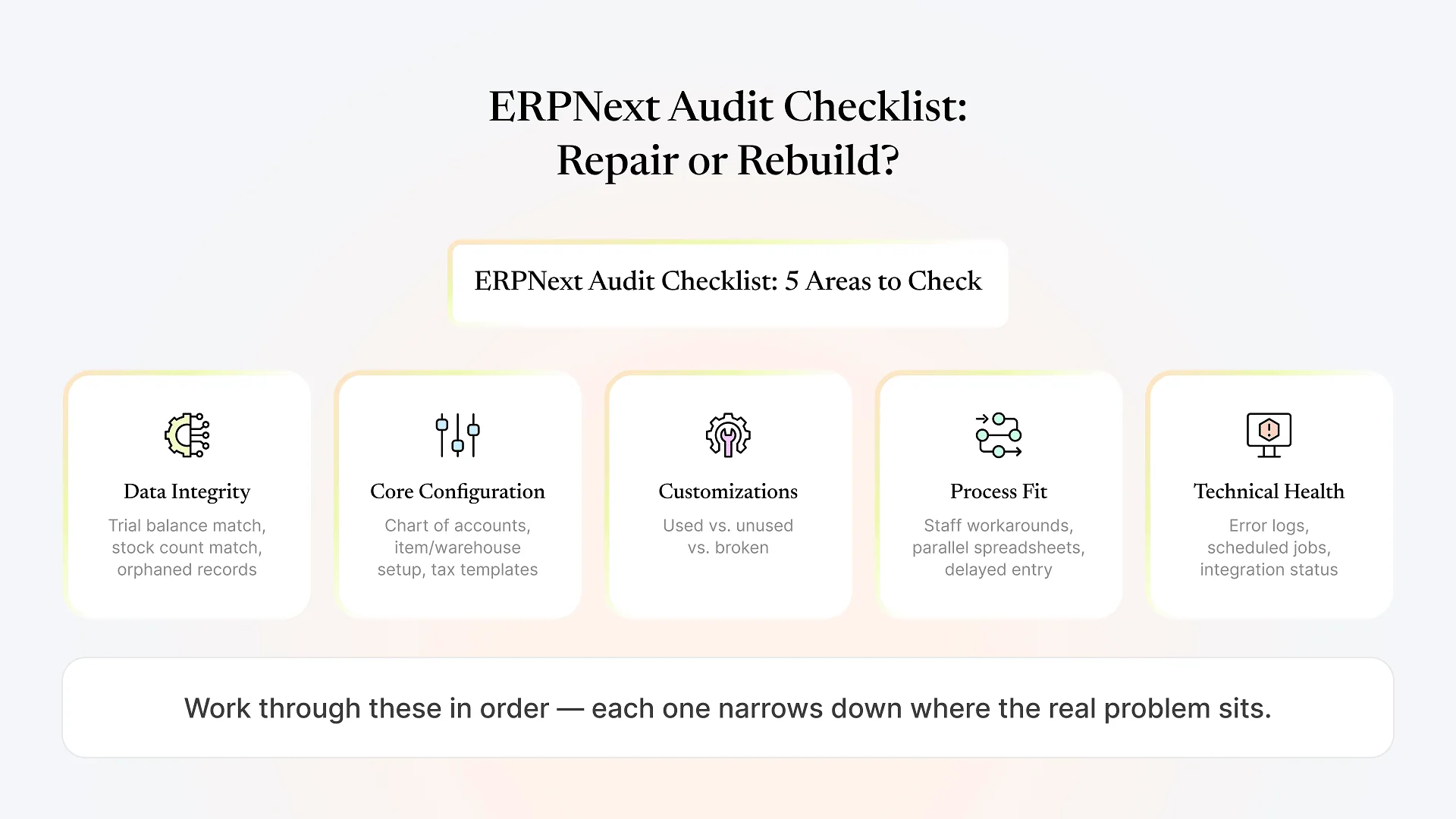
An ERPNext audit checklist for an existing setup should cover five areas: data integrity (do stock and ledger numbers match reality), core configuration (does the chart of accounts, item, and warehouse setup reflect how the business runs), customizations (which are load-bearing versus dead weight), process fit (are staff working around the system), and technical health (unresolved errors, broken integrations, failed scheduled jobs).
If you’re reading this, something about your ERPNext system isn’t working the way it should, and you’re trying to figure out whether that means a targeted fix, a partial rebuild, or starting over completely. Each option carries a very different cost and timeline, which is why it’s worth answering with an audit rather than a gut call.
Most ERPNext checklists online cover the opposite situation: setting up a new instance from scratch, with 30 or 47 steps before go-live. Useful once, but not when the system already exists and something in it is broken or half-finished. This is the checklist for that situation — auditing what you already have.
Audit or Health Check — Which Do You Need?
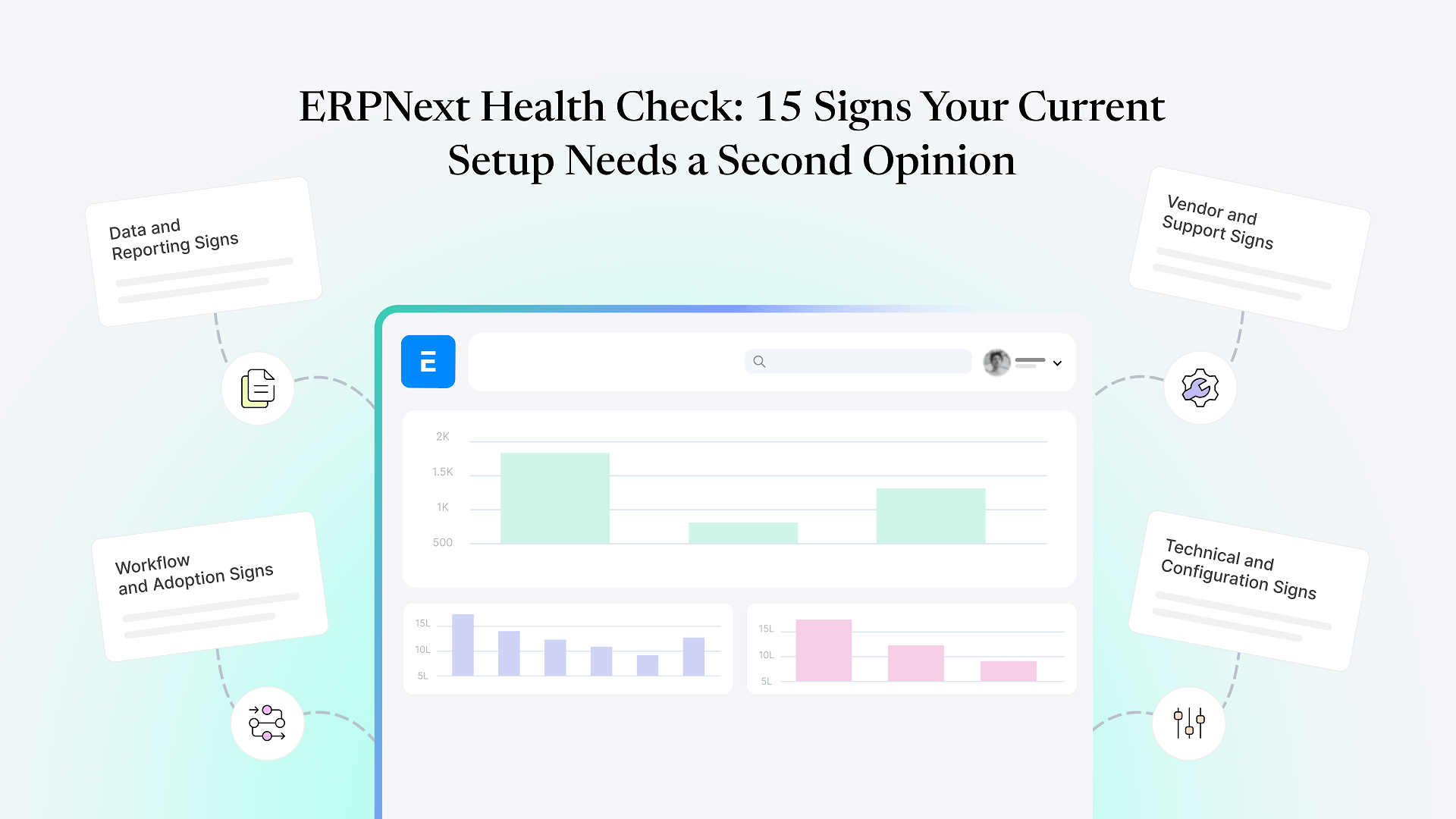
Before working through a full audit, it’s worth knowing the difference between two related things. A quick health check is a fast read on whether your setup shows warning signs that it needs a second opinion — useful when you’re not yet sure anything is seriously wrong. A full audit, which is what this checklist covers, is a structured walk through the system to produce a specific list of what’s broken, what’s salvageable, and what a fix would involve. Run the health check first if you’re still deciding whether a problem is real; run this audit once you already know something needs attention and you’re trying to decide how to respond.
The ERPNext Audit Checklist: What to Actually Check
Data Integrity
Pull a trial balance and compare it against whatever source you trust most — bank statements, a previous system, or manual records. Check whether stock quantities in ERPNext match a physical count in at least a sample of warehouses or bins. Look for orphaned records: sales orders with no linked delivery, purchase invoices that never matched a purchase order, or stock entries with no clear origin.
Bad data is the single most common reason people conclude a system needs to be rebuilt, when the real issue is that nobody cleaned the data before or during migration. Distinguishing "the numbers are wrong because migration was sloppy" from "the numbers are wrong because the configuration is fundamentally off" changes which fix is appropriate.
Core Configuration
Check whether the chart of accounts reflects how the business is actually structured today, not how it was structured when the system went live. Review item and warehouse setup for whether they match current operations — a common failure pattern is a business that's added locations, product lines, or selling channels since go-live, with configuration that never caught up. Check tax templates, pricing rules, and numbering series for anything that was clearly a placeholder nobody went back to fix.
Customizations
List every custom field, custom script, workflow, and print format in the system, then classify each one: actively used and necessary, technically present but unused, or actively causing problems (breaking on save, producing wrong values, conflicting with standard ERPNext behavior). Unused or broken customizations are usually safe to remove or disable. Load-bearing ones that are also badly written are the trickiest category — removing them breaks something users depend on, but keeping them as-is perpetuates the problem.
Process Fit and User Adoption
This is the audit step people skip because it requires talking to staff rather than reading the database. Ask the people who use the system daily where they've built workarounds — a parallel spreadsheet, a WhatsApp group for approvals that should happen in-system, or a habit of entering data days after the fact. Workarounds are a reliable signal of where the system doesn't match how work actually happens, whether that's a training gap or a genuine configuration mismatch.
Technical Health
Check the error log for recurring, unresolved errors. Check that scheduled jobs (stock reconciliation, email queues, scheduled reports) are actually running rather than silently failing. Review any third-party integrations — payment gateways, e-commerce platforms, logistics APIs — for whether they're still syncing correctly or have been quietly broken for a while.
Reading Your Results: Repair, Rebuild, or Somewhere In Between
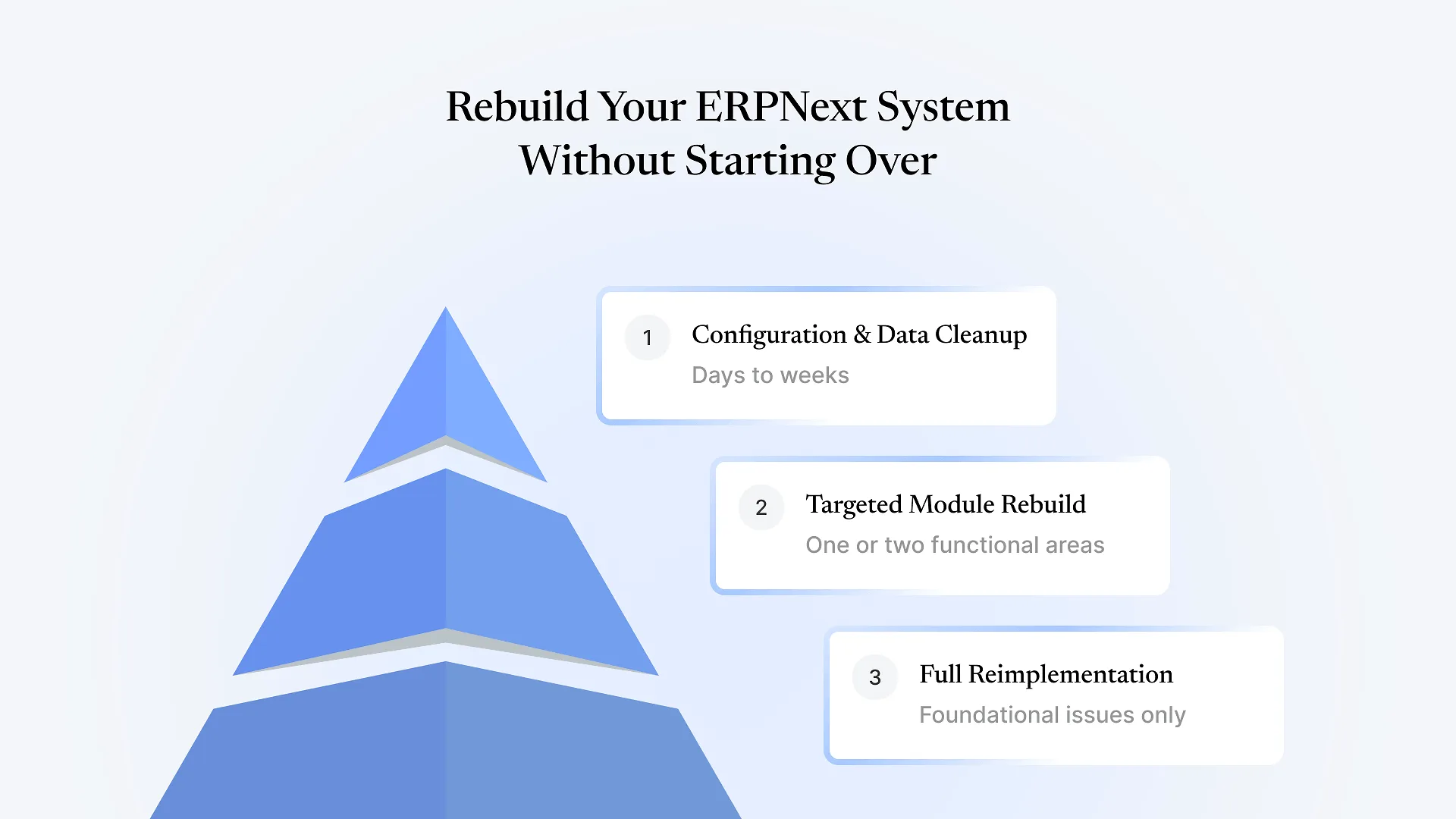
most core configuration is sound, data problems are contained to specific areas rather than pervasive, and customizations causing issues are a small, identifiable set. This is the most common outcome, and it's typically the fastest and least disruptive path.
core configuration no longer matches how the business operates (not just a few settings, but the underlying structure), data integrity issues are widespread, or customizations are so tangled that isolating the broken ones from the load-bearing ones isn't realistic without touching most of them anyway.
even when a system feels thoroughly broken. It's occasionally necessary — usually when the original implementation never matched the business to begin with, rather than having drifted from a sound original build. But it's expensive and disruptive enough that it should be the conclusion you reach after an audit, not the assumption you start with.
Some systems land in a genuine gray zone where the findings don’t point cleanly to either answer — that’s a real outcome, not a failure of the checklist, and usually comes down to cost and timeline tradeoffs specific to your business rather than a technical verdict.
Working through this checklist yourself gets you most of the way to an answer. Where it tends to fall short is judgment calls that require having seen a lot of ERPNext systems — telling a customization that looks broken but is a deliberate, undocumented design choice apart from one that’s genuinely a mistake. That’s usually where a second set of eyes is worth bringing in.
Get a Second Opinion Before You Commit
If you’ve worked through this checklist and you’re still not confident whether repair or rebuild is the right call — or you’d rather have someone experienced do the audit than do it yourself — get a free health check of your ERPNext system. We’ll look at what you actually have, tell you plainly what’s fixable and what isn’t, and won’t push a rebuild just because it’s the bigger project.