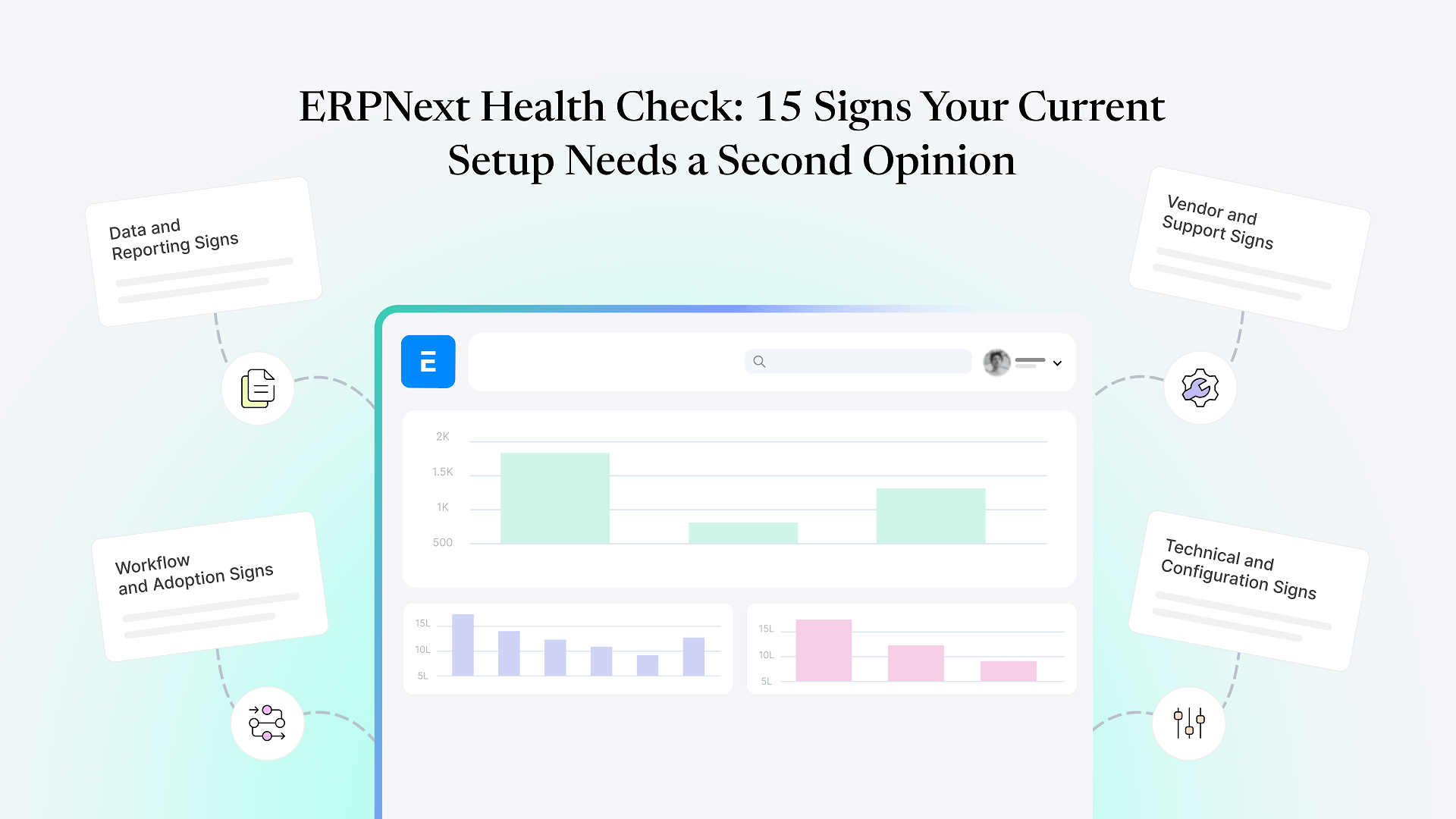
Data and Reporting Signs
Reports don't match what people on the ground are telling you
If your ERPNext stock report says one number and your warehouse team says another, and this happens often enough that people have stopped trusting the report, that's not a minor annoyance — it's a sign the data entry, stock movement configuration, or valuation setup has drifted from how the business actually operates.
Different departments keep their own "real" numbers
When sales, finance, and operations each maintain a parallel spreadsheet because none of them fully trust the system's figures, ERPNext has stopped being the single source of truth it's meant to be — even if it's technically still running.
Month-end close takes longer than it should, and nobody can say exactly why
Reconciliation delays are often the first visible symptom of deeper issues in how transactions are being recorded throughout the month, not just an accounting bottleneck on its own.
Master data is a mess — duplicate customers, inconsistent item codes, wrong units of measure
This usually isn't a one-time cleanup problem. It's a sign the original setup didn't include enough validation or training to stop bad data from accumulating, and it will keep recurring until that root cause is addressed.
Workflow and Adoption Signs
Staff quietly do real work outside the system
WhatsApp groups for order updates, Excel trackers for inventory, side notebooks for approvals — when the actual workflow lives outside ERPNext, the system has been sidelined for the parts of the business that matter most, regardless of what the dashboards show.
Approval workflows exist on paper but get routinely bypassed
If purchase or expense approvals are configured in the system but people find ways around them because following the process is slower than the workaround, the workflow was likely designed around an ideal process rather than how the team actually operates.
New employees take a long time to get comfortable, and even then, avoid parts of the system
Persistent, system-wide difficulty onboarding new users — not just an individual struggling — usually points to a UI or workflow that was configured for the implementation team's convenience rather than the people using it daily.
Custom fields and forms that nobody remembers the purpose of
Every implementation accumulates a few of these. A real problem is when they've piled up to the point that forms feel cluttered and confusing, and no one currently at the company knows which fields are load-bearing and which are safe to ignore.
If two or three of these already sound like your team, get a free health check of your ERPNext system before guessing at fixes — an outside review will tell you which of these are surface-level and which point to something underneath.
Technical and Configuration Signs
Customizations were built as quick fixes and never revisited
A one-off script or workaround that's now load-bearing infrastructure is a common source of fragile behavior — it worked at the time, but nobody has checked whether it still fits how the business runs today.
The system has gotten noticeably slower, and no one's investigated why
Slow page loads or reports that time out are rarely random. They're usually traceable to specific causes — unindexed custom fields, bloated reports, or server resources that haven't kept pace with data volume — but only if someone actually looks.
You're sitting on an old version and upgrades keep getting postponed
Skipped upgrades compound. The longer a system goes without updating, the larger and riskier the eventual upgrade becomes, and the more likely it is that custom code was written against a version that's since moved on.
No one at your company fully understands how the customizations work
If the knowledge of why something was built a certain way lives only in one departed consultant's head — or nowhere at all — that's a structural risk independent of whether the system is currently working fine.
Vendor and Support Signs
Support tickets sit open longer than they used to
A gradual slowdown in response time, even without a full vendor disappearance, is often an early signal worth paying attention to before it turns into the kind of situation where an ERP vendor goes fully silent.
Your original implementation partner isn't really available anymore
Teams change, agencies shift focus, and freelancers move on — and when that happens, your system is effectively unsupported even if nothing has technically gone wrong yet.
You've stopped asking "can ERPNext do this?"
because you've assumed the answer is no. This is one of the quieter signs, but it's a real cost: businesses that had a rough implementation experience often stop exploring what the system can actually do, and end up working around limitations that were never really there.
If several of these sound familiar and things have already gone further — data that’s actively wrong, workflows nobody trusts, a partner who’s gone quiet for good — that’s no longer a health-check situation on its own. At that point it’s worth working from a structured recovery roadmap instead, since the fix usually needs to be more thorough than a review.
Why an ERPNext Health Check Is Worth Getting
None of these fifteen signs mean your ERPNext implementation was a failure. Most are the normal result of a system that has been live a while, changed hands once or twice, and accumulated small compromises the way any operational software does. The problem is not knowing which of them are cosmetic and which are quietly costing you time, accuracy, or trust in your own numbers.
An independent health check answers that question directly, without the built-in bias of asking the people who built the system to grade their own work. It also differs from asking your original partner to self-assess: an outside review looks at the system as it is today — including systems built by other partners entirely — rather than defending past decisions.
Frequently Asked Questions
A structured review of your data integrity, workflow configuration, customizations, and current support arrangement — checked against how your business actually operates, not just whether the system is technically running.
If the signs above are mostly friction and inconsistency, a health check is the right starting point. If you're already dealing with data you don't trust, workflows nobody follows, or a system that's effectively unsupported, it's likely further along than an audit can fix on its own.
A review itself is diagnostic — it looks at your system and talks to your team, without requiring changes to be made during the assessment. Any fixes identified afterward are a separate, planned step.
No. In fact, an independent second opinion is often more useful precisely because it isn't checking its own work — especially if the original partner is part of what's not working well anymore.
You get a clear, specific picture of what's working, what's fragile, and what needs attention, so you can decide what to prioritize — whether that's a few configuration fixes or a more structured stabilization effort.
If two or more of the signs above sound like your system, get a free health check of your ERPNext system — you’ll get a specific, independent read on what’s actually going on, not another sales pitch.