ERPNext integrations connect the system to the payment gateways, e-commerce marketplaces, and shipping carriers a business already uses, so orders, payments, and fulfillment data flow into ERPNext automatically. Some connections are ready-made apps; others require custom work against ERPNext’s REST API, depending on how standard your setup is.
That distinction — native app versus custom build — is the question most guides skip, and it’s usually the one that matters most once you’re past “does ERPNext support X” and into “how much work is this actually going to be.”
How ERPNext integrations work under the hood
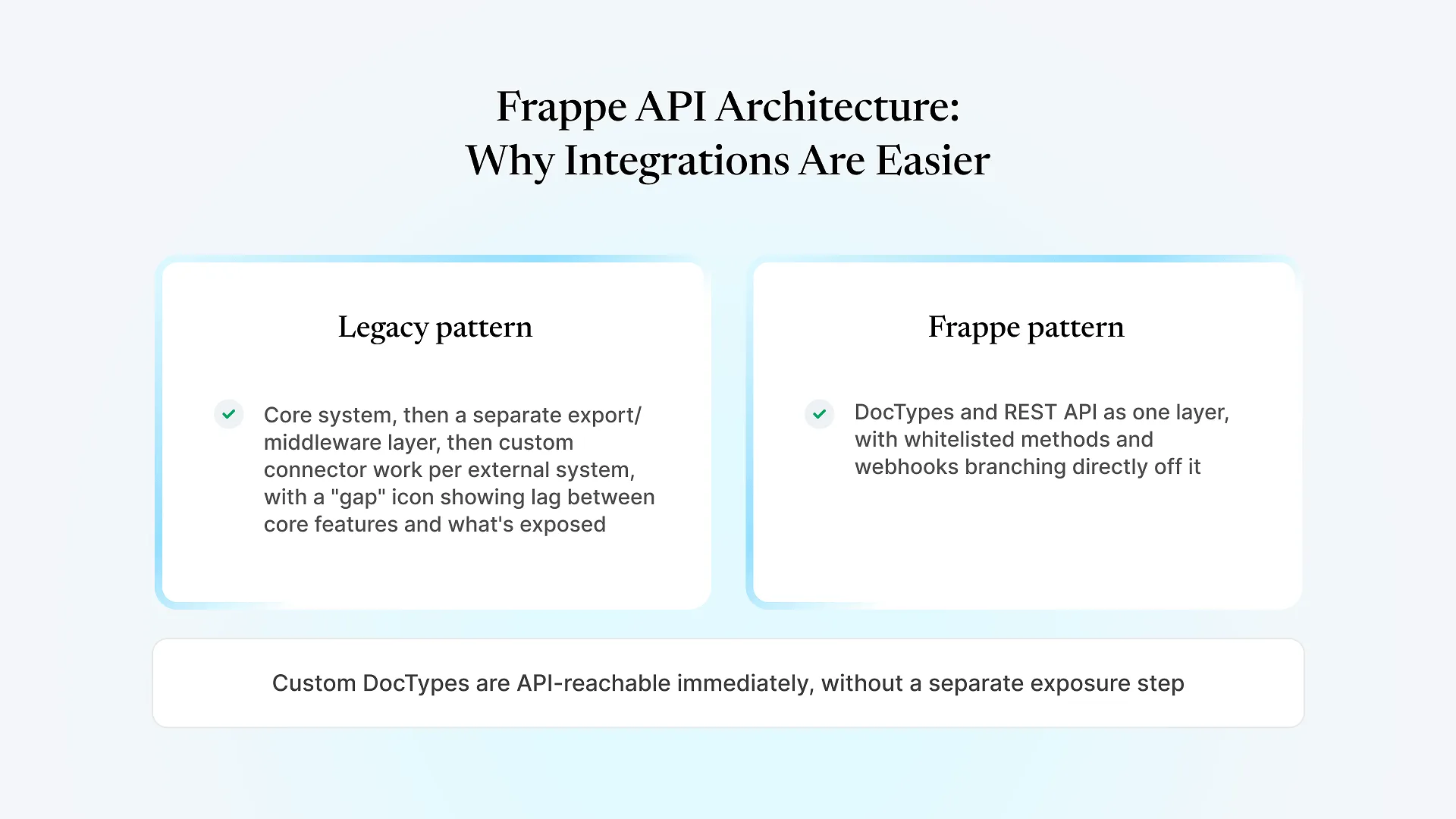
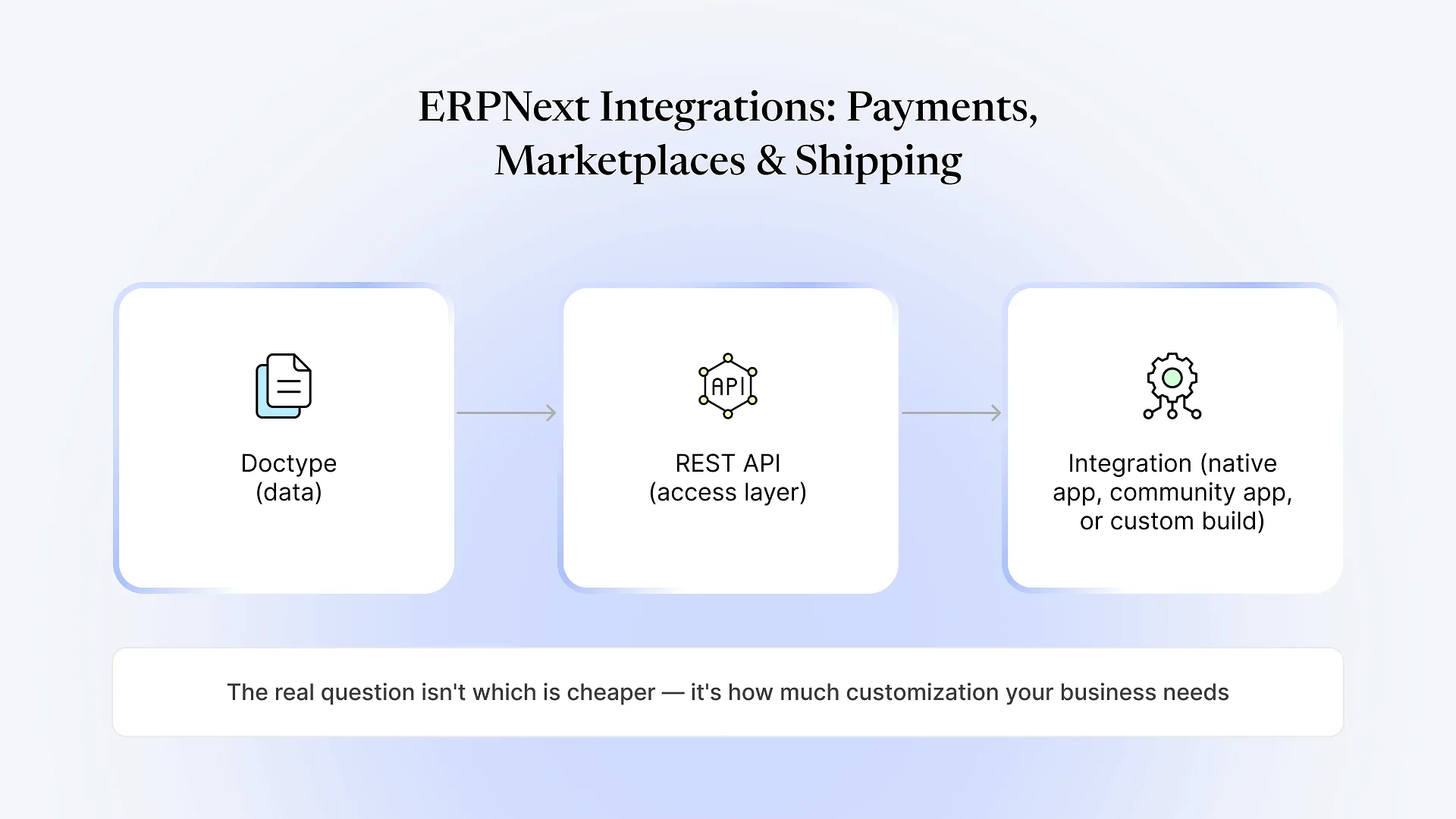
Every record type in ERPNext — a Sales Order, a Payment Entry, an Item — is called a Doctype, and every Doctype is automatically exposed as a REST API endpoint with standard create, read, update, and delete operations, filtering, and pagination. That’s the foundation everything else sits on, and it’s why what’s often called ERPNext API integration in practice is really just building against that same underlying interface. It’s also why ERPNext integrations tend to be more flexible than integrations built against a closed SaaS platform: if a native connector doesn’t exist or doesn’t do what you need, there’s a documented API underneath it to build against, rather than a locked box.
On top of that API, integrations show up in ERPNext in three forms:
Native, built into ERPNext core — configured through Settings, no separate app needed.
Community or Frappe-maintained apps — separate installable apps that add a connector, usually for a specific platform or region.
Custom REST/webhook integrations — built for a business's specific combination of systems, versions, and workflows.
Payment gateway integrations
ERPNext ships with native support for several payment gateways, including PayPal, Razorpay, Stripe, Braintree, and GoCardless, configurable directly from Settings without custom development. Once connected, payments and refunds post into ERPNext automatically — a Sales Invoice gets marked paid, a Payment Entry gets created, and the ledger stays current without someone manually matching bank statements to invoices.
Where this gets more complicated: businesses running region-specific gateways (a local Indian payment aggregator, a Gulf-based provider, a bank-specific plugin) or subscription/recurring billing logic that doesn’t map cleanly to ERPNext’s standard invoice-payment cycle. In those cases the native connector either doesn’t exist or only covers the simple case, and the gap gets filled with a custom integration against the payment provider’s API and ERPNext’s REST API — reconciling webhooks, handling partial payments, and mapping currency or tax logic specific to how that business actually invoices.
Marketplace and e-commerce integrations
For e-commerce, ERPNext’s REST API makes it possible to connect to essentially any marketplace or storefront platform, and there are existing apps and connectors for common ones — Shopify and WooCommerce are the most frequently used, with orders, inventory levels, and customer records syncing back into ERPNext.
Amazon and larger multi-channel marketplaces are a different story. There’s no single native ERPNext-to-Amazon connector that handles every seller scenario cleanly, because Amazon’s own API varies by marketplace region, order type, and fulfillment method (FBA versus self-fulfilled). Businesses selling across several marketplaces at once — their own Shopify store plus Amazon plus a regional marketplace — usually need a custom sync layer that reconciles inventory across all of them in near real time, so a sale on one channel correctly decrements stock everywhere else before it’s oversold. That reconciliation logic is almost never a native feature; it’s built.
Shipping integrations and logistics integrations
On the shipping side, ERPNext’s Shipping app integrates with rate-comparison and label-generation providers, letting a business compare courier rates and generate shipping labels from within ERPNext rather than switching to a separate portal. For businesses in India, connectors to aggregator platforms extend this to a wider set of local couriers.
The common failure point here isn’t the initial connection — it’s tracking status sync. A shipment gets created, but delivery status, exceptions (failed delivery, return-to-origin), and proof-of-delivery updates don’t always flow back into ERPNext automatically unless that webhook path is specifically built and tested. For a business shipping a few dozen orders a week, checking status manually is tolerable. For one shipping hundreds of orders a day across multiple couriers, that gap turns into a support team manually checking tracking pages — usually the point a business decides the custom webhook integration is worth building.
Talk to us about your integration if you’re already past the point where a native connector covers what you need — our integrations and API development team builds the custom REST and webhook work that native apps don’t reach, for payment gateways, marketplaces, and shipping carriers alike.
Native app vs. custom integration: how to decide
| Signal | Native/community app is probably enough | Custom integration is probably needed |
|---|---|---|
| Platform | Major, widely-used (Shopify, Razorpay, Stripe) | Regional, niche, or legacy system |
| Volume | Low-to-moderate order/transaction volume | High volume where sync delays or errors compound |
| Workflow | Standard invoice-payment or order-fulfillment cycle | Custom pricing, subscription billing, multi-channel inventory reconciliation |
| Status tracking | Basic connection is sufficient | Real-time status/exception sync required |
| Systems involved | One platform per integration | Multiple systems needing to reconcile with each other |
Frequently Asked Questions
Most integration questions come down to the same thing: is this a standard connection someone has already built, or does your setup have enough volume, complexity, or non-standard systems that it needs to be built for you specifically. If you’re not sure which side of that line you’re on, talk to us about your integration and we’ll help you scope it before you commit engineering time either way.