If your business already runs a POS system at the store or warehouse level, “ERPNext POS integration” usually doesn’t mean switching to ERPNext’s native point-of-sale module — it means finding a reliable way to connect ERP to POS so the two systems exchange data without daily manual work.
ERPNext POS integration is the process of connecting an existing point-of-sale system to ERPNext so sales, stock, and item data flow between them automatically. It’s a middleware and sync-architecture problem, not a feature-toggle — and the scope depends on how your POS is built and what data needs to move in which direction.
What ERPNext POS Integration Actually Means When You Already Have a POS
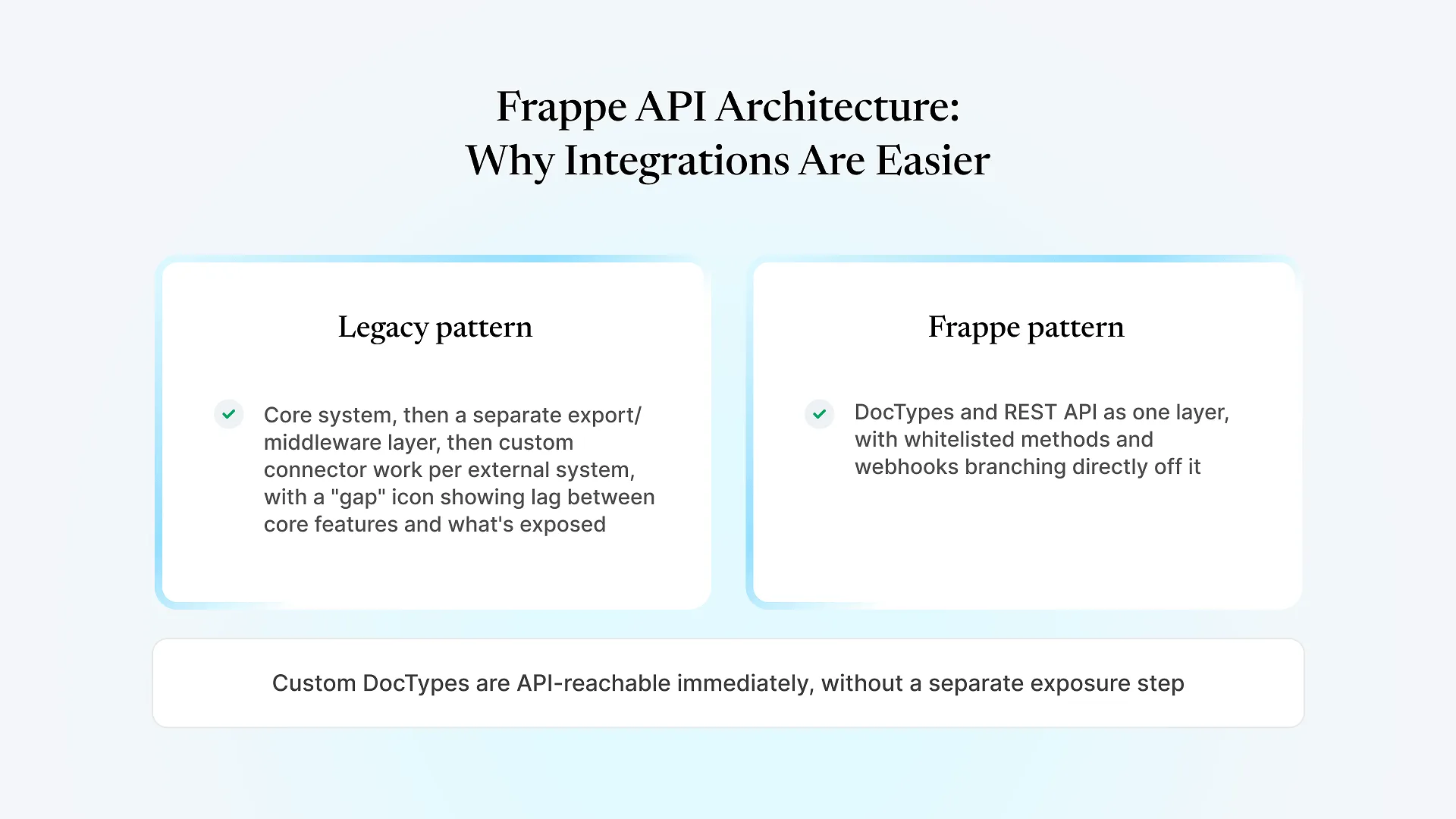
Teams often assume POS integration is a plug-and-play connector — install something, map a few fields, done. In practice, most POS platforms weren’t designed with ERPNext in mind, so there’s no off-the-shelf connector for the majority of them. What actually gets built is a middle layer that understands both systems’ data models and enforces rules about what should sync, when, and in which direction.
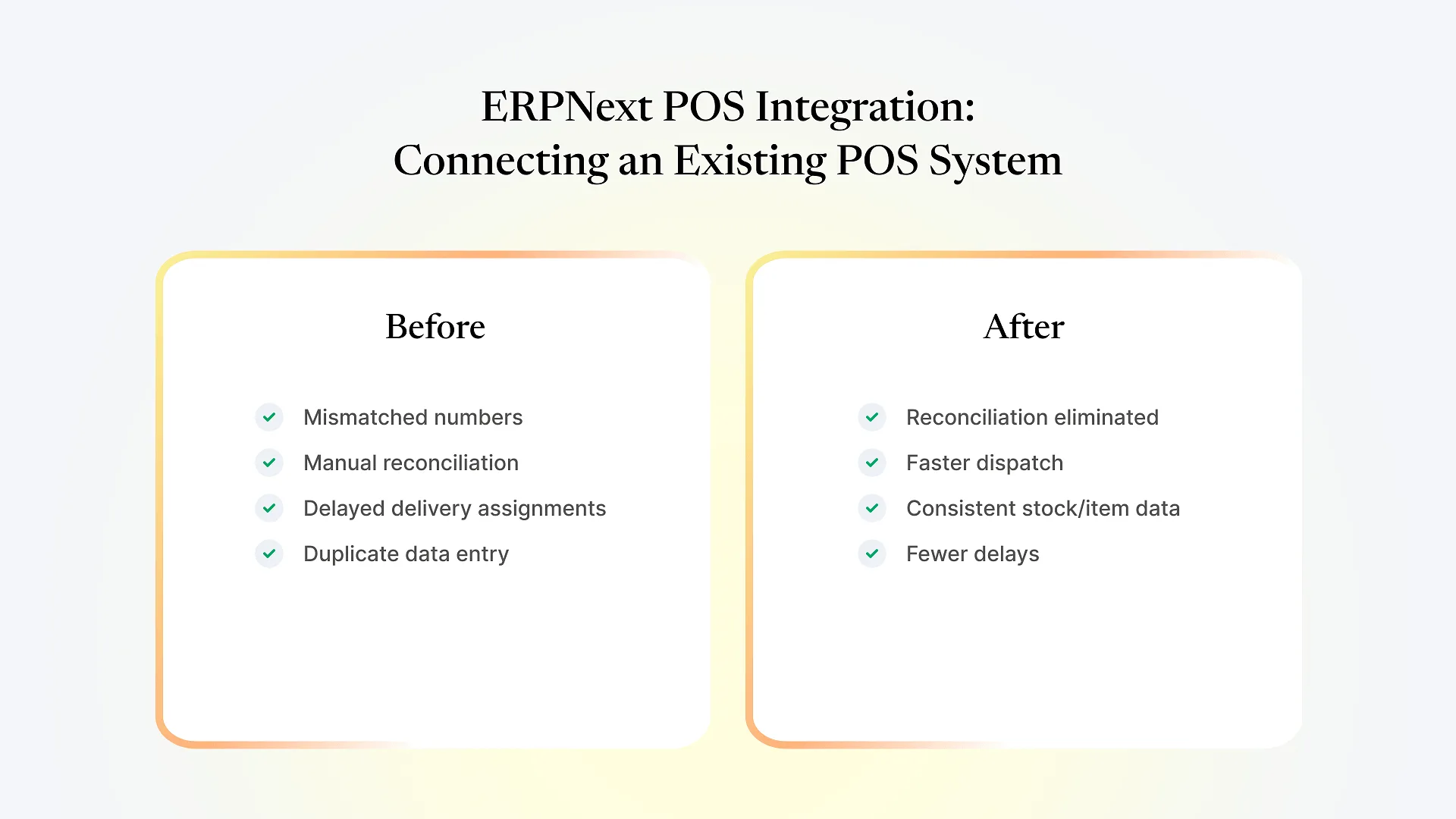
We ran into this directly with a large India-based retail and distribution client running three systems that didn’t talk to each other: Microsoft Dynamics held master data, a separate logistics and fleet system handled deliveries, and Wondersoft POS ran store operations. None of it was connected. The daily result was numbers that didn’t match across systems, manual reconciliation every day, delivery assignments that lagged behind actual demand, no live view connecting warehouse stock to vehicles to stores, and the same data being entered more than once across systems.
What the Integration Layer Actually Has to Do
Not everything should sync both ways. Item and stock data might need to be two-way (POS sales reduce stock, ERP corrections push back to POS), while master data like pricing might only flow one direction, from ERP outward, to avoid conflicting updates.
Real-time, synchronous syncing breaks under load — a busy store's POS shouldn't wait on an ERP response to complete a sale. Processing needs to run in the background so store operations stay fast regardless of what's happening on the ERP side.
Integrations fail — a network blip, a malformed record, a timeout. What matters is whether failures are visible and retried in a controlled way, or whether they silently drop data until someone notices a mismatch weeks later.
A sync layer that works fine on a quiet Tuesday can fall over during a sale period or month-end rush. It needs to be tested against realistic peak-hour volume, not just a demo dataset.
Field and location mappings between systems change as a business grows — new stores, new item categories, new warehouses. Mappings should be adjustable by an admin, not require a developer to redeploy code every time something shifts.
For the client above, we built a dedicated Frappe-based integration layer that handled exactly this: two-way and one-way sync rules depending on data type, background/queue-driven processing so store and delivery operations weren’t waiting on each other, clear error logging with controlled retries, load testing for peak-hour volume, and admin-managed mappings that didn’t require new code deployments to adjust. You can see the fuller breakdown of that project, including the Microsoft Dynamics and logistics side of it, in our Microsoft Dynamics and logistics system integration case study.
If you’re scoping something similar — an existing POS that needs to reliably feed ERPNext without becoming a daily reconciliation chore — it’s worth talking through the specifics of your systems before assuming what shape the integration needs to take. Talk to us about your integration and we can walk through what’s actually involved for your setup.
What Changed After the Integration Went Live
Manual reconciliation between Dynamics, the logistics system, and Wondersoft POS was eliminated.
Dispatch got faster because delivery assignments no longer lagged behind real demand.
Stock and item data stayed consistent across the ERP, POS, and logistics systems instead of drifting apart.
Delays and mismatches that used to require someone's daily attention simply stopped recurring.
The architecture was built to expand — as the client added stores or systems, the same integration layer could accommodate it without a rebuild.
Frequently Asked Questions
If your POS, ERP, and logistics systems currently require someone to manually reconcile numbers every day, that’s usually a sign the integration layer — not the individual systems — is the actual problem. Talk to us about your integration and we’ll help you figure out what’s realistically involved.