If you’ve been asked to connect ERPNext to another system — a payment gateway, a marketplace, an internal tool — the first question worth asking isn’t “can this be integrated?” It’s “how much custom connector work will this take?” Frappe’s API architecture changes the answer to that second question more than most vendor pitches suggest.
Frappe’s API architecture is “API-first” because every DocType — the core data structure in Frappe — is automatically exposed as a REST resource, with standard CRUD operations, filtering, and authentication available out of the box, without writing a custom endpoint for each one. That’s the mechanical difference from legacy ERPs, where exposing data usually means someone builds a bespoke export or a third-party middleware layer first.
What Makes Frappe's API Architecture "API-First"
“API-first” gets used loosely in ERP marketing, so here’s what it means specifically in Frappe’s case, rather than treating it as a buzzword.
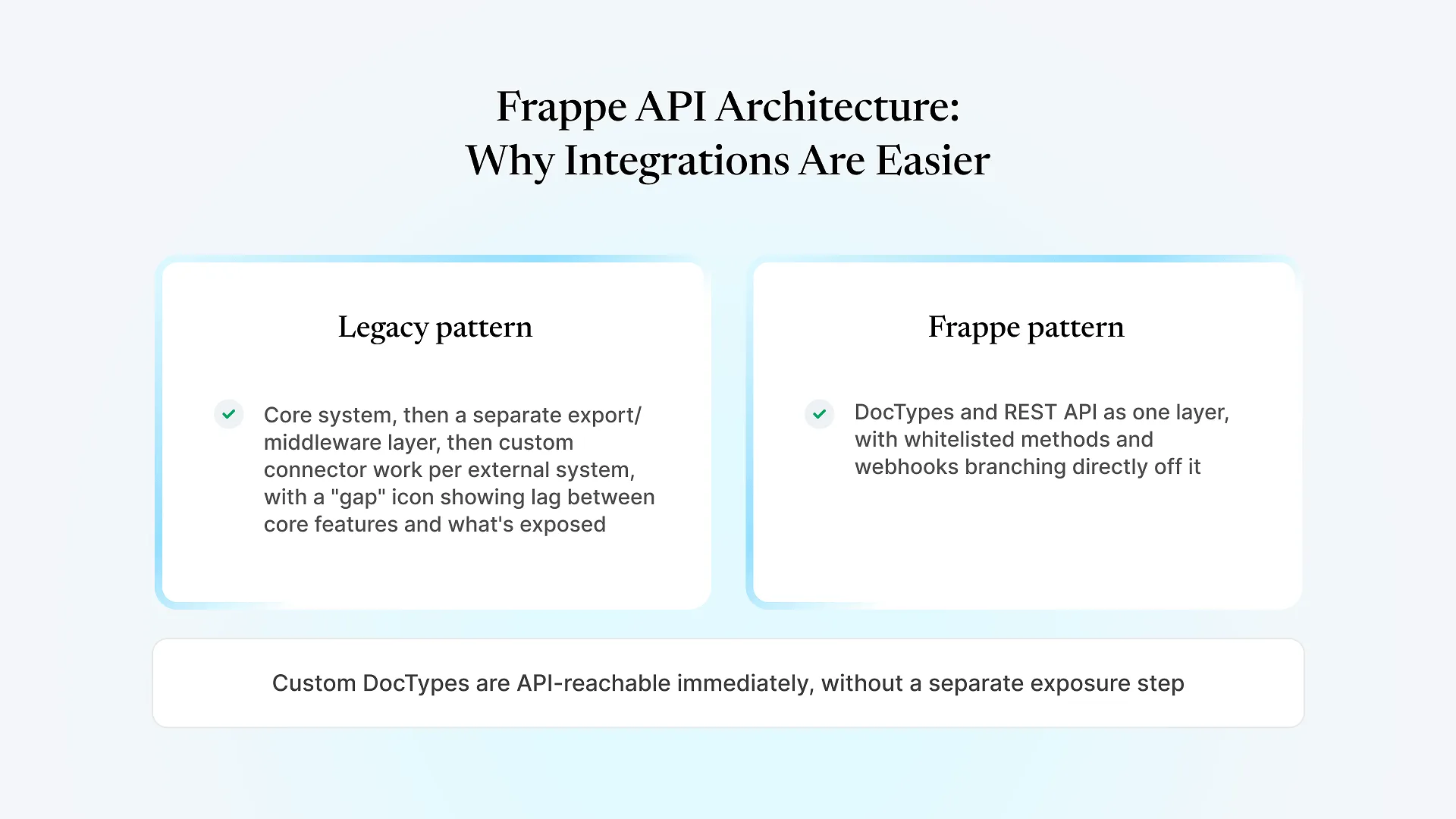
In a lot of legacy ERP systems, the API — if one exists at all — was added after the core product, as a separate layer bolted on to let other systems reach in. That usually means a limited subset of objects are exposed, custom development is required to expose anything else, and the API itself can lag behind what the core application can actually do.
Frappe was built the other way around. The framework’s data model (DocTypes) and its API are the same layer — when a DocType is created, whether it’s a standard one like Sales Order or a custom one built for your business, it’s reachable through the REST API immediately, with no separate step to “expose” it for integration.
How Frappe Exposes APIs: The Actual Mechanisms
Every DocType gets create, read, update, delete, and list operations through a predictable URL pattern, with support for filters, field selection, and pagination — without a developer writing that endpoint by hand.
When the standard CRUD operations aren't enough — say, a custom action like "approve and notify" — developers can expose specific Python functions as API endpoints using Frappe's whitelisting decorator, rather than building an entirely separate API layer for custom logic.
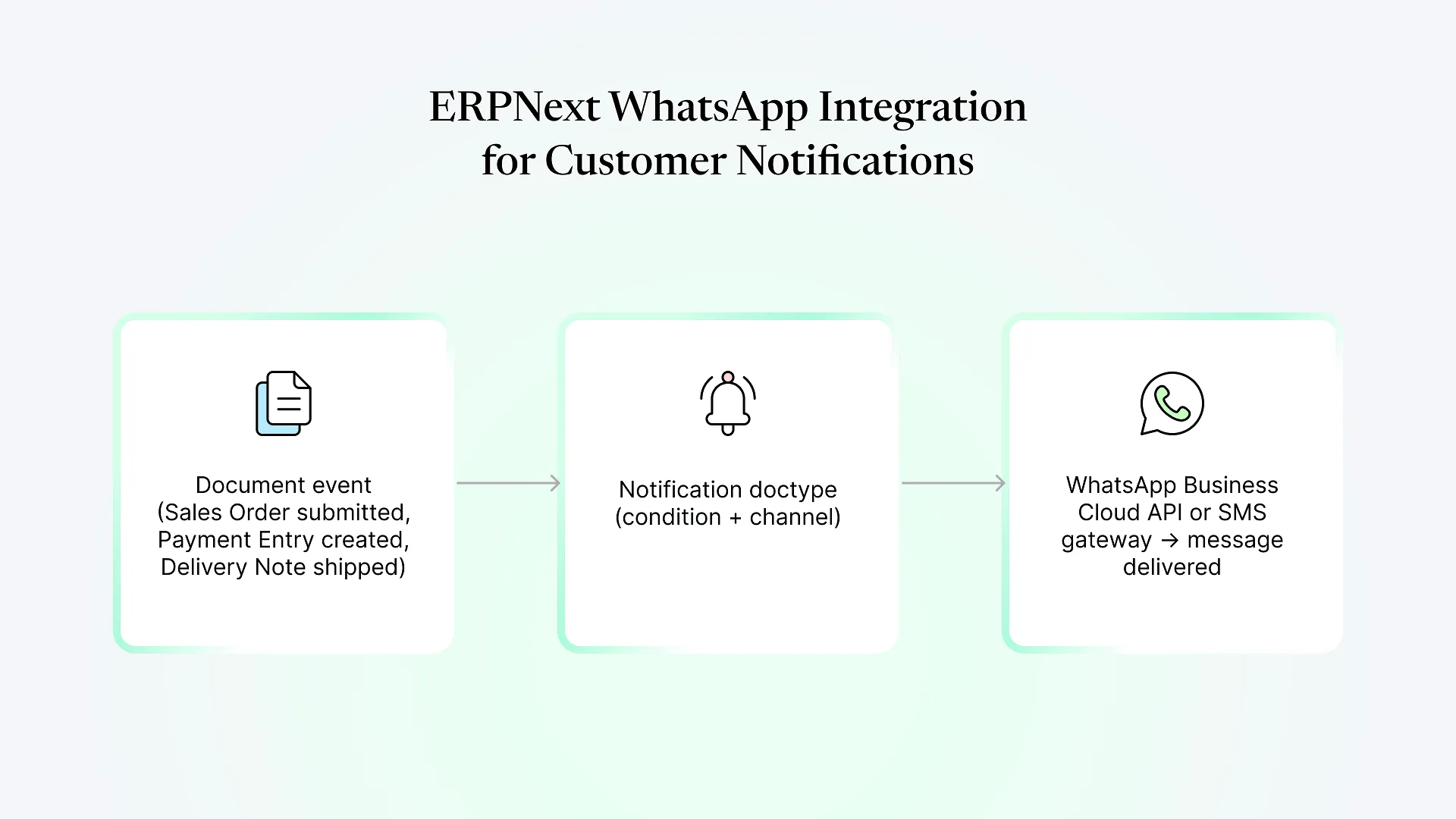
Frappe supports webhooks that fire on document events (created, updated, submitted, deleted), so external systems can react to changes in near real time instead of polling the Frappe REST API on a schedule.
API access is controlled through API keys/secrets or OAuth2, which fits standard integration patterns most external systems (payment gateways, marketplaces, internal tools) already expect.
Why This Matters When You're Scoping the Integration
For an IT manager or ops lead, the practical effect shows up in a few places:
Less custom connector work for standard objects. If you need to pull sales orders, stock levels, or customer records into another system, that’s a standard REST call against an existing endpoint — not a custom export job someone has to build and maintain.
Custom business objects aren’t a dead end. If your business runs a workflow that needed a custom DocType — a job card, a batch record, a shipment log — that object is just as API-reachable as a standard one. You’re not stuck exporting it manually because it wasn’t on a vendor’s pre-approved integration list.
Event-driven integration is available without extra middleware. Webhooks mean a connected system can be notified when something changes, instead of your team building a polling job or scheduled sync just to catch updates.
This is also the architectural reason custom Frappe app development doesn’t require a different integration approach than working with standard ERPNext modules — since custom DocTypes sit on the same API layer, we’ve been able to build integration layers for clients around business objects that didn’t exist in ERPNext out of the box, without treating them as a special case.
If you’re currently mapping out which of your systems would need this kind of connection and which wouldn’t, that’s usually clearer after walking through your specific setup than from general architecture alone — happy to talk through what that would look like for you.
Where API-First Doesn't Solve Everything
None of this makes “API-first” a substitute for integration design work, so here are the limits worth naming directly.
Having an API doesn’t mean the integration builds itself. Someone still has to decide sync direction, handle authentication and token rotation, design retry and error-handling logic, and account for what happens when the external system is down or slow. The API removes the “does an endpoint exist” problem — it doesn’t remove the “how should these two systems behave together” problem.
At high volume, raw REST calls also aren’t always the right pattern on their own — background job queues, rate limiting, and batching matter for anything syncing large data volumes or running on a tight schedule, and that’s design work regardless of how the underlying API is built.
And integrating with systems on the other side of the connection — legacy internal tools, older SaaS platforms with limited or undocumented APIs — still depends on what that other system exposes. Frappe being API-first only solves half of any given integration.