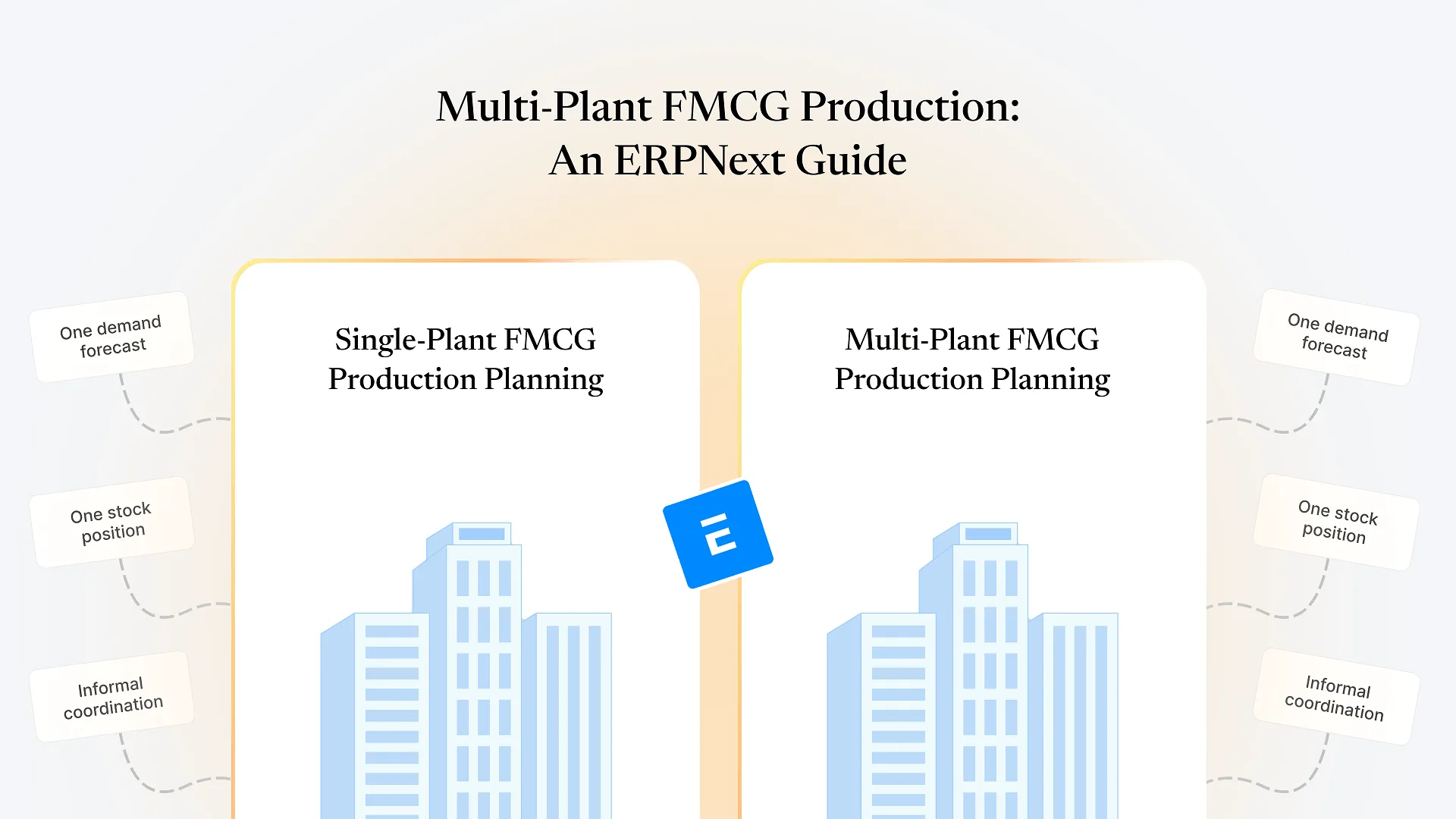
Multi plant FMCG production means coordinating manufacturing across more than one facility so that planning, inventory, and reporting reflect one accurate operation instead of separate, disconnected sites. Done well, plants share data on demand, stock, and batches in real time rather than reconciling spreadsheets after the fact.
Most FMCG manufacturers don’t start multi-plant. A second facility usually gets added because volume outgrew the first site, because a new region needed local production for freight cost or shelf-life reasons, or because an acquisition brought a plant along with it. Whatever the reason, the operational math changes — a planner who could eyeball one plant’s schedule and stock position now has to reconcile several, each with its own raw material stock, machine capacity, and often its own habits for doing things.
What Makes Multi-Plant FMCG Production Different From Single-Facility Planning
FMCG production runs on thin per-unit margins and high volume, so small planning misses compound fast — a few days of overproduction at one plant and underproduction at another shows up directly in expiry write-offs and stockouts, not just in a spreadsheet variance. Batch and expiry constraints add a time pressure most manufacturing sectors don’t deal with: stock made at Plant A has a shelf-life clock running before it even reaches Plant B’s distribution radius, let alone the retailer.
Single-facility planning is mostly a capacity and sequencing problem. Multi-plant planning adds an allocation problem on top: which SKUs get made where, how much of a shared ingredient or packaging component each plant gets, and what happens when one plant is running short while another has surplus sitting in a warehouse three states away.
The Coordination Problems That Show Up as Plants Multiply
Without a shared planning layer, each plant typically forecasts against its own regional sales data, so the same national demand signal gets interpreted differently at every site.
One plant runs short of a fast-moving SKU while another sits on excess of the same item, and nobody notices until a stock transfer becomes urgent rather than routine.
If each plant tracks production, wastage, or batch data slightly differently — different templates, different definitions of "closed" versus "in process" — head office ends up reconciling numbers instead of reading them.
A purchase decision made at head office needs to reflect real stock and consumption at every plant, not just the one someone happened to call that morning.
What a FMCG Manufacturing ERP Needs to Do Differently for Multiple Plants
A single-plant setup can get away with fairly loose structure because there’s only one version of the truth to keep straight. A multi-plant FMCG manufacturing ERP has to hold that structure deliberately, in a few specific ways.
Warehouses — and, where plants are legally or operationally distinct, separate companies — need to be modeled so that stock, batch, and production data stay attributable to the right location while still rolling up into one consolidated view. In ERPNext, that means a warehouse hierarchy, and separate Company records where plants operate as distinct legal entities, rather than one flat warehouse standing in for an entire multi-site operation.
Production planning needs to work across that structure, not around it. ERPNext’s Production Plan tool can consolidate demand across warehouses and generate plant-specific work orders and material requests from a single planning run, instead of someone manually splitting a demand forecast across sites in a spreadsheet before anyone starts scheduling.
Stock movement between plants needs to be a tracked transaction, not an informal phone call followed by a truck. A stock transfer entry between warehouses keeps the batch, quantity, and timing on record, which matters as much for expiry tracking as it does for basic inventory accuracy.
Where the Real Work Is: Standardizing Without Flattening Plant-Level Reality
The hardest part of coordinating multi-plant FMCG production isn’t the software — it’s deciding what should be identical across every plant and what should stay local. Item codes, units of measure, and bills of material generally need to be standardized centrally; if Plant A and Plant B name or code the same ingredient differently, every consolidated report downstream inherits that inconsistency. Machine capacity, labor scheduling, and local supplier relationships usually need to stay flexible to each plant’s actual conditions.
Getting this balance wrong in either direction causes real problems. Over-standardize and plant managers start working around the system because it doesn’t reflect how their site actually runs. Under-standardize and head office loses the ability to compare plants or plan demand allocation with any confidence. There’s no universal answer for where that line sits — it depends on how similar the plants’ processes genuinely are — but it has to be decided explicitly and early, rather than left to whatever each plant happened to do before the systems were connected.
If your production data and financial data are still reconciled manually at month-end across plants, that’s usually a related but separate problem worth addressing alongside multi-plant coordination, not after it.
A Practical Framework for Rolling Out Multi-Plant Coordination in ERPNext
Get one plant clean first
Multi-plant coordination inherits whatever mess exists at the plant level. Fixing item masters, BOM accuracy, and stock discipline at one site before connecting others saves rework later.
Centralize master data before adding sites
Item codes, UOM, and BOM structure should be settled once, centrally, rather than reconciled after two or three plants have already diverged.
Decide deliberately what's standardized versus plant-specific
Document it, rather than letting it default to whatever each plant already does.
Roll out plant by plant, not all at once
A phased rollout surfaces master-data and process gaps while there's still only one or two plants' worth of exceptions to fix, instead of discovering them across five sites simultaneously.
Build consolidated reporting last, once every connected plant is feeding accurate data
A dashboard that aggregates inaccurate plant-level numbers just produces a more confident-looking wrong answer.
If your production planning and stock data already sit in ERPNext but reporting still means exporting numbers from each plant into a shared spreadsheet, that’s usually a sign the plants were connected before the standardization step above was finished. Talk to us about your FMCG operations and we’ll look at where the gap actually is before recommending a rebuild.
Where This Pattern Also Shows Up: Multi-Location Manufacturing Outside FMCG
The underlying problem — production, inventory, and reporting that need to work consistently across more than one physical location — isn’t unique to FMCG. We’ve worked through the same coordination pattern for multi-unit textile operations managing several plants and warehouses in one ERPNext instance, where the specifics (fabric lots instead of batches, cutting-floor sequencing instead of shelf-life) differ but the core decisions — what to standardize, how to structure warehouses and companies, how to sequence a rollout — are the same ones covered above. That cross-vertical repetition is deliberate on our side: the multi-location structure in ERPNext doesn’t change much between a textile group and an FMCG manufacturer, even though the shop floor looks completely different.
For the FMCG-specific side of this — batch, expiry, and distribution once product leaves the plant — how ERPNext handles distribution, batch tracking, and expiry for FMCG companies picks up where this article leaves off.
Frequently Asked Questions
If you’re coordinating production across more than one FMCG plant and the planning, stock, and reporting picture still depends on someone manually reconciling numbers between sites, talk to us about your FMCG operations — we’ll look at your actual plant structure and data before recommending a specific setup.