Why Your ERP Vendor Goes Unresponsive
Step 1: Confirm What You Actually Own
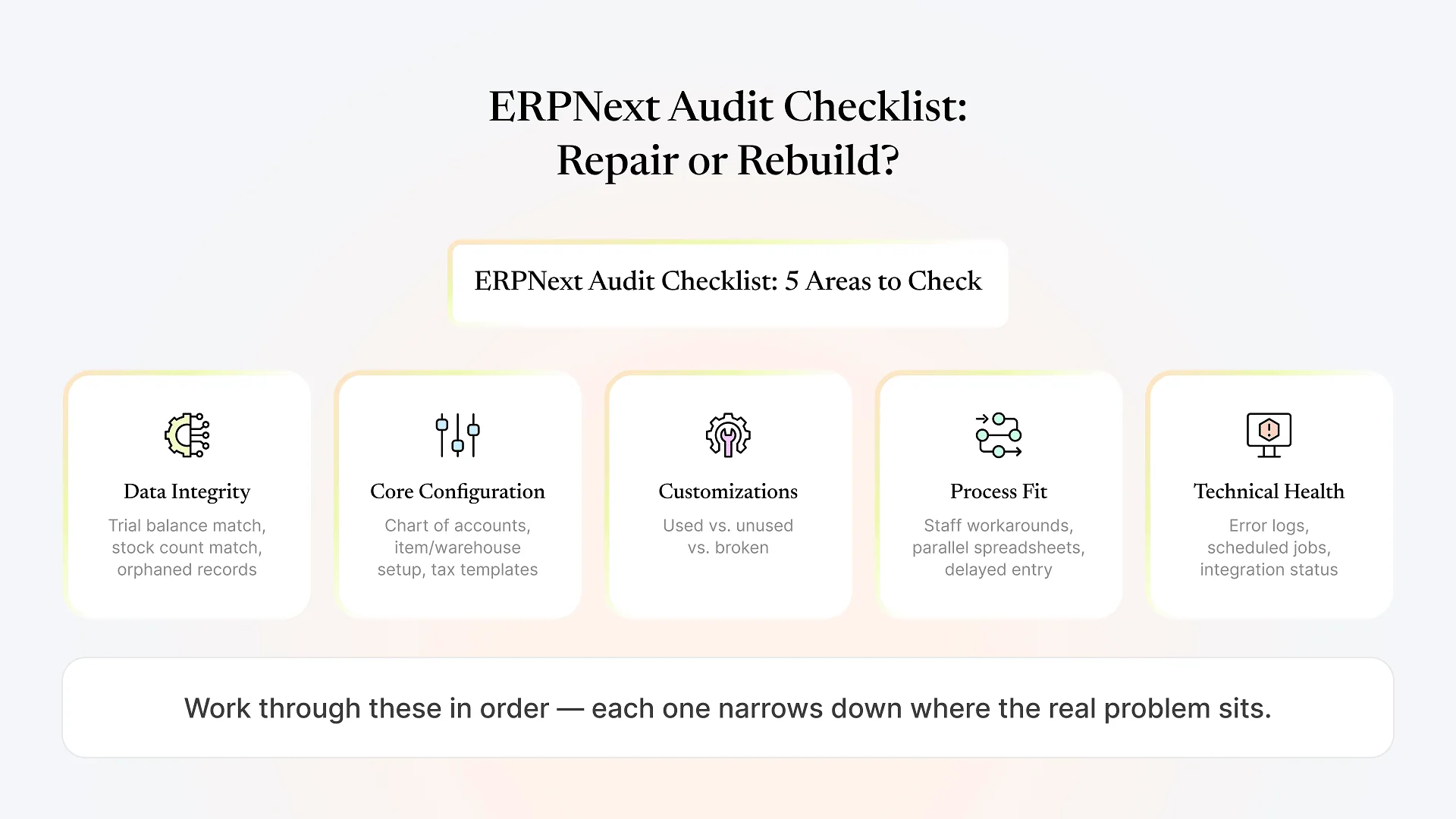
Are stock, ledger, and master data accurate, or is the system running on numbers nobody trusts?
Do you know where the instance is hosted, and do you have (or can you get) access to that hosting account directly?
Is there a copy of any custom apps, scripts, or print formats outside the vendor's own systems, or does it only exist on their end?
If the system runs on your own domain or subdomain, do you control that DNS record, or does the vendor?
Is there any written record of what was customized and why, even informal notes, or does that knowledge exist only in one person's head?
Step 2: Give One Clear, Time-Boxed Escalation
Step 3: Get an Independent Read on the System
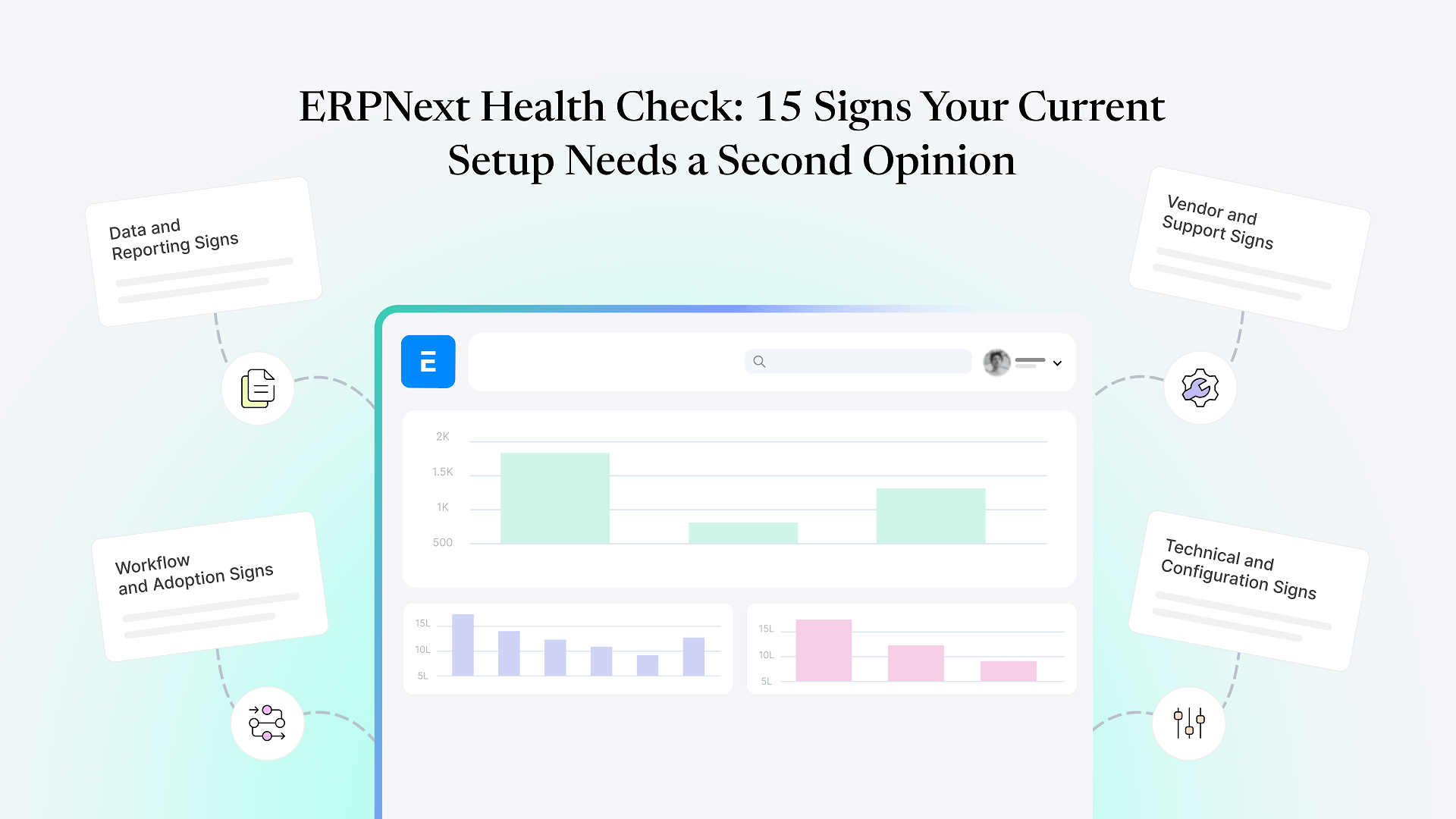
Once access is sorted (or being sorted), the more useful next question isn’t “how do we punish the old vendor” — it’s “what state is our system actually in.” A vendor going quiet doesn’t necessarily mean the ERPNext instance is broken. It might be running fine and simply unsupported, which is a very different problem than a system with real configuration or data issues underneath.
Get a free health check of your ERPNext system and you’ll have a clear, independent picture of what’s working, what’s fragile, and what genuinely needs attention — rather than guessing based on how the vendor relationship felt.
If that assessment turns up real technical problems — not just an absent vendor, but a system with broken data, misconfiguration, or workflows nobody trusts — that’s a different and more involved situation than an access problem, and worth working through using a structured recovery roadmap rather than a quick support fix.
Step 4: Choose a Partner Who Can Pick Up Where You Are
A new partner doesn’t need to know why your last vendor disappeared. What they need is the ability to walk into an existing, partially-documented ERPNext setup and work from it — not insist on tearing it down because starting fresh is easier for them than understanding someone else’s decisions.
Look for a partner who’s willing to do the access and system audit from Steps 1 and 3 as a real first step, rather than quoting a rebuild before they’ve looked at what’s already there. Ask directly whether they’ve picked up abandoned or under-supported implementations before, and what that process looked like. A partner with genuine experience rescuing existing systems will have a specific answer, not a general one about “best practices.”
This is where Aavatto’s day-to-day work differs from a typical new-implementation shop: reading someone else’s configuration, understanding why a workaround was built the way it was, and stabilizing a system that’s already live — without requiring you to start over just because the previous relationship didn’t work out.
Frequently Asked Questions
Confirm what access you control independent of the vendor — system admin login, hosting, source of any customizations, and domain/DNS. This matters more urgently than finding a replacement, since a vendor who disappears with your only access credentials turns a support gap into a much harder problem.
It happens more often than it should, usually because a small implementation shop is over capacity or a key consultant has moved on, rather than any fault in ERPNext itself. It's still worth escalating clearly and, if that fails, treating it as a reason to find better support — not as a sign the software has failed you.
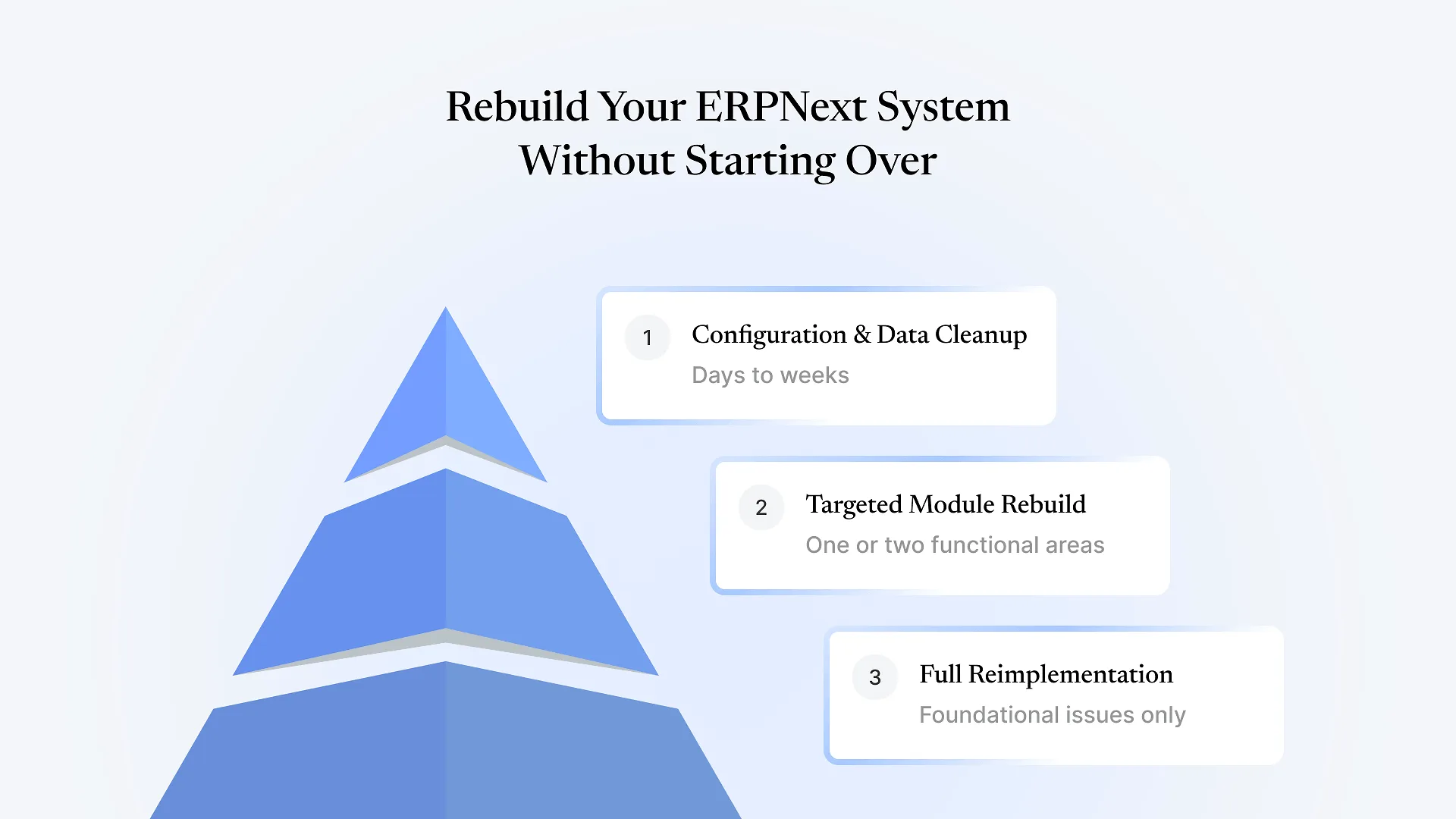
Yes, in most cases. A capable partner should be able to assess and work from your existing system rather than requiring a rebuild, provided you can get them the access and any available documentation from Step 1.
An independent technical review is the only reliable way to tell. A system can run correctly for months without vendor support and still be considered "abandoned" simply because no one is maintaining it — that's a different problem than one with real data or configuration issues underneath.
This is recoverable, though it takes more effort — you'll likely need to work through your hosting provider or, if self-hosted, whoever controls the server, to re-establish administrative control. It's also the clearest sign to insist on direct System Manager access with any future partner from day one.
If your ERPNext partner has gone quiet and you’re not sure what you actually have access to or whether the system underneath is sound, get a free health check of your ERPNext system — you’ll get a clear, specific picture instead of another sales pitch.